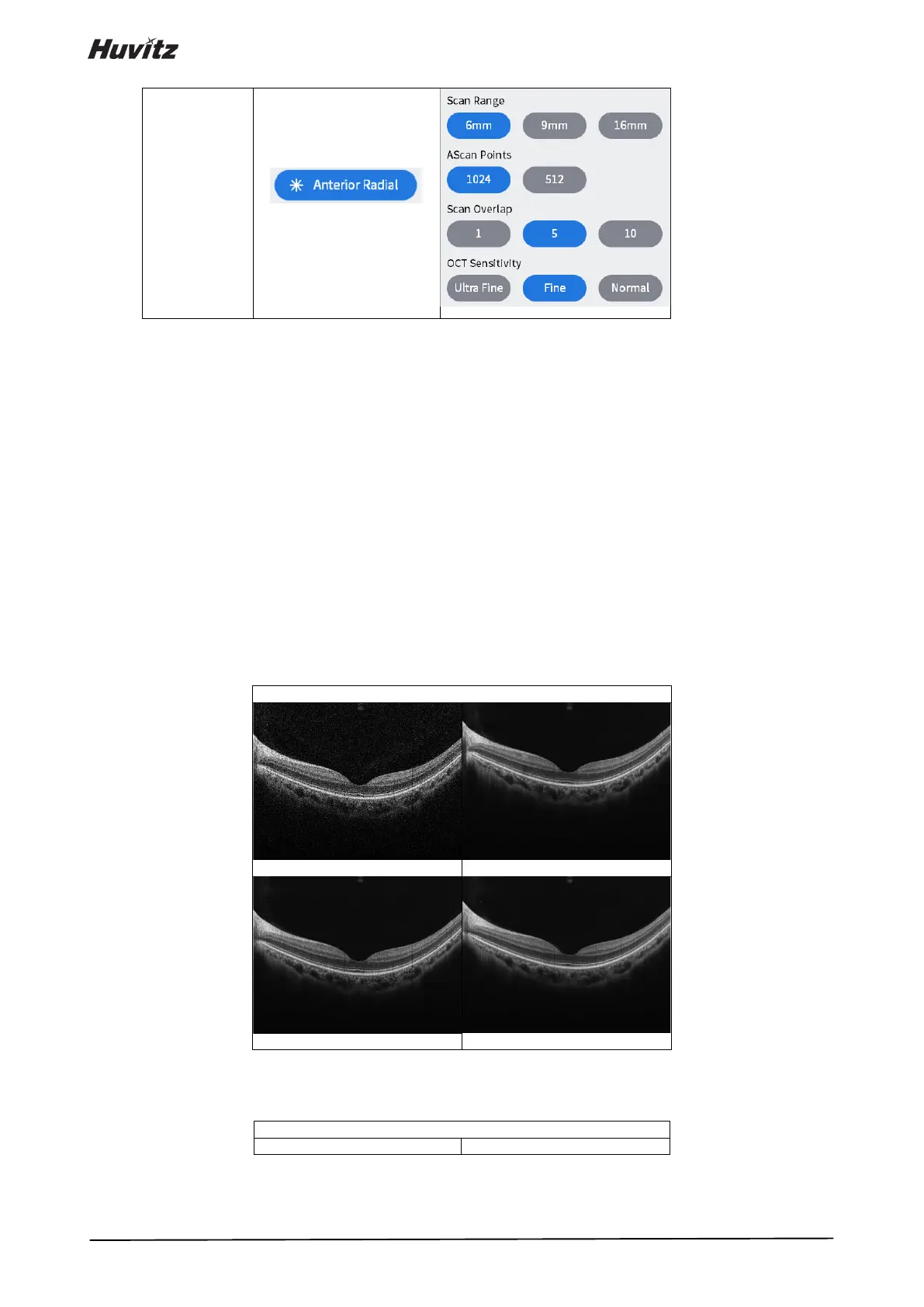
<Scan Options>
• Range: Choose scan range from 6mm, 4.5mm, 9mm, or 12mm.
• AScan Points: Choose the number of A-scans that constitute one B-scan. Possible options are 1024,
512, or 256.
• Bscan Lines: Choose the number of B-scans that constitute one measurement. Possible options
depend on the number of A-scans set.
• Overlap: Choose the number of B-scans to be averaged to produce one B-scan image. Possible
options are enumerated.
• Direction: Set a direction which is horizontal or vertical.
• Space: Set an interval between neighboring scan lines.
• Sensitivity: Choose scan quality from Normal, Fine, or Ultra fine. The latter produce better image but
take longer.
- Scan Overlap: Increase image resolution by overlapping multiple Bscan images.


 To Next Page