23
Setting the Clock
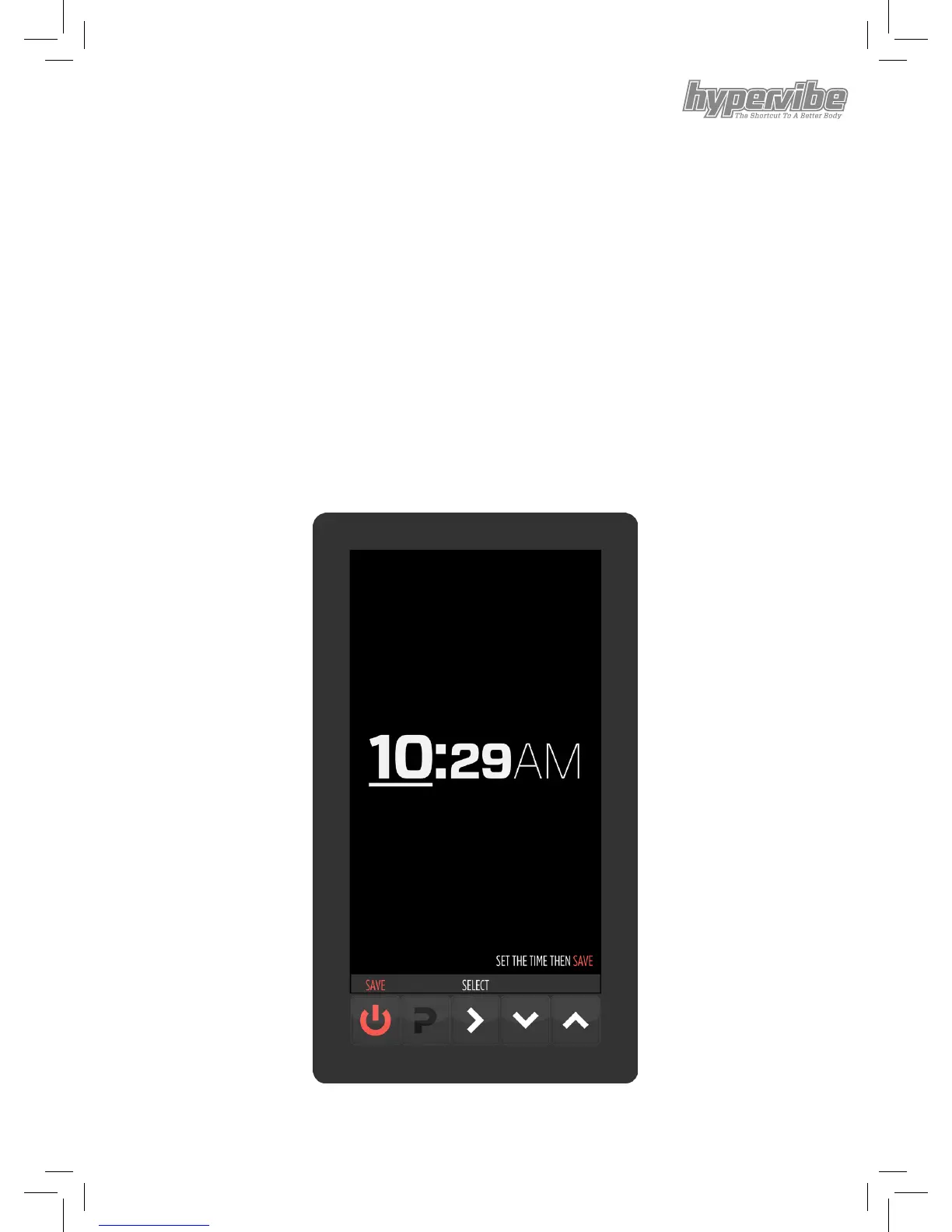
While in DISPLAY MODE clicking and holding the ‘P’ button for
three seconds enters clock setting mode. It begins with the hours
underlined and the underline blinking on and o slowly.
The SELECT button toggles between hours, minutes and AM/PM.
The UP/DOWN buttons increase or decrease the number.
Clicking and holding either the UP or DOWN buttons will rapidly
increase or decrease the number.
Once the desired time has been entered, clicking the SAVE button
saves this time and returns to DISPLAY MODE.


 To Next Page