37
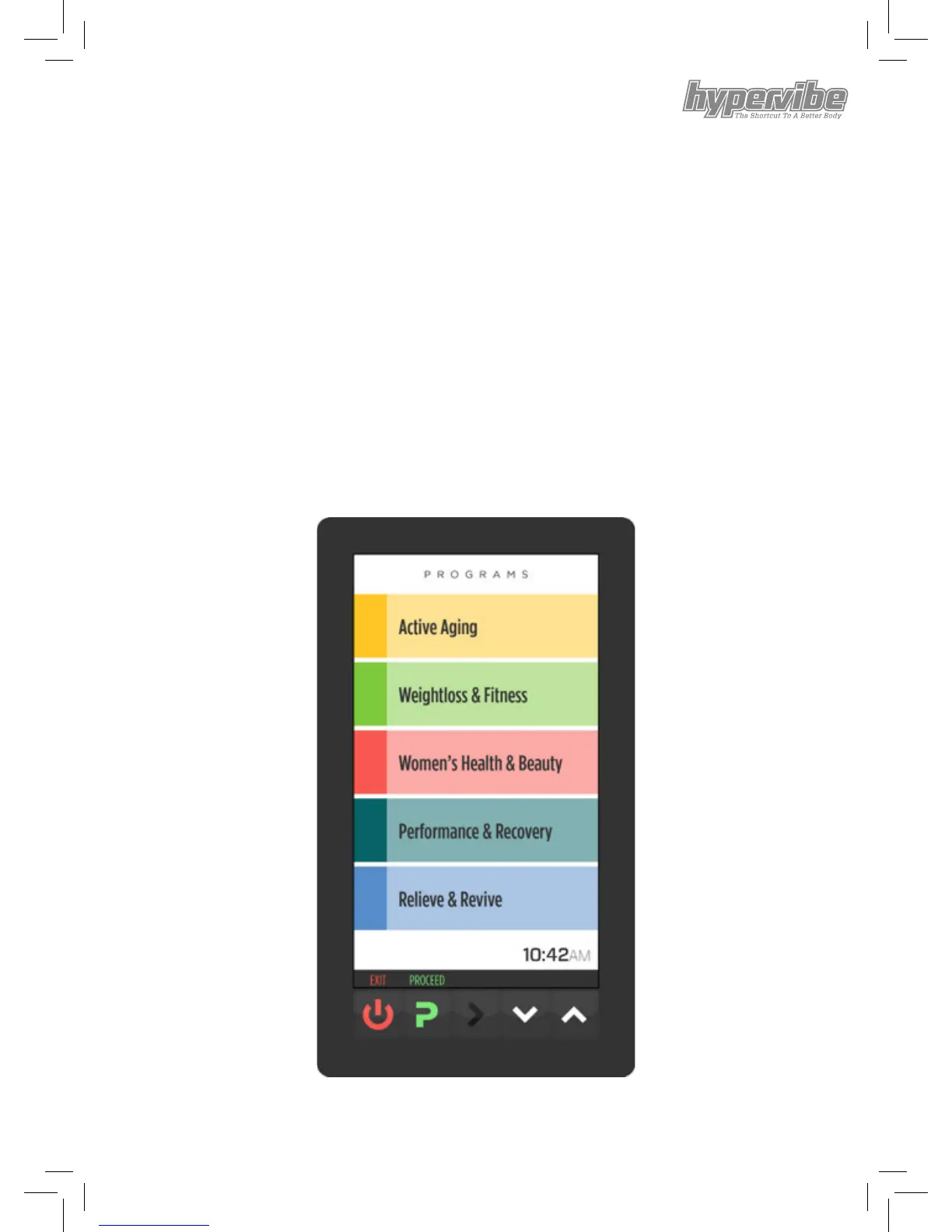
Program Mode - Menu
From the HOME SCREEN if you press the PROGRAMS button
you are brought to the Programs Menu.
From here you can click the UP / DOWN buttons to go up and
down the list of available menu items.
Click PROCEED to select the highlighted menu item.
Clicking EXIT returns to HOME SCREEN.


 To Next Page