3.3 Charge the Battery
Use the power adapter approved only by the company.
Read the Safety Information Booklet before charging.
The remaining lithium-ion battery power is limited to 30% pursuant to the new lithium battery
shipment regulation approved by the International Air Transport Association (IATA).
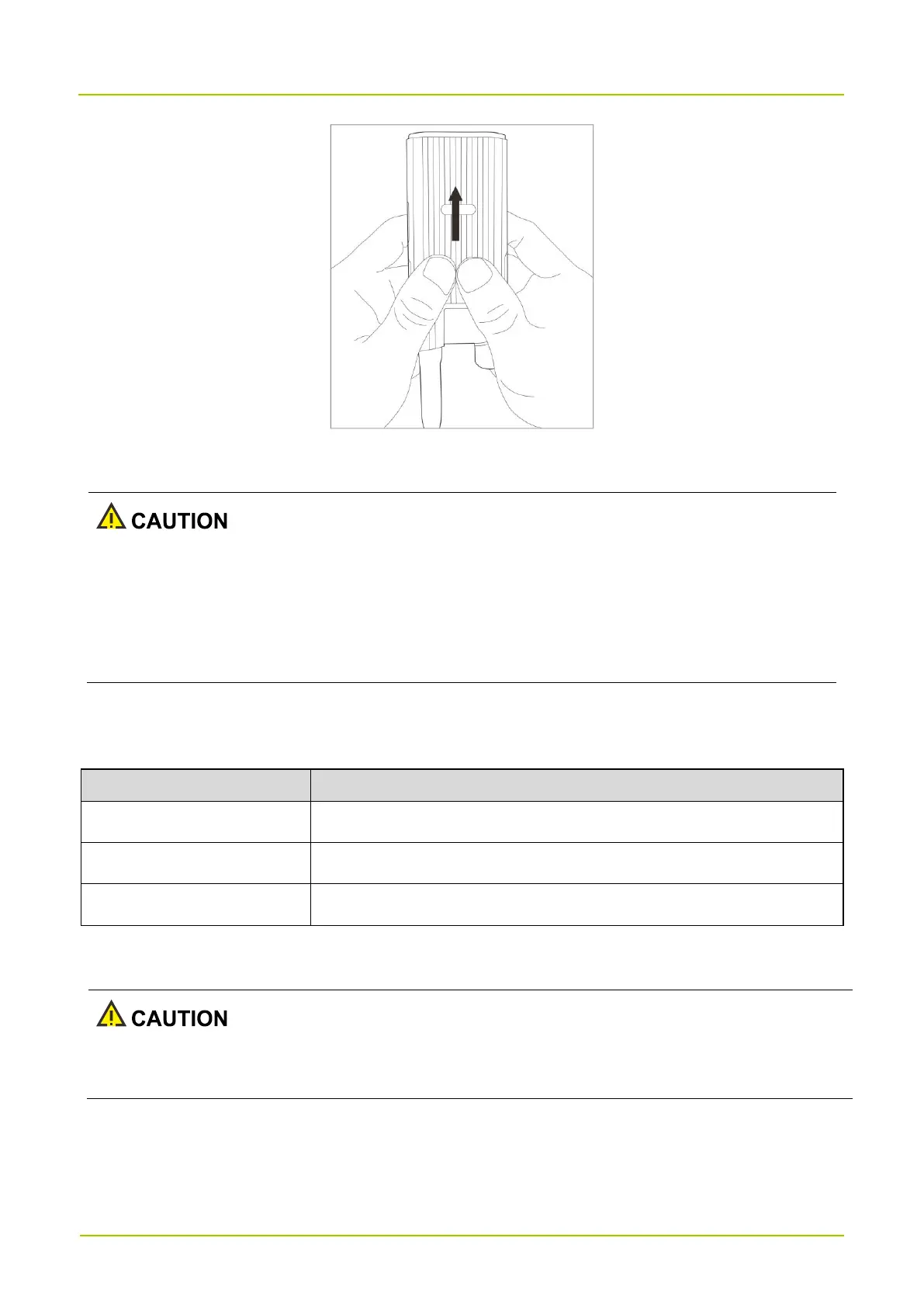
Use the USB Type-C cable to connect the radio with battery attached to the power adapter, power bank, or PC.
You can learn about the charging status through the LED indicators.
The battery is being charged.
The battery fails to be charged.
The battery is fully charged.
3.4 Install the Antenna
Do not hold the radio by the antenna and swing it. This may affect the antenna performance and shorten the
life span of the antenna.


 To Next Page