7.3.2 Squelch Off
Squelch Off keeps the speaker unmuted regardless of whether carrier exists, during which the radio sounds
background noise.
To turn on or off Squelch Off, press the preprogrammed
Squelch Off
key.
7.3.3 Monitor
Monitor allows the radio to receive more signals including weak signals, and helps you to recognize weak voices in
the speaker.
To switch between Monitor Squelch mode and Receive Squelch mode, press the preprogrammed
Monitor
key.
7.4 Hytera Radio App
You can program the radio through the Hytera Radio app.
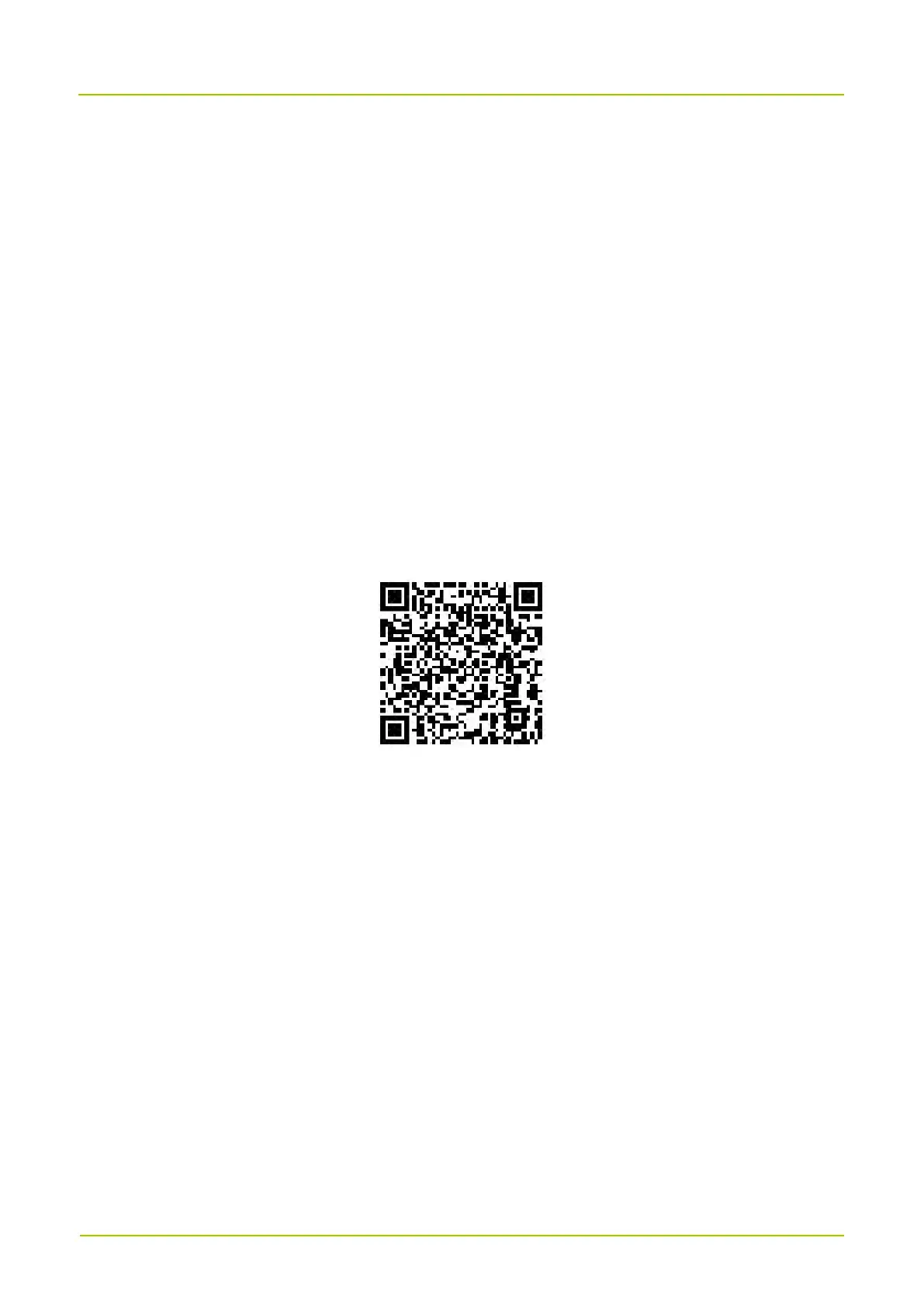
To download and install the Hytera Radio app on your Android phone, scan the following QR code:
You can also find the QR code on your radio by the following:
1. On the home screen, press the Menu key.
2. Select QR Code, and then press the Menu key.


 To Next Page