13
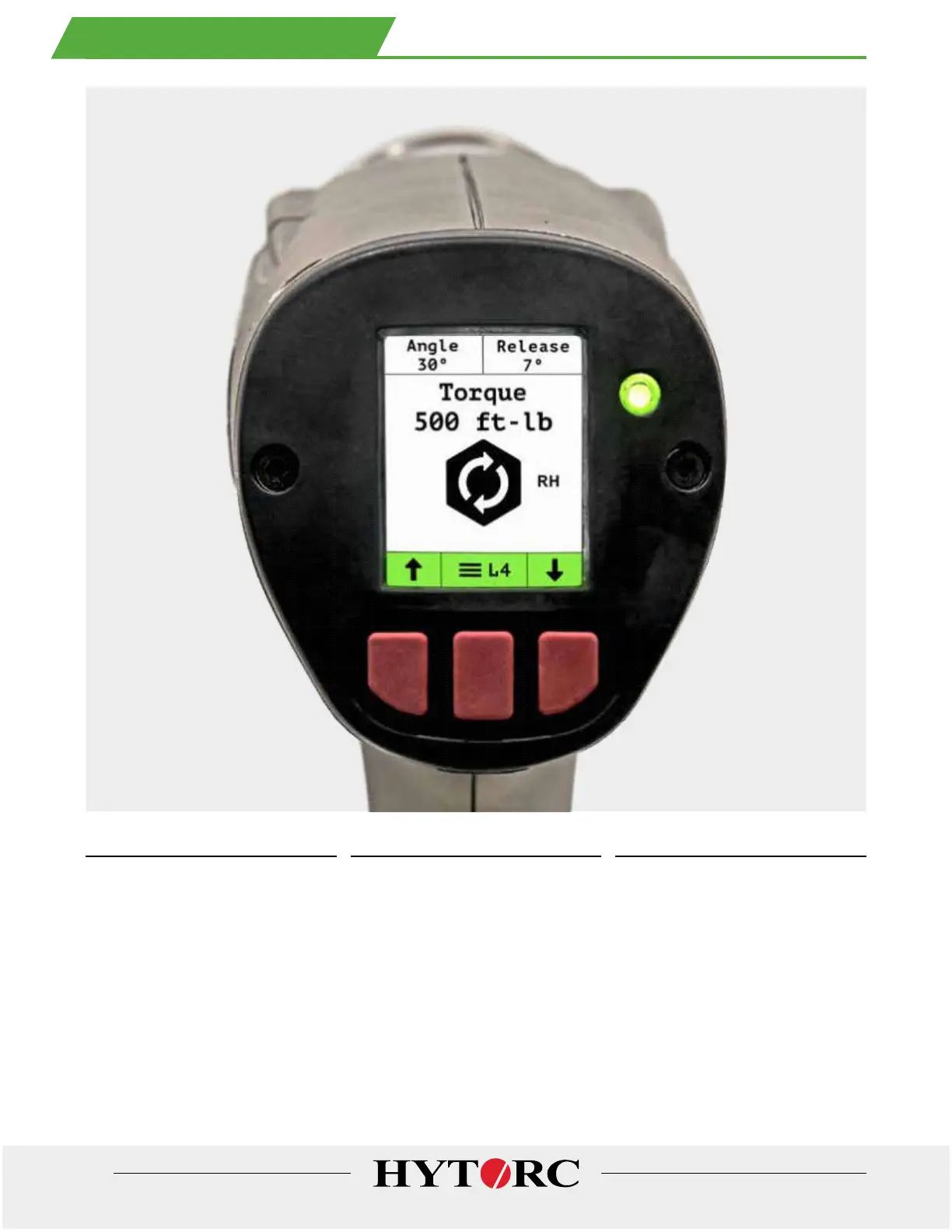
POWER ON
Push any button on the rear control
panel to turn the tool on. The HYTORC
logo is displayed or a ew seconds
while the unit powers up. When the
tool is ully powered up the Home
Screen will be displayed.
POWER OFF
Push and hold the center button or 3
seconds to turn the power of. This can
be done at any time rom any menu or
in any state o the tool. The tool always
saves current settings when powered
of and returns to the same settings
and access security level when the
power is turned back on.
AUTO-OFF
The tool will automatically power of
ater 5 minutes o trigger inactivity to
save the battery charge. The auto-of
unction can be enabled or disabled in
the settings menu.
9. TURN POWER ON AND O FF



 To Next Page
 Loading...