50 51
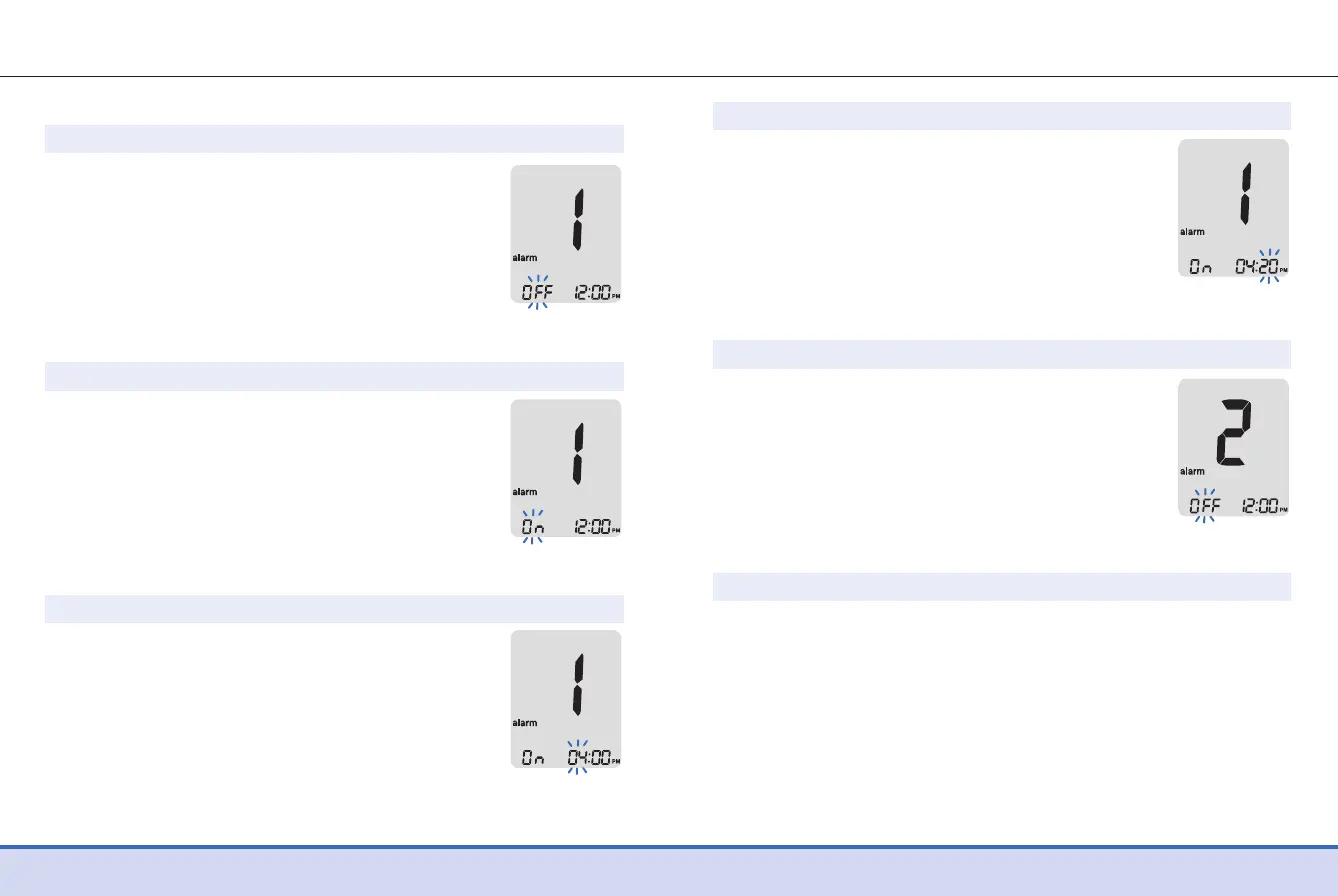
Step 1
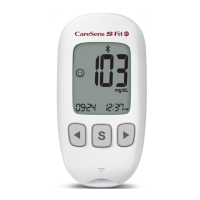
Without inserting a test strip, press the ◀
and ● buttons simultaneously for 3 seconds
to enter the time alarm setting. 'alarm 1'
will be displayed while 'OFF' blinks on the
screen.
Step 2
On pressing the ▶ button, 'alarm 1' is set
and 'On' is displayed on the screen. Press the
▶ button again to cancel 'alarm 1'. 'OFF' will
blink on the screen.
Step 3
Press the◀ button while 'On' blinks to
adjust the time of 'alarm 1'. A number
indicating the hour will blink on the screen.
Press the ▶ button to set the hour.
Setting the Time Alarms (alarm 1–3)
Step 4
On pressing the ◀ button, the number
indicating the minute will start blinking.
Press the ▶ button to set the minute.
Step 5
Press the ● button to finish and to go to
'alarm 2' mode.
Repeat steps 2 to 4 to set the remaining
time alarms (alarm 2-3).
Step 6
Press the ● button for 3 seconds to finish and turn the meter
off.


 To Next Page
 Loading...