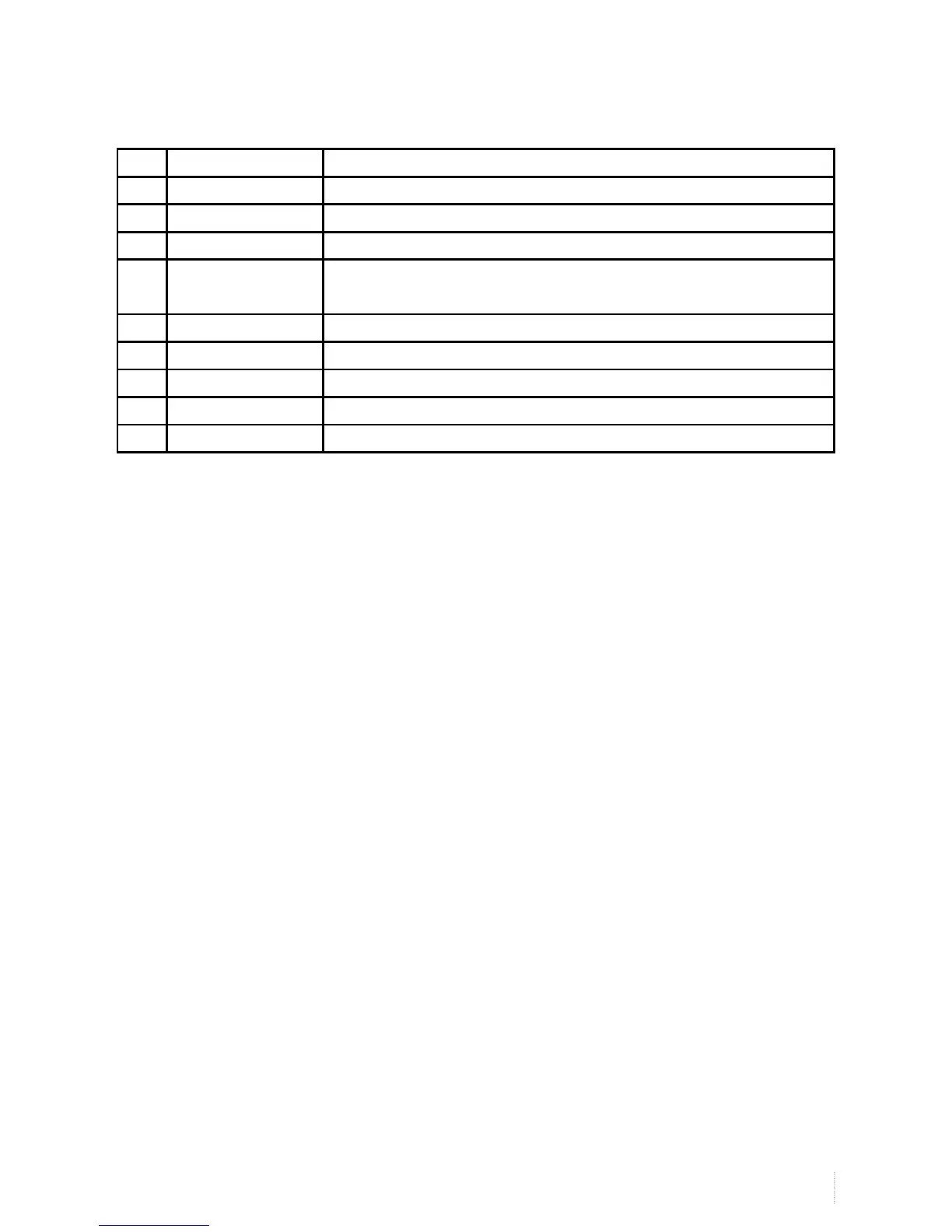
No. Name Description
16 AC OUT AC power input port (80W 2A)
17 SOUND BOX L R Connect the left/right speaker output
18 SW INSIDE OUTSIDE Switch=for the outer speaker, switch-for built-in speakers, switch O off
19 TOUCH1 TOUCH2
TOUCH3
USB1corresponding VGA1;USB2 corresponding VGA2;USB3
correspondingVGA3;The default status is USB1
20 RS232 RS232 Control interface
21 VGA1 Connect to PC D-Sub terminal
22 VGA2 Connect to PC D-Sub terminal
23 VGA3 Connect to PC D-Sub terminal
24 VGAOUT Link to the rest of the display device
Note: For reference only, please subject to the actual model.
Rear panel interface


 To Next Page