Press SETUP button to show, Picture, Sound, Time, Lock, Setup menu.
Press OK button to select specific submenu and the adjustable value. In the submenu,
press or button to select menu item.
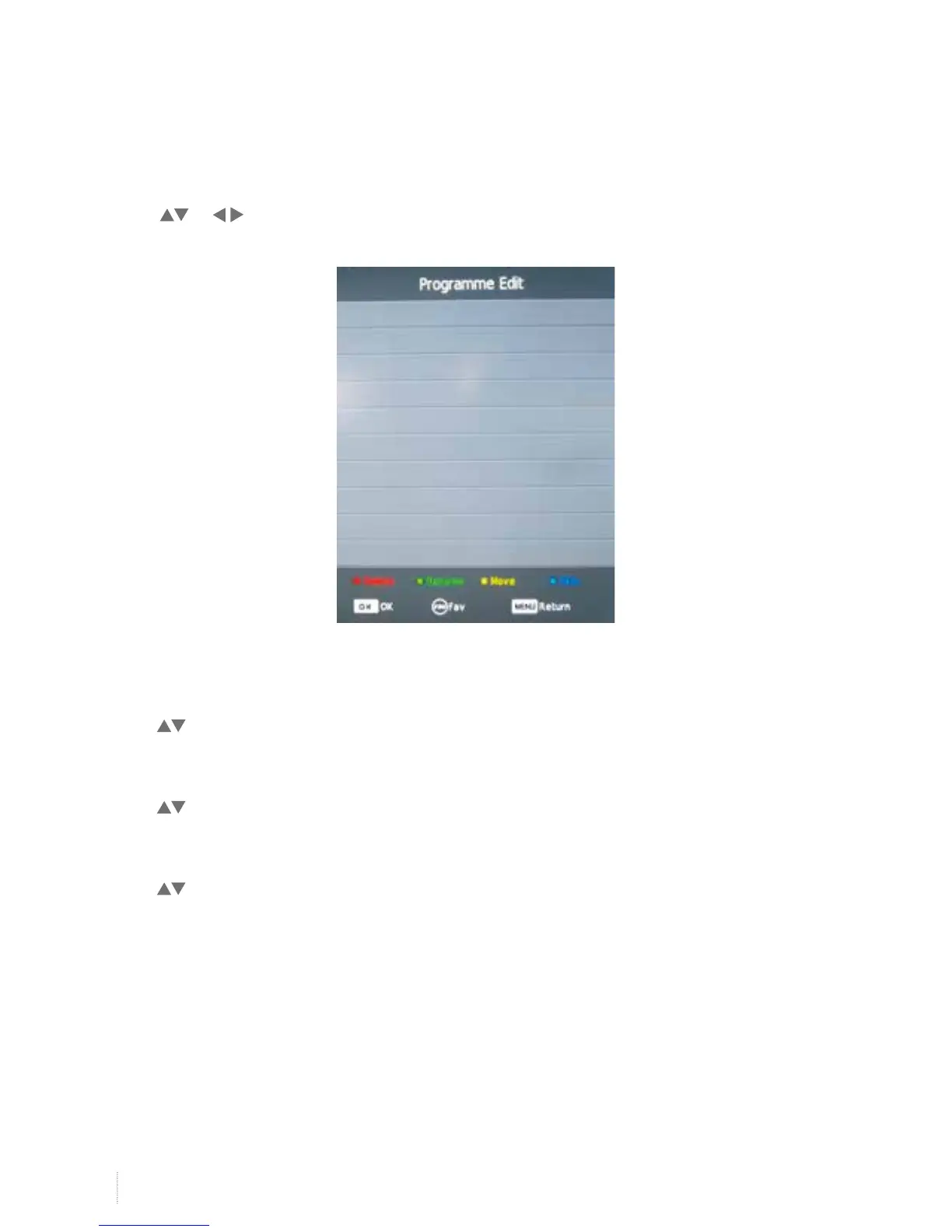
Programme Edit
Press button to select Programme Edit, and then press OK button to enter menu.
Signal Information
Press button to select Signal Information, and then press OK button to Signal Information.
CI Information
Press button to select CI Information, and then press OK button to see CI Information.
Screen Menu


 To Next Page