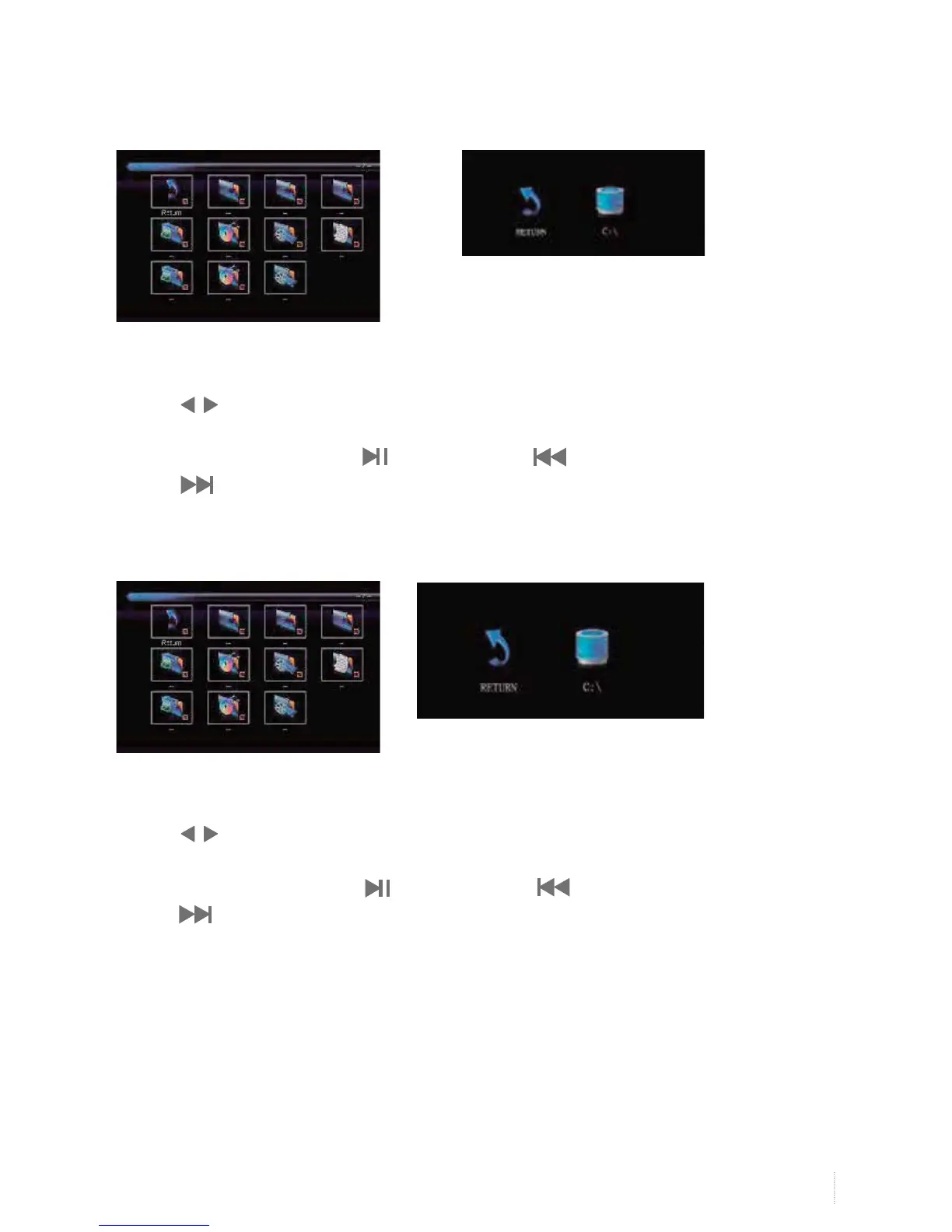
Select C:\, press OK button to enter submenu.
1. Insert USB Port to USB entry.
2. Press to select film, and then OK button to enter submenu.
3. Select C:\, press OK button to enter submenu
4. Select the specific film, and press button to play, press button to play previous one,
press to play next one.
5. Press Exit button to exit.
Text Show
Select C:\, press OK button to enter submenu.
1. Insert USB Port to USB entry.
2. Press to select text, and then OK button to enter submenu.
3. Select C:\, press OK button to enter submenu
4. Select the specific text, and press button to play, press button to play previous one,
press to play next one.
5. Press Exit button to exit.
Film Play


 To Next Page