Basic operation
• On/Off
1. Use 100-240V AC as monitor power supply.
2. Please press the POWER key on the remote control when the monitor screen is not on.
3. Please press the POWER key on the remote control when you want to turn off the monitor temporarily.
4. Please disconnect the power outlet if you want to completely turn off the monitor.
• Auto power off function
1. In monitor/AV mode, the monitor will switch to standby mode automatically if no signal is input in more
than minutes.
2. In PC mode, the monitor will switch to standby mode automatically if it does not word for more than
5 minute.
• Save before shutdown
When PC signal source is used, please set the resolution of PC display card according to below modes;
(1360x768 @60Hz, 1024x768@60Hz, 800x600 @60Hz, 1920x1080@60Hz)
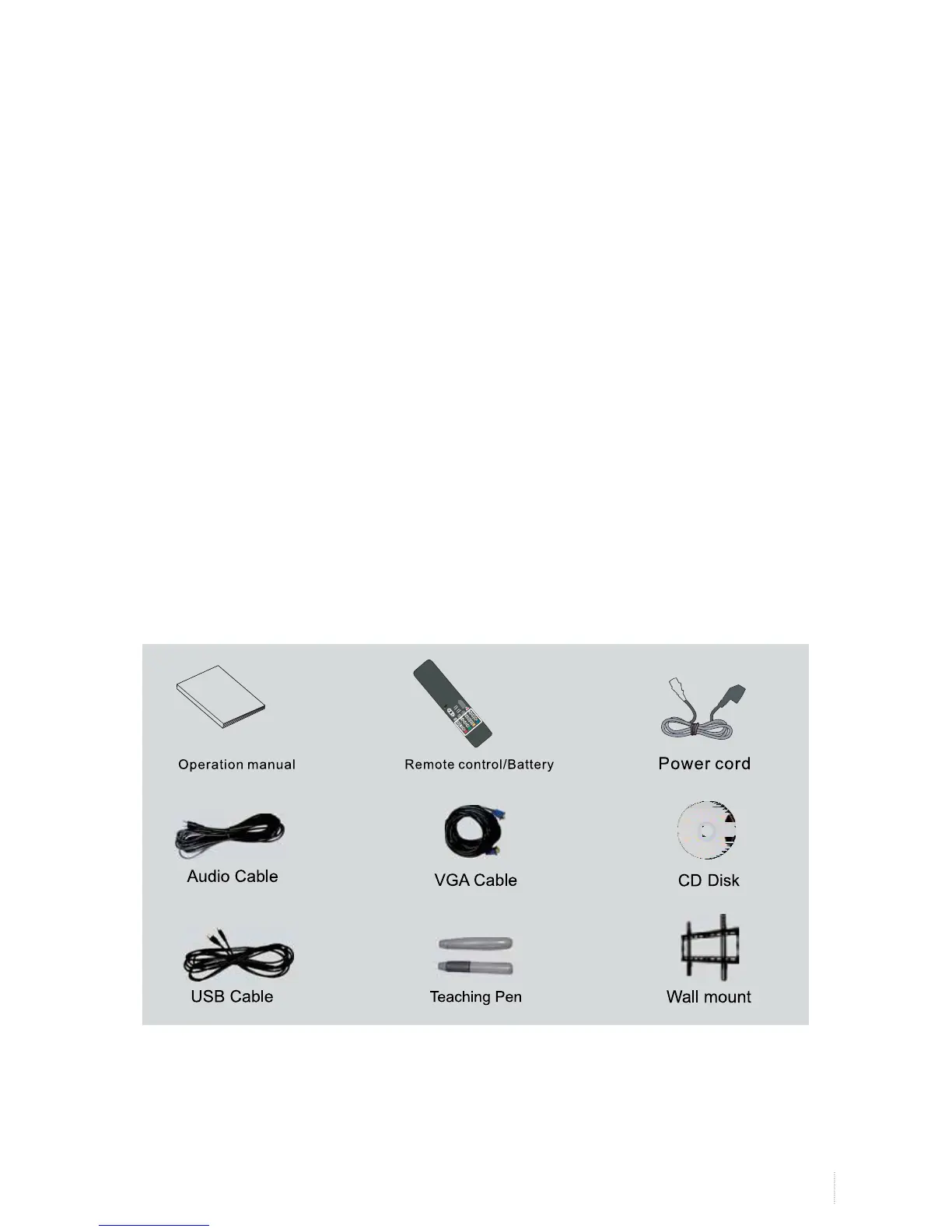
Accessories


 To Next Page