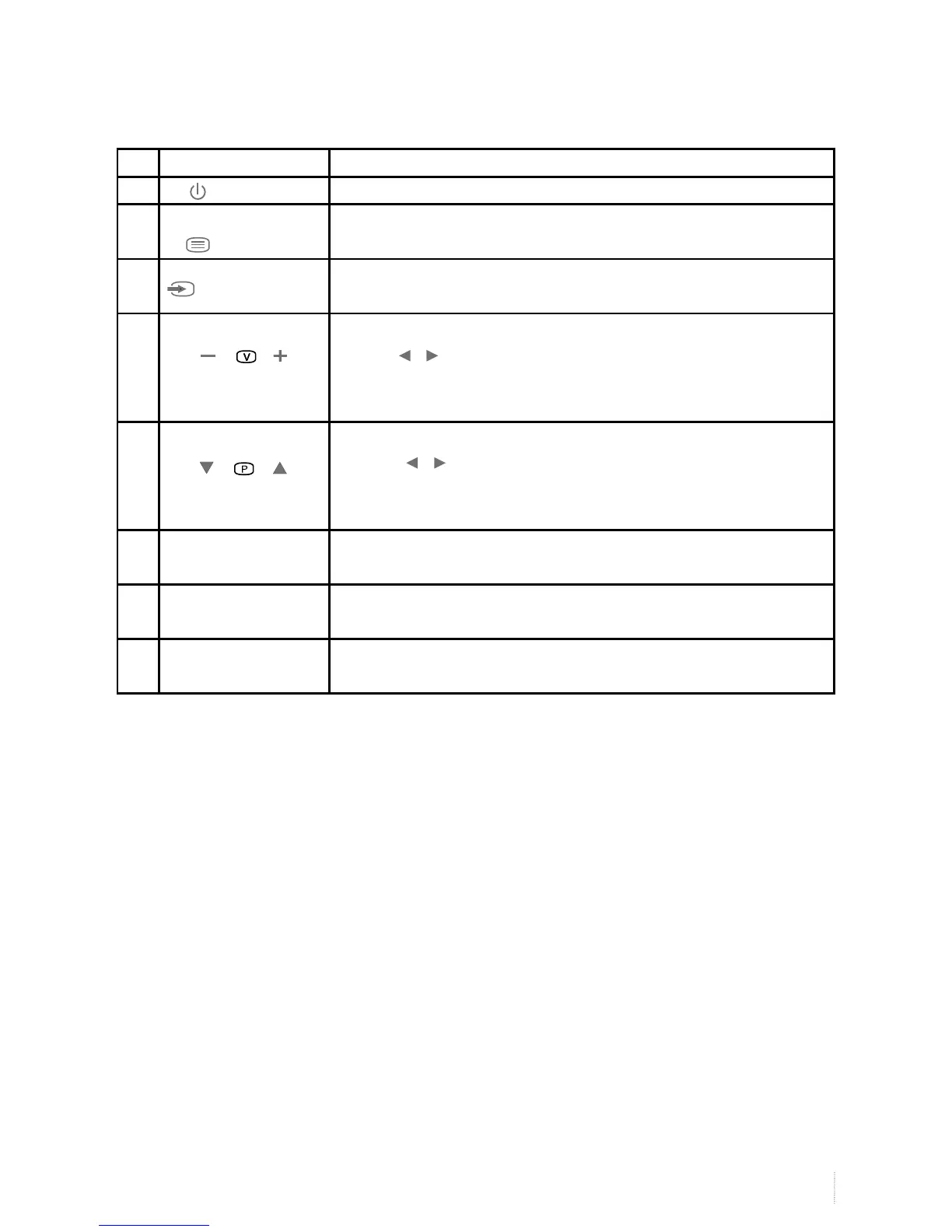
No. Name Description
1 ( Power ) Switching key between monitor standby and on mode
2
Menu
If the menu hides, press this key to display OSD menu; if the menu displays,
press this key to exit the current menu.
3 Signal source
(monitor/Video)
Switch among all the available input signal sources (monitor, Av1, S-VIDEO,
COMPONENT1, COMPONENT2, HDMI1, HDMI2, VGA, USB)
4
VOL +/-
Adjust the sound output level of the speaker (same function as the
<volume / > key on the remote control). In OSD menu, it is used to
move the cursor leftward or rightward, or change the settings (same func-
tion as the cursor left/right key on the remote control).
5
CH
Select the previous or next channel , (same function as the
<channel / > key on the remote control). In OSD menu, it is used to
move the cursor upward or downward (same function as the cursor up/
down hey on the remote control).
6 Exit (Optional) Exit the menu or return to the previous menu (Some models do not have
this key)
7 Remote control
receive window
Receive the signals sent by remote control.
8 Power indicator A red light indicates it is in standy mode;
A green light indicates it is in working mode
Note: For reference only, please subject to the actual model.
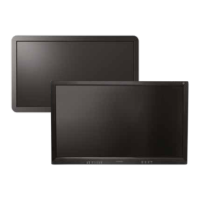
Descriptions for keys of the front panel


 To Next Page