DRIVER INSTALLATION
IB895 User’s Manual 41
VGA Drivers Installation
IMPORTANT NOTE: After installing the graphics driver, the default
display is still LVDS. Both VGA/CRT and DVI will only be extended
displays. To switch to any of these displays, use the hot key:
For VGA – Ctrl+Alt+F1
For DVI – Ctrl+Alt+F3
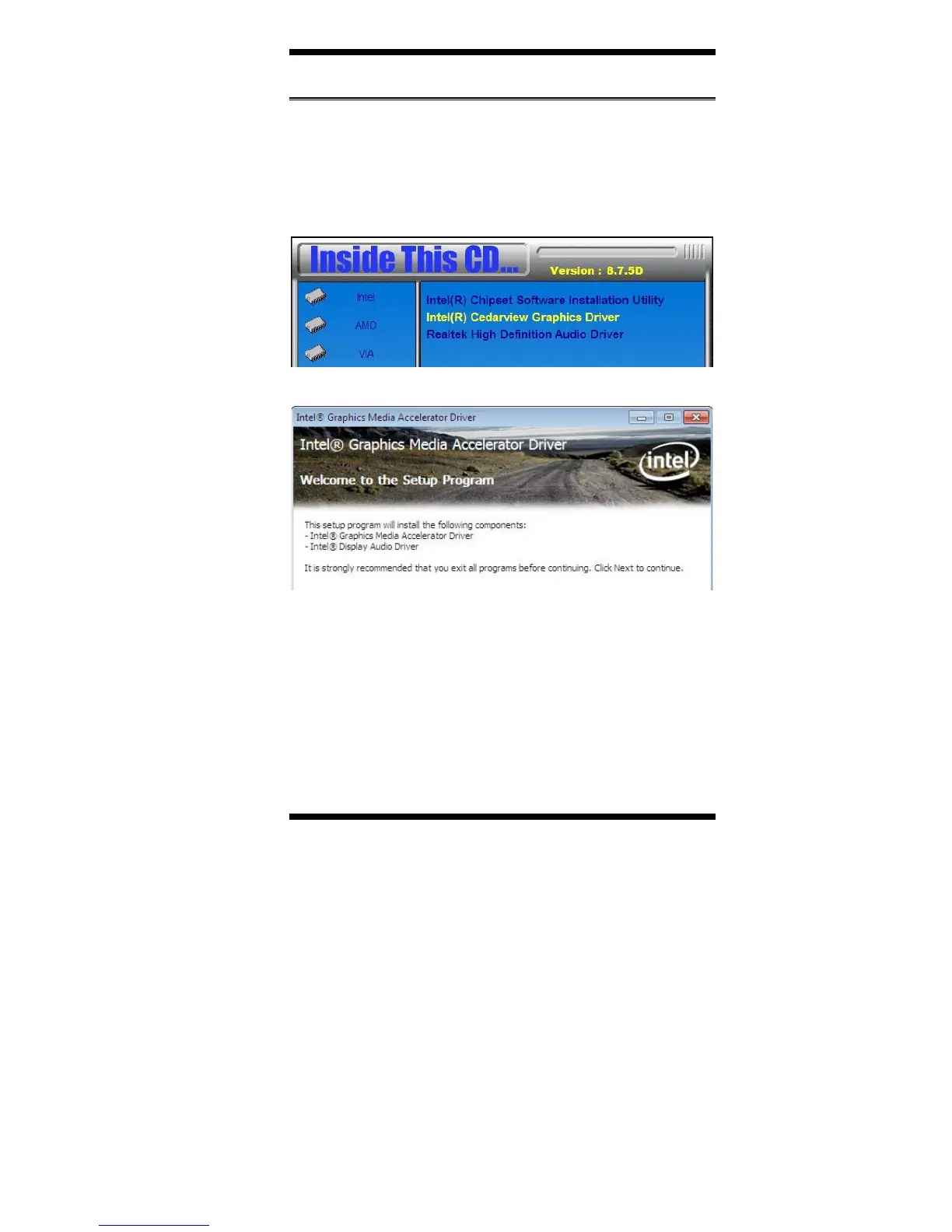
1. Click Intel(R) Cedarview Graphics Driver.
2. When the Welcome screen appears, click Next to continue.
4. Click Yes to to agree with the license agreement and continue the
installation.
5. On the Readme File Information screen, click Next to continue the
installation of the Intel® Graphics Media Accelerator Driver.
6. On Setup Progress screen, click Next to continue.
7. Setup complete. Click Finish to restart the computer and for changes
to take effect.



 To Next Page