DRIVER INSTALLATION
IB895 User’s Manual 43
LAN Drivers Installation
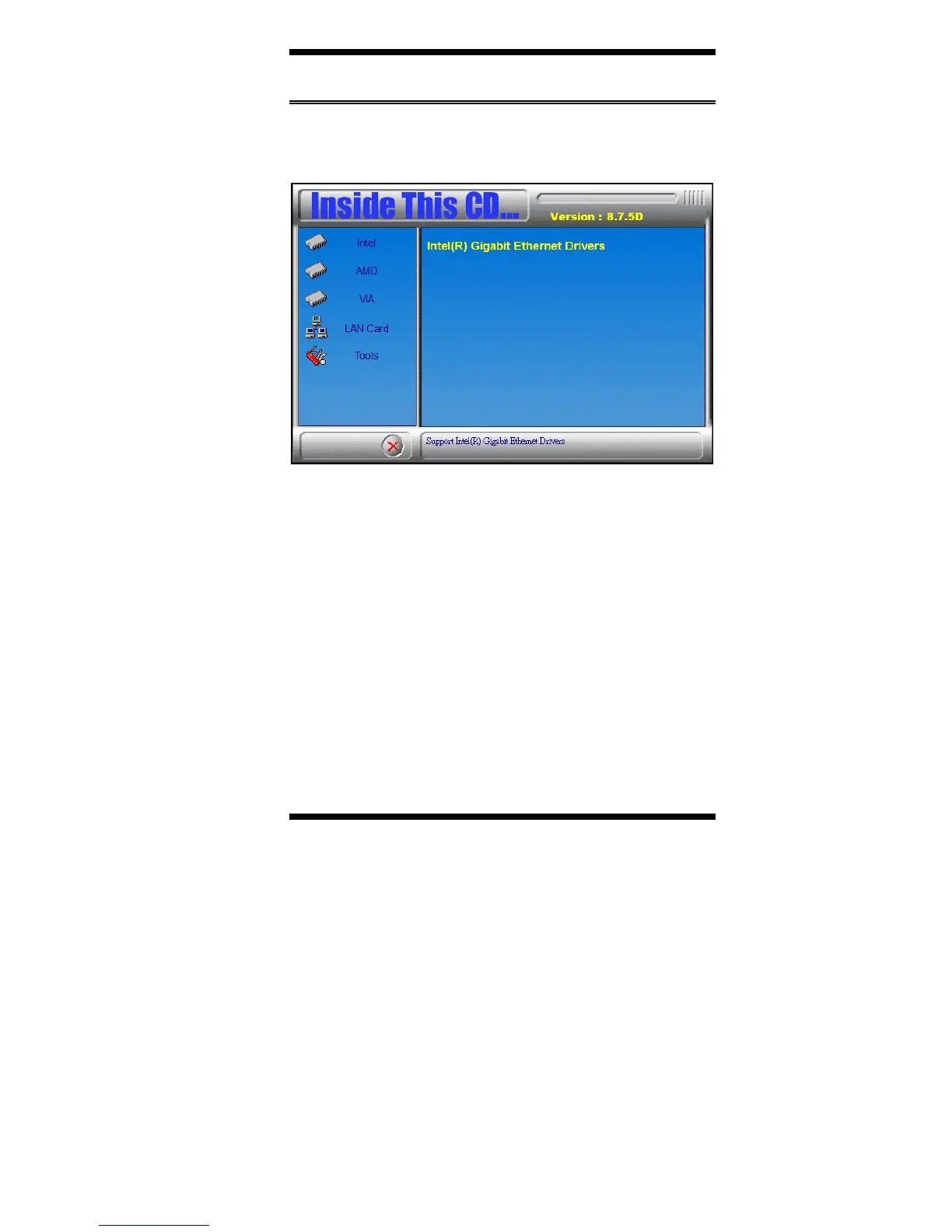
1. Insert the CD that comes with the board. Click LAN Card and then
Intel(R) LAN Controller Drivers.
2. Click Intel(R) Gigabit Ethernet Drivers.
3. In the Welcome screen, click Next.
4. In the License Agreement screen, click I accept the terms in license
agreement and Next to accept the software license agreement and
proceed with the installation process.
5. Click the checkbox for Drivers in the Setup Options screen to select it
and click Next to continue.
6. When the Ready to Install the Program screen appears, click Install to
continue.
7. When InstallShield Wizard is complete, click Finish.



 To Next Page