21
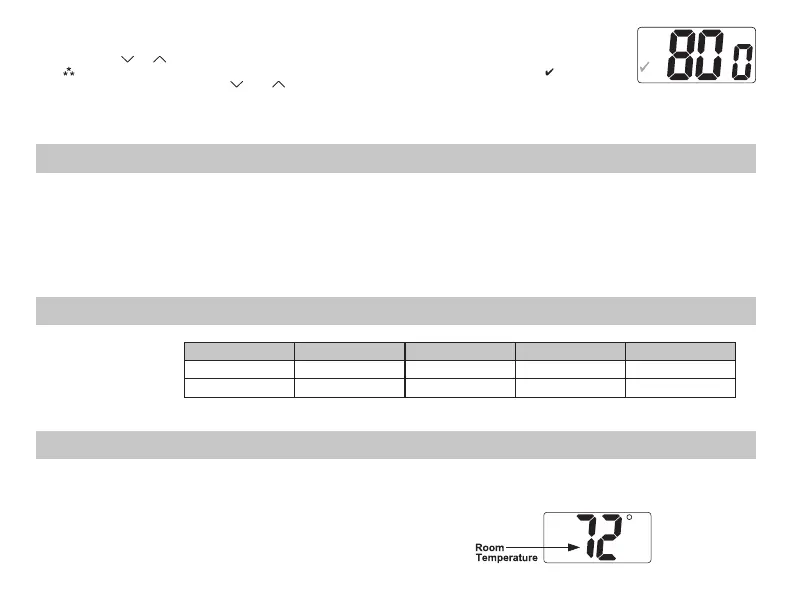
10. Filter Check time (300-800, – – –)
Set Fan Run Time (in hours) when Check Filter is displayed or set to – – – to disable.
Press the or button to select.
Note: After exiting configuration mode, to reset filter counter to zero and clear
filter
warning, press the and button simultaneously for 5 seconds.
Press the
SW6 button
to review settings.
Slide the Mode switch to Heat or Cool to exit configuration.
FILTER
DIFF
ROOM
SET
REMOTE
(800 Hours)
CAUTION!
:
Do not use air conditioning when the outdoor temperature is below 50 degrees. This
can damage your air conditioning system and cause personal injuries.
1. Move the Fan Auto/On switch to the Auto position.
2. Move the Cool/Off/Heat/Emer switch to Cool or Heat,
depending on the season.
FILTER
DIFF
ROOM
SET
REMOTE
Starting the Thermostat
R – 24 VAC hot
C – 24 VAC common
O – cool active reversing valve
B – heat active reversing valve
Y1 – 1st stage cool, 1st stage heat
W2 – 2nd stage heat
Y2 – 2nd stage cool for 2 compressor systems
G – Fan
W3 – 3rd stage heat
L – Check indicator
E – 1st stage emergency
Terminal Designator Descriptions
1
ST
Cool 2
ND
Cool 1
ST
Heat 2
ND
Heat 3
RD
Heat
Heat Pump Y1, G, O Y1, Y2, G, O Y1, G, B Y1, W2, G, B Y1, W2, W3, G, B
Emergency Heat HP N/A N/A E, G E, W2, G E, W2, W3, G
SC2210 Output Chart






 To Next Page