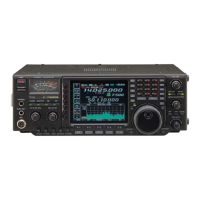
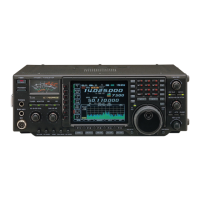
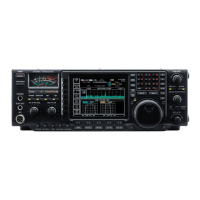
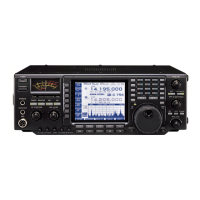
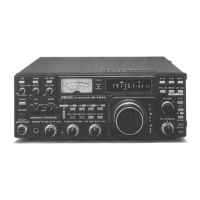
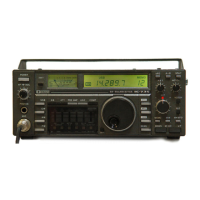
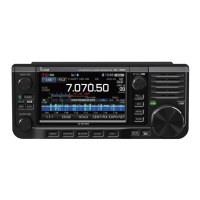
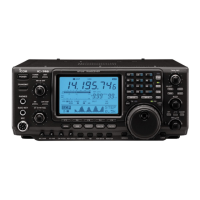
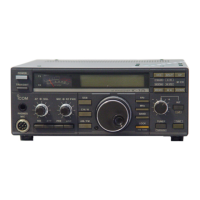
■ Front panel
q POWER SWITCH [POWER/TIMER]
➥ Push momentarily to turn power ON.
•Turn the optional DC power supply ON in advance.
•A/D convertor calibration of the DSP unit starts and it
takes 10 sec.
➥Push momentarily to toggle the timer function ON
and OFF. (p. 63)
•The power switch lights while the timer function is ON.
➥ Push for 2 sec. to turn power OFF.
w TRANSMIT SWITCH [TRANSMIT]
Selects transmitting or receiving.
•The [TX] indicator lights red while transmitting and the
[RX] indicator lights green when the squelch is open.
e HEADPHONE JACK [PHONES]
Accepts headphones.
•Output power: 5 mW with an 8 Ω load.
•When headphones are connected, the internal speaker
or connected external speaker does not function.
r ELECTRONIC KEYER JACK [ELEC-KEY] (p. 42)
Accepts a paddle to activate the internal electronic
keyer for CW operation.
•Selection between the internal electronic keyer, bug-key
and straight key operation can be made in keyer set
mode. (p. 42)
•A straight key jack is separately available on the rear
panel. See [KEY] on p. 12.
•Keyer polarity (dot and dash) can be reversed in keyer
set mode. (p. 42)
•4-channel memory keyer is available for your conve-
nience. (p. 43)
t MICROPHONE CONNECTOR [MIC]
Accepts the supplied or optional microphone.
•See p. 81 for appropriate microphones.
•See p. 9 for microphone connector information.
y AF CONTROL [AF] (inner control)
Varies the audio output level from the speaker.
u MIC GAIN CONTROL [MIC GAIN]
Adjusts microphone input gain.
•The transmit audio tone in SSB mode can be adjusted
in set mode. (p. 65)
✔
How to set the microphone gain.
Set the [MIC] control so that the ALC meter sometimes
swings during normal voice transmission in SSB mode.



 To Next Page