18
5
SCAN OPERATION
n Scan types
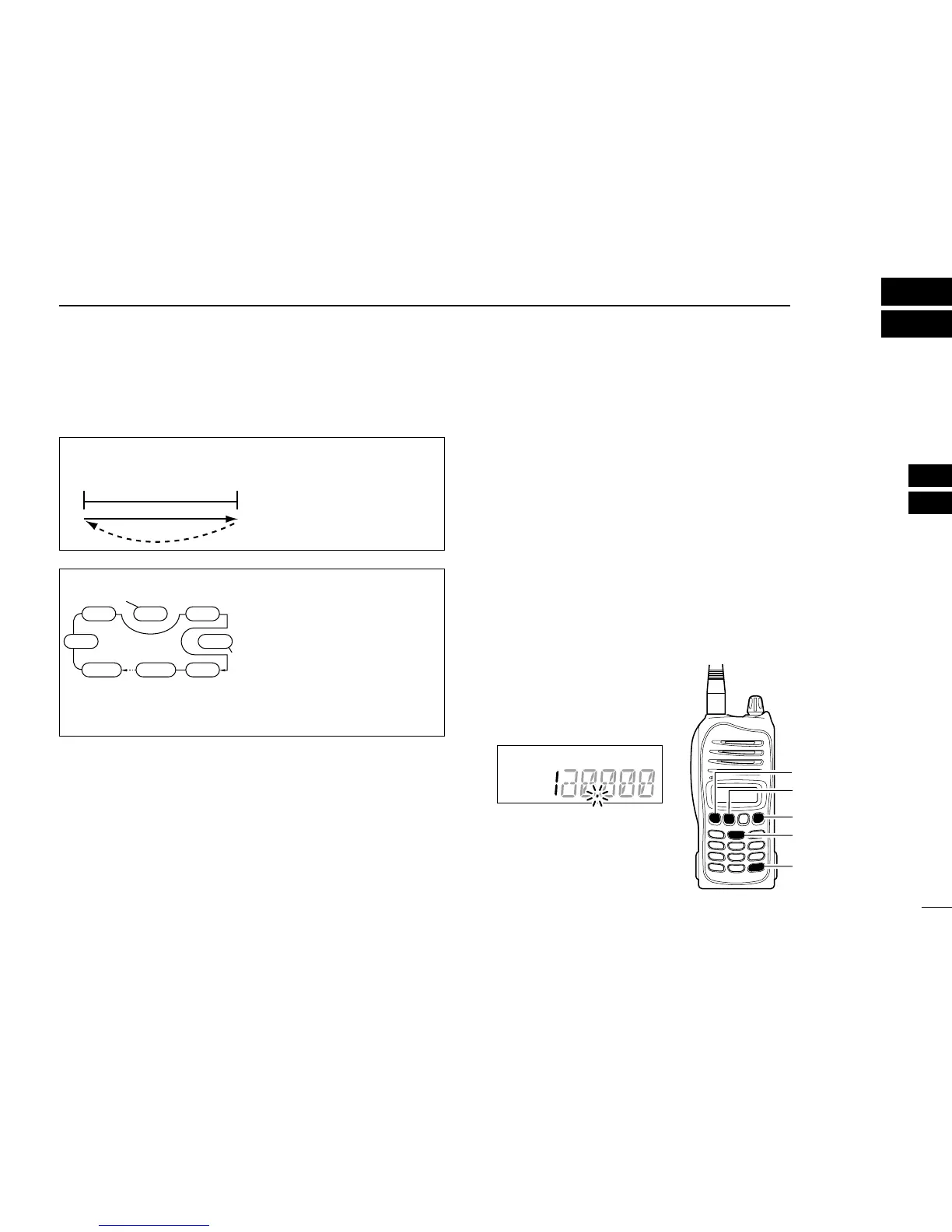
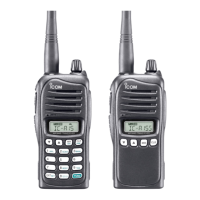
The IC-A15/S has 2 scan types to suit your needs.
n Frequency scan
q Push [CLR] to select the frequency mode.
w Push [SQLY]/[SQLZ] to set the squelch level to the
point where noise is just muted.
For IC-A15
e Push [FUNC], then push [SCAN](2) to start the scan.
• When a signal is received, the scan pauses until it disappears.
• To change the scanning direction, push [Y]/[Z].
For IC-A15S
e Push and hold [Y]/[Z] for 1 sec. to start the scan.
• When a signal is received, the scan pauses until it disappears.
• To change the scanning direction, push
[Y]/[Z].
r To stop the scan, push [CLR].
FREQUENCY SCAN
Repeatedly scans all fre-
quencies over the entire
frequency band.



 To Next Page