New2001
3
2
PANEL DESCRIPTION
New2001
1
2
3
4
5
6
7
8
9
10
11
12
13
14
15
16
i CHANNEL 16/CALL CHANNEL KEY [16/C]
Push to select Channel 16. (p. 9) ➥
Hold down for 1 second to select the Call channel. (p. 9) ➥
•“CALL”isdisplayedwhentheCallchannelisselected.
Hold down for 3 seconds to enter Call channel entry ➥
mode when the Call channel is selected. (p. 13)
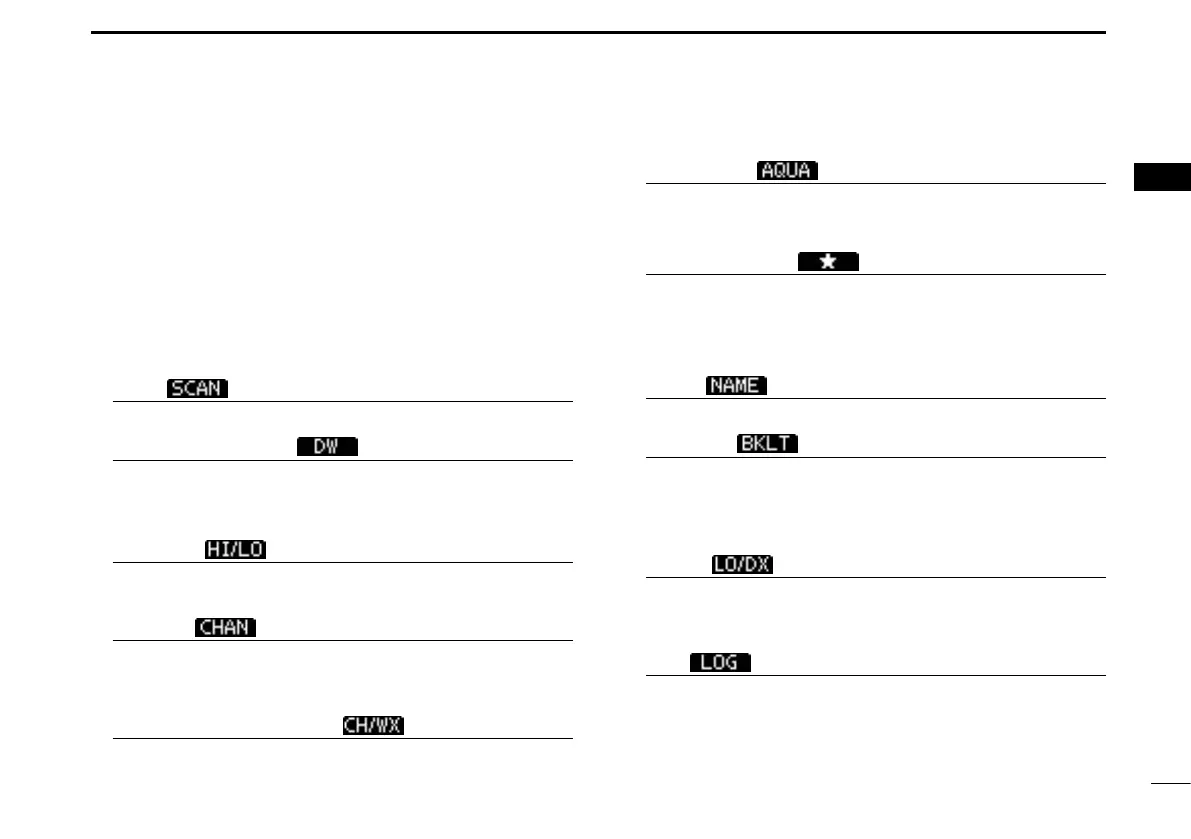
o SOFTKEYS
The desired functions as described below can be assigned
in the Menu screen.
Scan [
] (p. 17)
Push to start or stop a Normal or Priority scan.
Dualwatch/Tri-watch [
] (p. 18)
Push to start Dualwatch or Tri-watch. ➥
Push to stop Dualwatch or Tri-watch when either is ac- ➥
tivated.
High/Low [
] (p. 12)
Push to set the power to high or low.
•Somechannelsaresettoonlylowpower.
Channel [ ]* (p. 9)
Push to select a regular channel.
* For only IC-M323 and IC-M323G except for Australian version
transceivers.
Channel/Weather channel [ ] (pp. 9, 11)
Push to selects and toggles the regular channel and
Weather channel.
AquaQuake [ ] (p. 15)
Holding down to activate the AquaQuake to clear water
away from the speaker grill.
Favorite channel [
] (p. 17)
Push to set or clear the displayed channel as a Favorite ➥
(Tag) channel.
Hold down for 3 seconds to clear or set all Favorite ➥
channels in the selected channel group.
Name [
] (p. 13)
Push to enter the channel name entry mode.
Backlight [
] (p. 15)
Push to enter the LCD and key backlight brightness ad-
justment mode.
•Whileintheadjustmentmode,push[∫]/[√]/[Ω]/[≈] or rotate Dial
to adjust the brightness of the LCD and key backlight.
LO/DX [ ]* (p. 12)
Push to turn the Attenuator function ON or OFF.
•“LOCAL”isdisplayedwhentheAttenuatorfunctionisON.
*For only U.S.A. and Australian version transceivers.
Log [ ] (p. 60)
Push to enter “RCVD CALL LOG” in the DSC CALLS menu.



 To Next Page