14
4
BASIC OPERATION
■ Entering a Call channel data
You can enter data in Call channel in each channel group for
quick recall.
Select the desired channel group (INT, USA, CAN, ATIS, q
or DSC) to be entered. (p. 10)
Hold down [16/C] for 1 second to select the Call channel of w
the selected channel group.
•“CALL”andtheCallchannelnumberisdisplayed.
Hold down [16/C] again for 3 seconds (until a long beep e
changes to 2 short beeps) to enter the Call channel entry
mode.
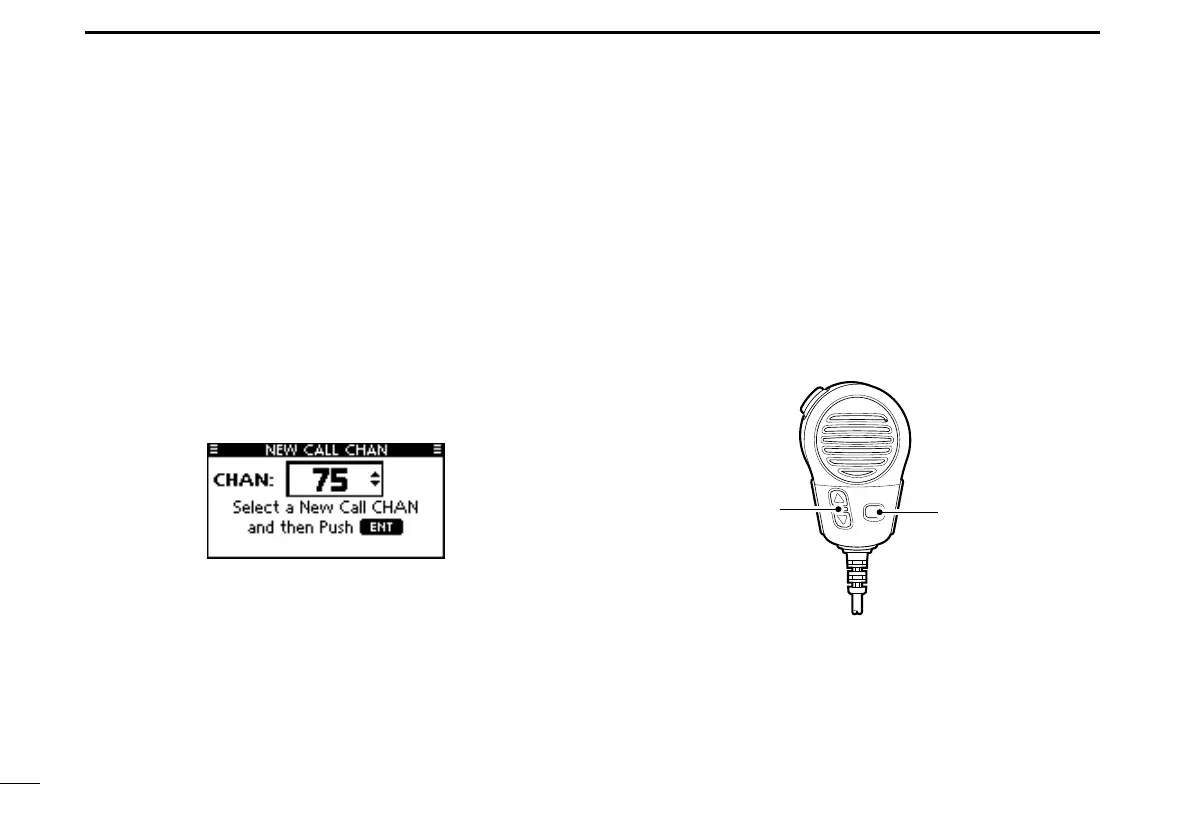
Rotate Dial or push [ r ∫]/[√] to select a channel.
Push [ENT] to save the displayed channel as the Call t
channel.
•Push[CLEAR]tocancel.
■ Microphone Lock function
The Microphone Lock function electrically locks [∫], [√] and
the [HI/LO] keys on the supplied microphone. This prevents
accidental channel changes and function access.
While holding down [HI/LO] on the microphone, hold down ➥
[PWR](Dial) to turn ON the transceiver and turn the Micro-
phone Lock function ON or OFF.



 To Next Page