71
8
MENU SCREEN OPERATION
New2001
1
2
3
4
5
6
7
8
9
10
11
12
13
14
15
16
New2001
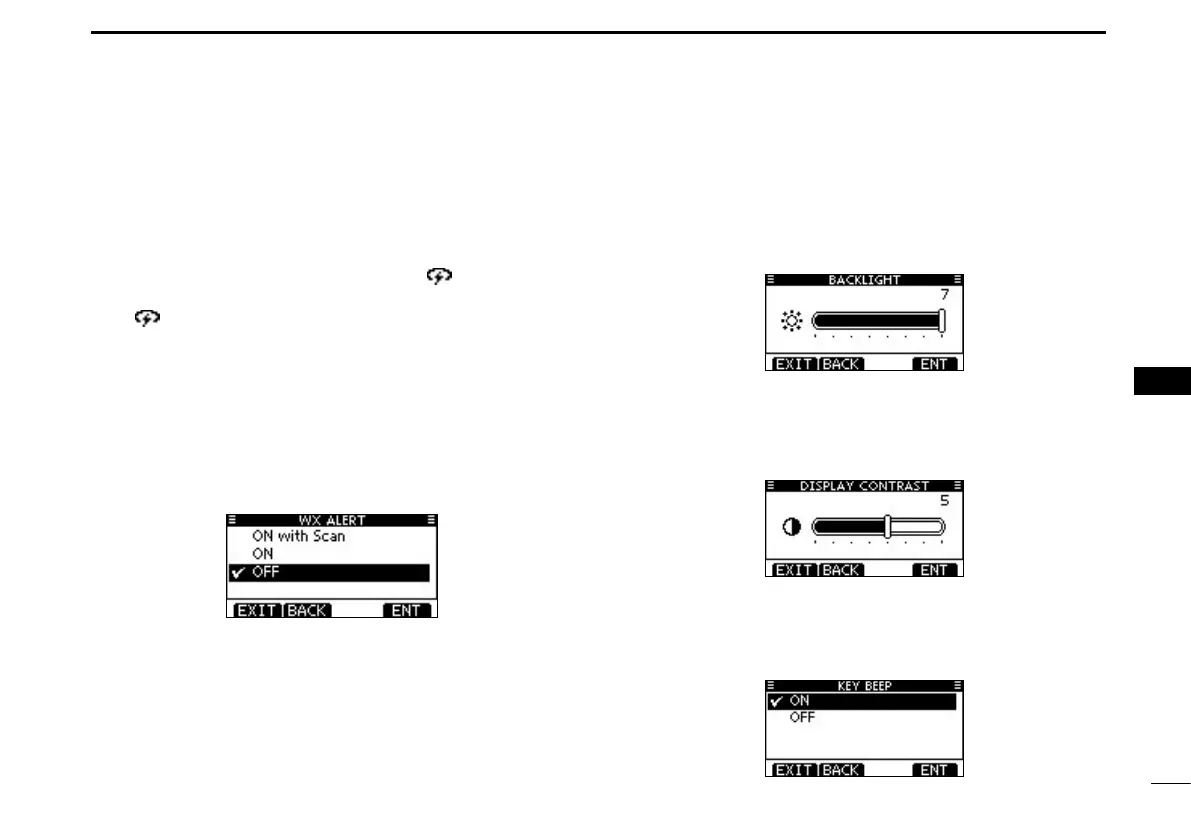
D Weather alert
(For only U.S.A. and Australian version transceivers)
A NOAA broadcast station transmits a weather alert tone be-
fore important weather information.
After the transceiver detects the alert, “WX
” blinks until the
transceiver is operated.
•“WX ” is displayed instead of “WX” when the function is ON.
(Default: OFF)
ON with Scan: The preset weather channels are sequentially
checked while scanning.
ON: The previously selected (last used) weather
channel is checked while scanning.
OFF: The transceiver does not detect a weather
alert tone.
Configuration items ■
Backlight D (Default: 7)
The function display and keys can be backlit for better visibil-
ity under low light conditions.
The backlight can be set to 7 levels and OFF.
D Display contrast (Default: 5)
This item adjusts the contrast of the LCD in 8 steps.
Level 1 is the lowest contrast, and level 8 is the highest con-
trast.
D Key Beep (Default: ON)
You can turn OFF beep tones for silent operation, or you can
turn ON the tones to have confirmation beeps sound when a
key is pushed.



 To Next Page