70
8
MENU SCREEN OPERATION
New2001 New2001
Radio Settings items ■
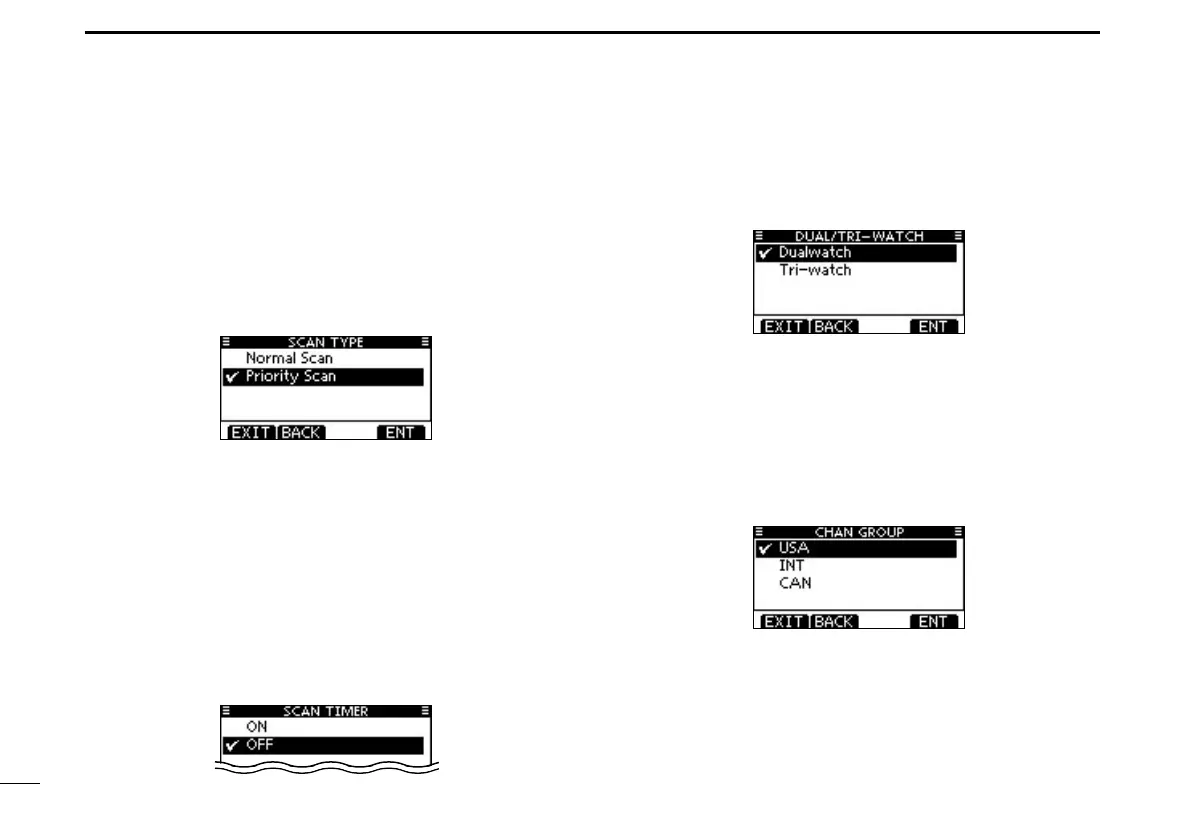
D Scan type
The transceiver has two scan types, Normal scan and Prior-
ity scan. A Normal scan searches all Favorite channels in the
selected channel group. A Priority scan sequentially searches
all Favorite channels, while monitoring Channel 16.
•The default setting is different depending on the transceiver ver-
sions.
D Scan resume timer (Default: OFF)
The scan resume timer can be selected as a pause (OFF)
or timer scan (ON). When OFF is selected, the scan pauses
until the signal disappears.
• Normal scan When ON is selected, the scan pauses for 5
seconds and then resumes, even if a signal has
been received on any channel.
•Priority scan When ON is selected, the scan pauses for 5
seconds and then resumes, even if a signal has
been received on any channel other than Chan-
nel 16.
D Dual/Tri-watch (Default: Dualwatch)
This item can be selected as Dualwatch or Tri-watch. (p. 18)
Channel Group D
Except for the European version, a channel group suitable
for your operating area can be selected. Depending on the
transceiver version, INT, USA, CAN, ATIS, or DSC may be
selectable.
See page 10 for details.
•ThescreenbelowshowstheU.S.Aversion.



 To Next Page