10
5
BASIC OPERATION
■ Weather channels and Weather Alert
(For the USA, EXP, and AUS versions)
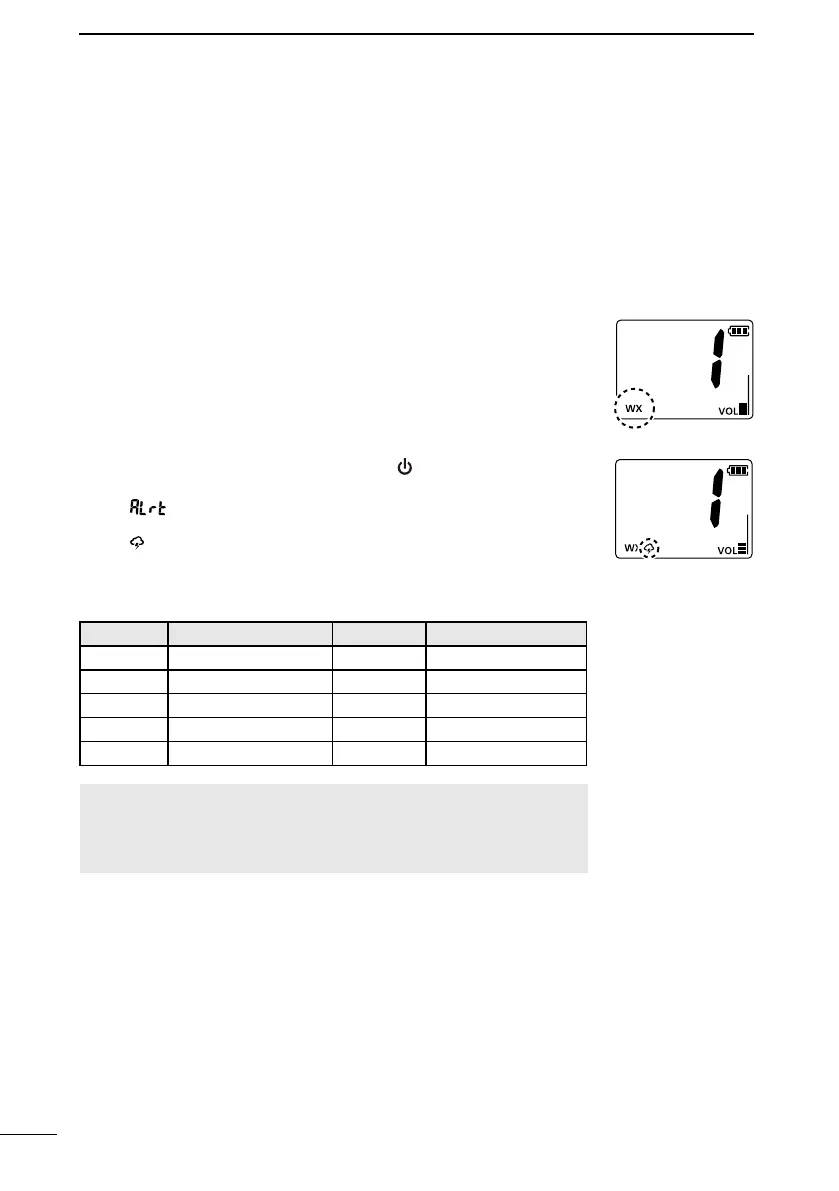
D Setting the Weather Alert
1. While holding down [VOL/SQL], push [ ] to enter the Set mode.
2. Push [VOL/SQL] to select the Weather Alert item.
• “ ” is displayed.
3. Push [▲] or [▼] to turn ON the Weather Alert.
• “ ” is displayed.
4. Push [16/C] to exit the Set mode.
The Weather channel list
Channel Frequency (MHz) Channel Frequency (MHz)
1 162.550 6 162.500
2 162.400 7 162.525
3 162.475 8 161.650
4 162.425 9 161.775
5 162.450 10 163.275
NOTE: When this function is turned ON, the currently selected
weather channel is monitored, even while receiving another
channel (when the Power Save function is turned ON), or during
a scan.
The transceiver has 10 preset Weather channels. The transceivers
are capable* of monitoring broadcasts from the National
Oceanographic and Atmospheric Administration (NOAA). The
transceiver automatically detects a Weather alert tone on the
selected weather channel, or while scanning.
* When used within range of the broadcasts.
1. Push [CH/WX].
• “WX” is displayed on the operating screen instead of
the Channel Group.
2. Push [▲] or [▼] to select a Weather channel.



 To Next Page