13
5
BASIC OPERATION
5
■ Setting the Call channel
By default, a Call channel is set in each Channel Group.
You can set your most often-used channel as your Call channel in
each Channel Group, for quick recall.
1. Hold down [16/C] for 1 second to select the Call channel.
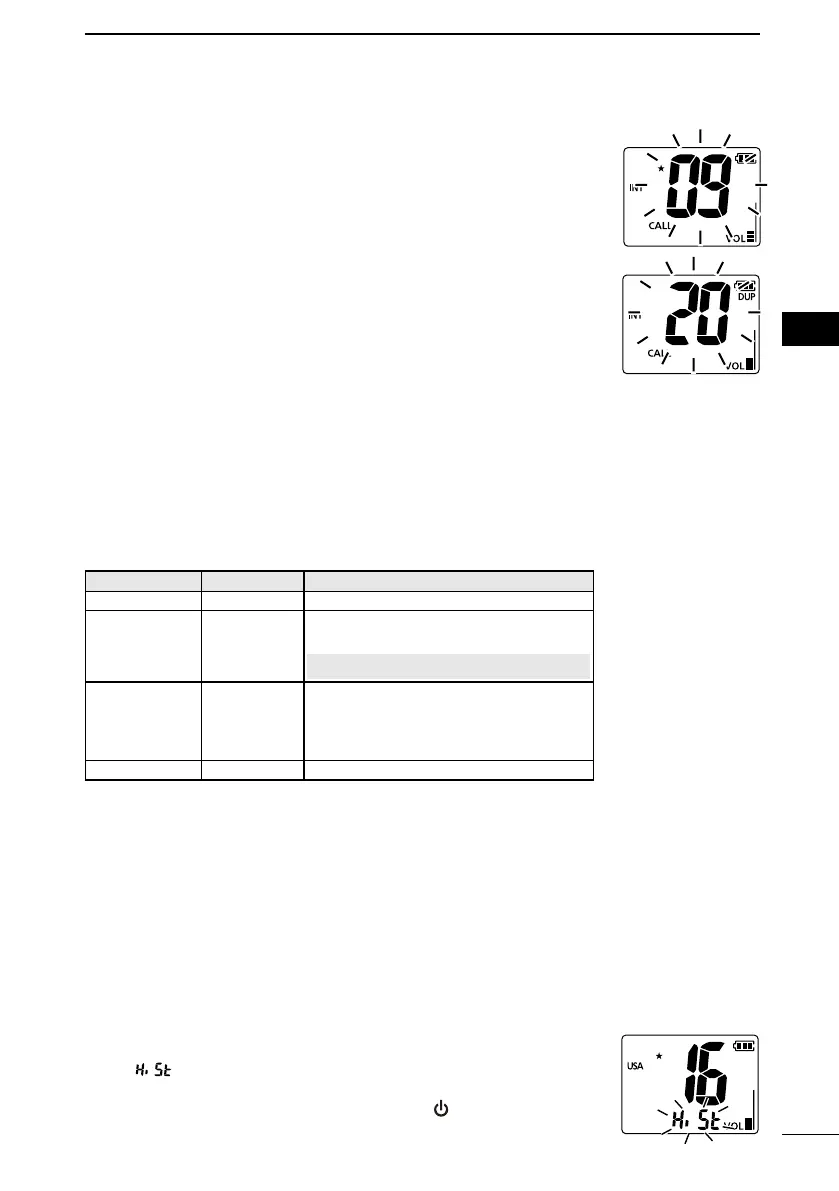
• “CALL” and the Call channel number is displayed.
2. Hold down [16/C] again for 3 seconds (until a long beep
changes to 2 short beeps).
• The Call channel number blinks.
3. Push [▲] or [▼] to select the channel.
4. Push [16/C] to set the selected channel as the Call channel.
• The Call channel number stops blinking.
■ Power OFF Subfunction
Subfunctions can be activated by holding down a specic key when
the transceiver is OFF.
L This function works even if the lock function is turned ON.
1. Turn OFF the transceiver.
2. Hold down a key to turn ON the function.
Mode Key Function
Light [VOL/SQL]
Turns ON the an LCD and key backlight.
Emergency [SCAN]
An emergency alarm sounds, and the
sound gradually becomes louder.
CAUTION: The alarm sounds loudly.
Battery Voltage [FAV]
Displays the battery voltage.
(
For example: [3_60] means 3.60 V.)
L [AL] is displayed when using alkaline
batteries.
Flash [Hi/Lo] The LCD and key backlight blink.
• The function is activated while holding down the key.
L The function is turned OFF after the set period has passed from
releasing the key, depending on the Set mode setting. (p. 19)
L If you want to turn OFF the function before the set period has
passed, push any key.
■ CH History function
The CH History function quickly selects your last-used channel.
L Up to 5 channels are saved in each Channel Group.
L The CH History is saved, even if the transceiver is turned ON or
OFF.
1. Push [CH/WX] and [▼] to enter the CH History seletion mode.
• “ “ blinks.
2. Push [▼] to select the registered channel.
3. Turn OFF the transceiver, and then push [
] while holding
down
[▼] to delete the CH History.



 To Next Page