⦁ Slot: Specifies the credential slot where the access credential configuration will be stored.
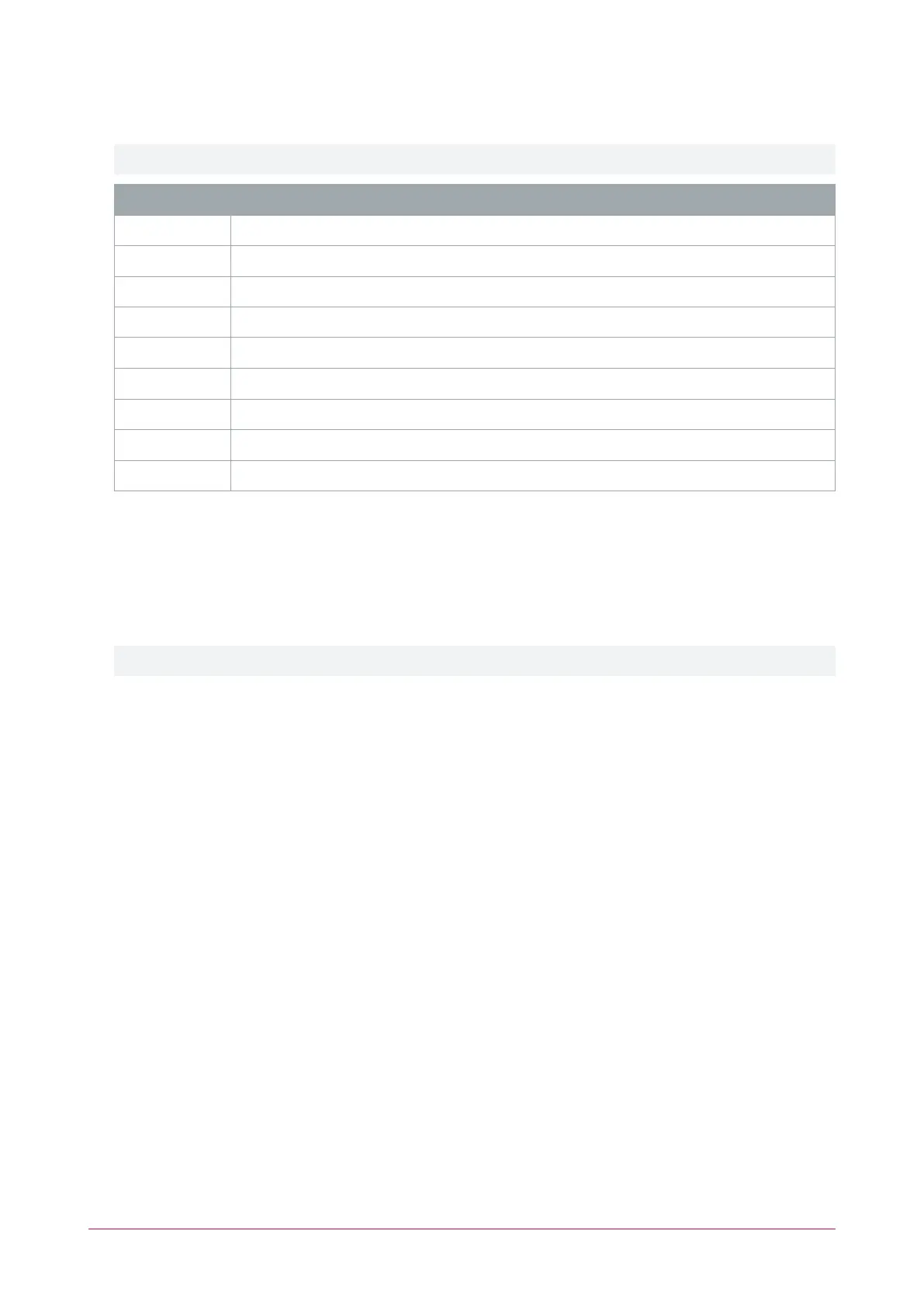
The default slot assignments are displayed in the table below.
The default credential types in slots 0-4 should not be removed under normal operation. Slots 5-8 are empty.
Slot Credential
0 MIFARE Classic
1 MIFARE Secured
2 MIFARE DESFire
3 ISO7816 (NFC)
4 Bluetooth®
5 Available
6 Available
7 Available
8 Available
⦁ Credential Type:
⦁ Disabled: Disables the selected credential slot
⦁ Mifare Classic
⦁ Mifare DESFire
⦁ ISO7618 (NFC)
⦁ Bluetooth
Additional options are specific to the credential type selected
MIFARE Classic:
⦁ Block: The MIFARE block number
⦁ Key Type: Set the key type to type A or type B
⦁ Keyslot: The keyslot to use as the MIFARE Classic sector key
⦁ Flags: Select the Diversify Key option to enable key diversification
⦁ Diversification Keyslot: The keyslot to use for diversification (if enabled)
MIFARE DESFire:
⦁ App ID The DESFire application ID to access
⦁ AES Keyslot: The keyslot to use for AES authentication
⦁ File Number: The file number to access in the DESFire application
⦁ Key Number: The DESFire keynumber to use for read access
⦁ Diversification: The diversification method to use
- No diversification
- ICT diversification
- AV2 diversification
ISO7816 (NFC):
⦁ App ID The DESFire application ID to access
⦁ AES Keyslot: The keyslot to use for AES authentication
⦁ File Number: The file number to access in the DESFire application
ICT Card Reader | Configuration Guide 14



 To Next Page