CardioPet* App for Apple* iPad* 32
Configuring general iPad settings
IMPORTANT: If the iPad is new, first follow the instructions that came with the device to complete its initial
setup, and then proceed with the steps below.
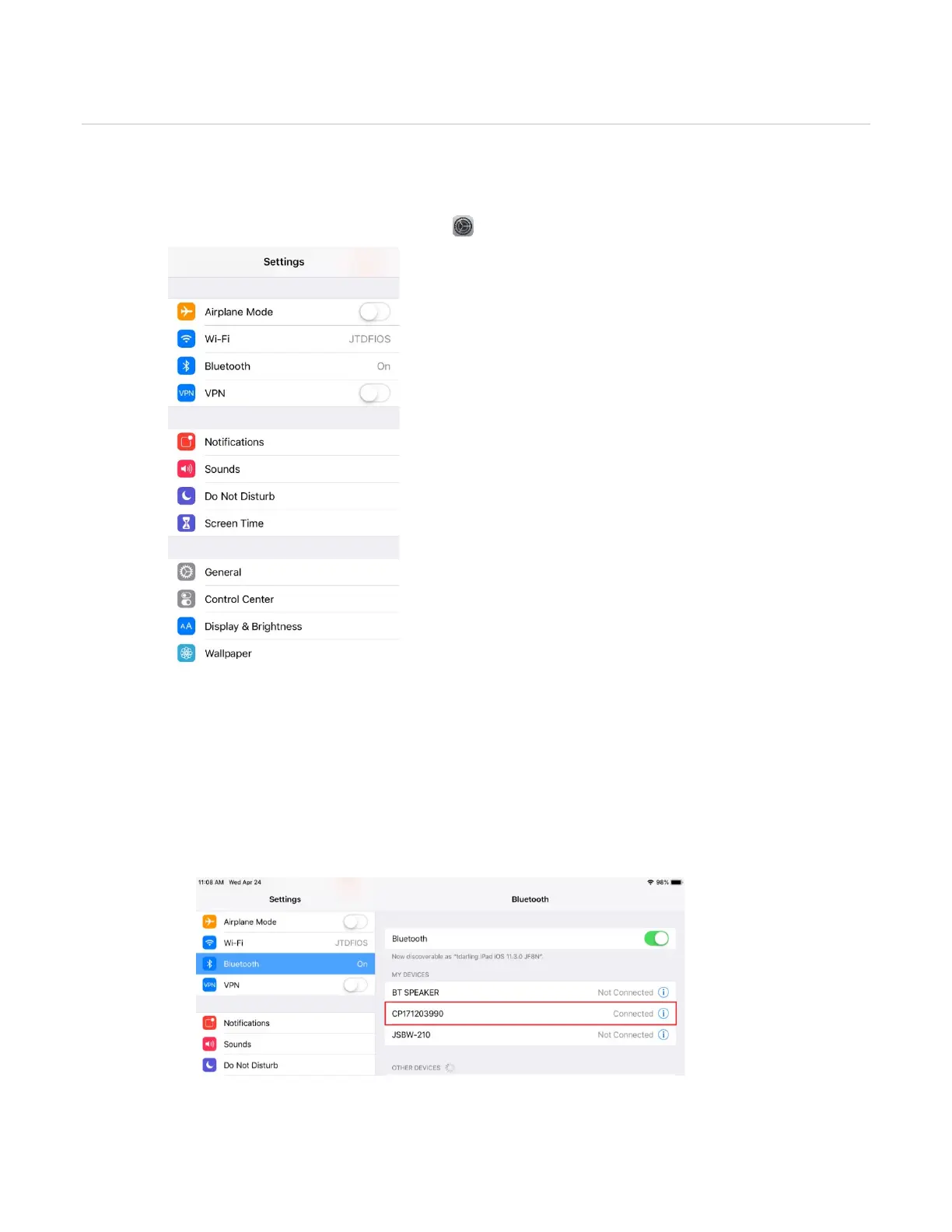
1. To access the iPad settings, tap Settings on the tablet screen.
2. In the Wi-Fi setting, verify that Wi-Fi is enabled and connected to a strong internet signal.
An internet connection is needed for installing the CardioPet app, uploading an ECG file from the
CardioPet app to vetmedstat.com, and submitting a case to vetmedstat.com directly from the iOS
device.
3. Connect Bluetooth* technology to the CardioPet device as follows:
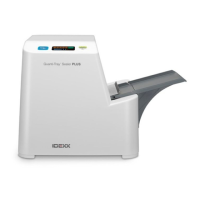
a. Turn on the CardioPet device.
b. In the iPad Settings, tap Bluetooth and ensure it is set to On.
c. Select the device name that starts with the letters CP.


 To Next Page
 Loading...