Part 1 - Remote Setup
15
• In a WAN environment, it is recommended that you
use the UPnP function if you record video by using
the FEN function or FEN connection is not smooth.
Otherwise, monitoring or recording might not be
smooth depending on the network environment.
• Each port number must be unique.
• It is not allowed to use the same port number for
more than one function.
• You can connect to the camera using a media player
that supports RTSP service and monitor its video
feed. If the camera is connected to the network via
an IP router (or NAT) or is behind a rewall, you must
open the ports. (All ports if using UDP protocol and
RTSP ports if using TCP protocol) This feature may
not be supported by al media player. In addition,
video display on certain media players may not be
smooth depending on the network status, video
streaming compression method used, and/or the
resolution setting. Connection methods are as
follows:
– Via PC: Launch the media player (such as VLC)
and then enter rtsp://ID:Password@IP Address:
RTSP Port Number/trackID='Stream Number'
(Stream Number: 1 if Primary, 2 if Secondary, and
3 if Tertiary). (e.g.: rtsp://admin:@10.0.152.35:554/
trackID=1 (User: admin, Password: None, Camera
IP Address: 10.0.152.35, RTSP Port Number: 554,
Stream: Primary))
– Via Mobile Device: Launch the web browser
and then enter http://IP Address:IDIS Web
Port Number/ (If Use HTTPS has been enabled,
enter https instead of http). Camera's IDIS
Web port number and RTSP port number must
be congured correctly in order to establish a
connection this way.
• Port numbers of the remote program must be
updated whenever the camera's port numbers are
changed.
• ONVIF protocol may not function if using HTTPS.
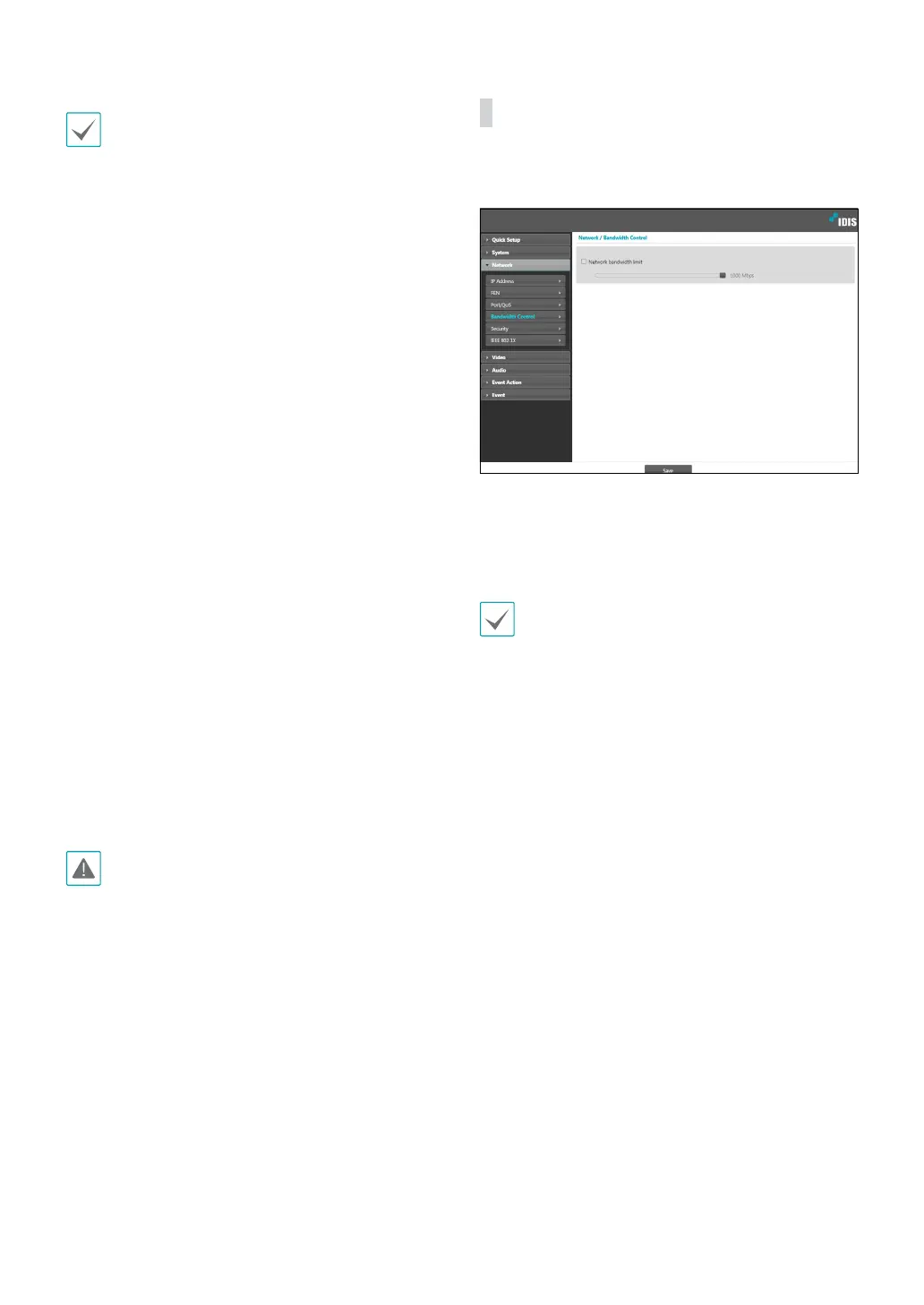
Bandwidth Control
Regulates the camera’s network bandwidth use based
on network trac uctuations.
Select Network Bandwidth limit and then specify
the maximum bandwidth. The camera will not be able
to use more than the specied limit in the event of
network trac.
It may not be possible to produce the frame rate
specied under Video > Streaming if a network
bandwidth limit has been set.



 To Next Page