Part 1 - Remote Setup
29
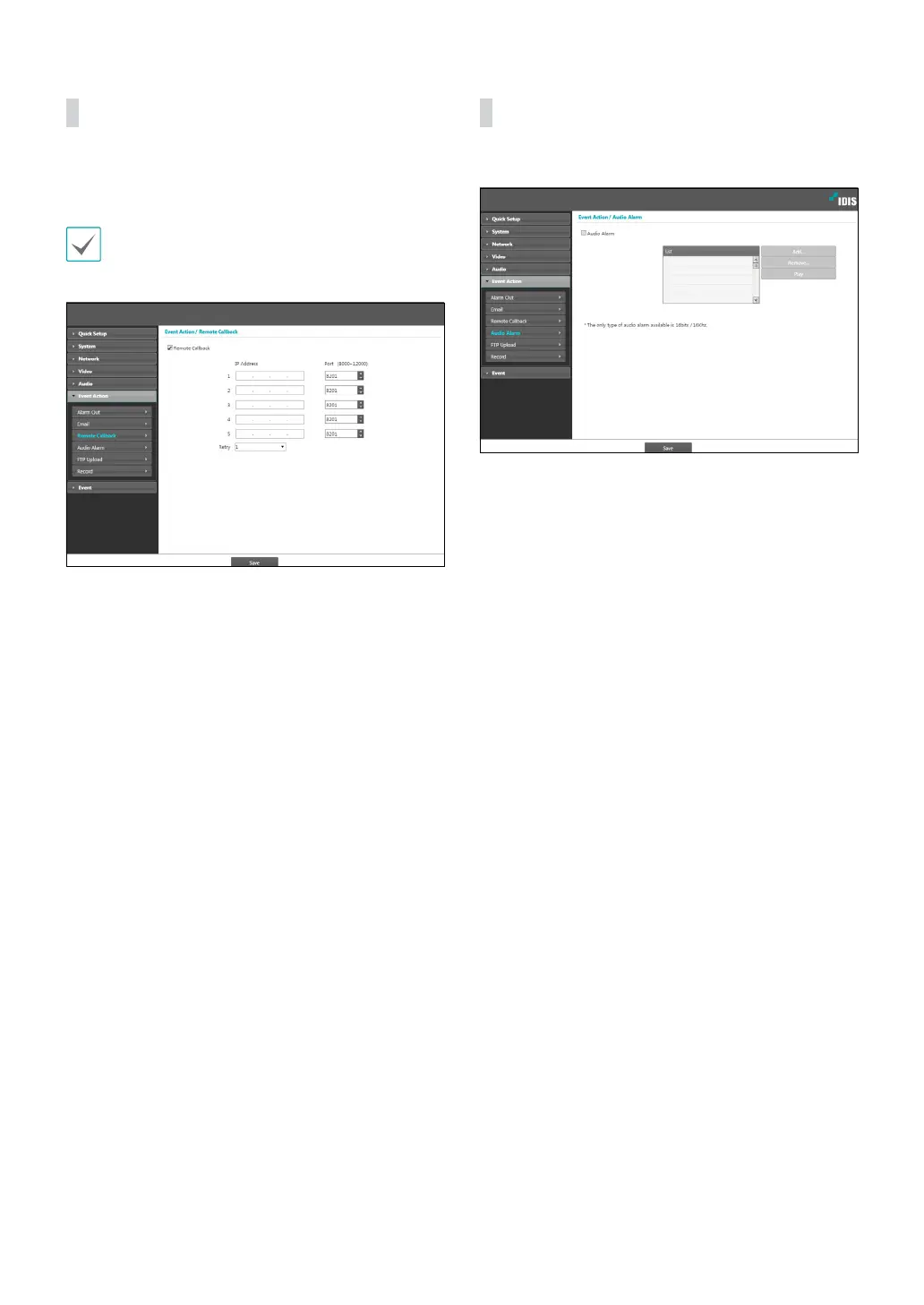
Remote Callback
Select Remote Callback to send callback messages to a
remote system.
• Not supported from the IDIS Web program.
• The camera must be registered to the remote
system in order to use the Remote Callback feature.
• IP Address: Enter the IP address and port number of
the remote system that will receive the messages.
• Retry: Designate how many reattempts to make if
message delivery fails.
Audio Alarm
Select Audio Alarm to generate audio.
• List: Displays a list of audio les to playback. Click
Add or Remove to add/remove audio (.wav) les.
(supports 16-bit, 16KHz encoded les only) Select an
audio le from the list and then click Play to listen to
the le.



 To Next Page