Part 1 - Remote Setup
9
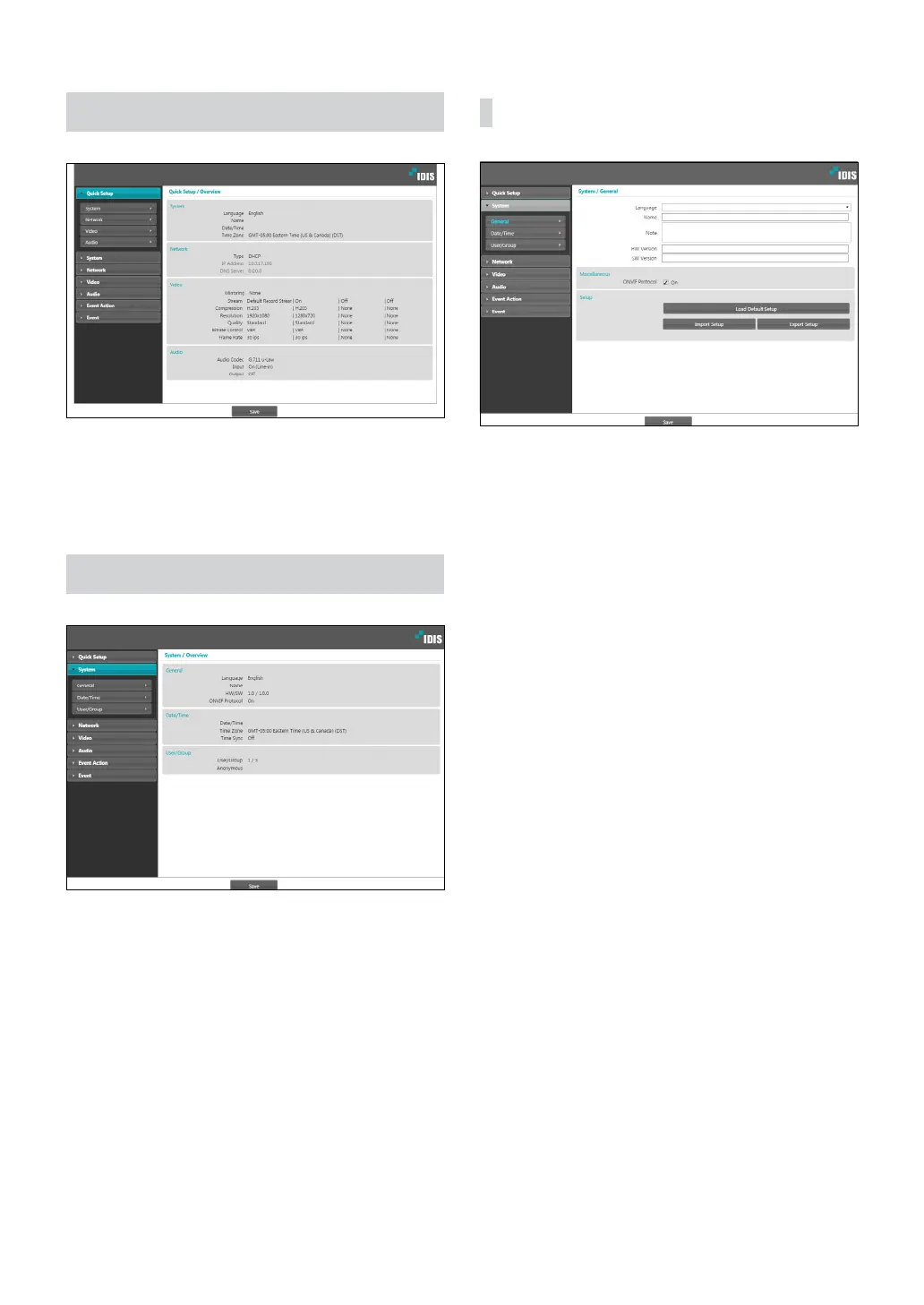
Quick Setup
Quick Setup allows you to set up System, Network,
Video, Audio, and other basic settings needed for
camera use.
System
Change the camera’s system information, add users/
groups, and/or import/export settings.
General
• Language: Select the language you wish to use for
remote setup.
• Name: Enter a name for the camera. (Up to 31
alphanumeric characters, including spaces)
• Note: Enter a description for the camera.
• HW Version/SW Version: Indicates the camera’s
hardware and software versions.
• Miscellaneous
- ONVIF Protocol: Select to enable ONVIF protocol
use. However, ONVIF Protocol is available only
to users belonging to the standard user groups
(Administrator, Operator, and User) and when
video compression is set to H.264 or JPEG under
Video > Streaming menu. When you have
connected to the camera by using the ONVIF
protocol, only the currently enabled streams or
events are supported and you cannot change it.
There may be some more settings that cannot be
changed, too. If you want to change those settings,
connect to the camera by using the IDIS Discovery
program.



 To Next Page