Part 1 - Remote Setup
38
System Event
.
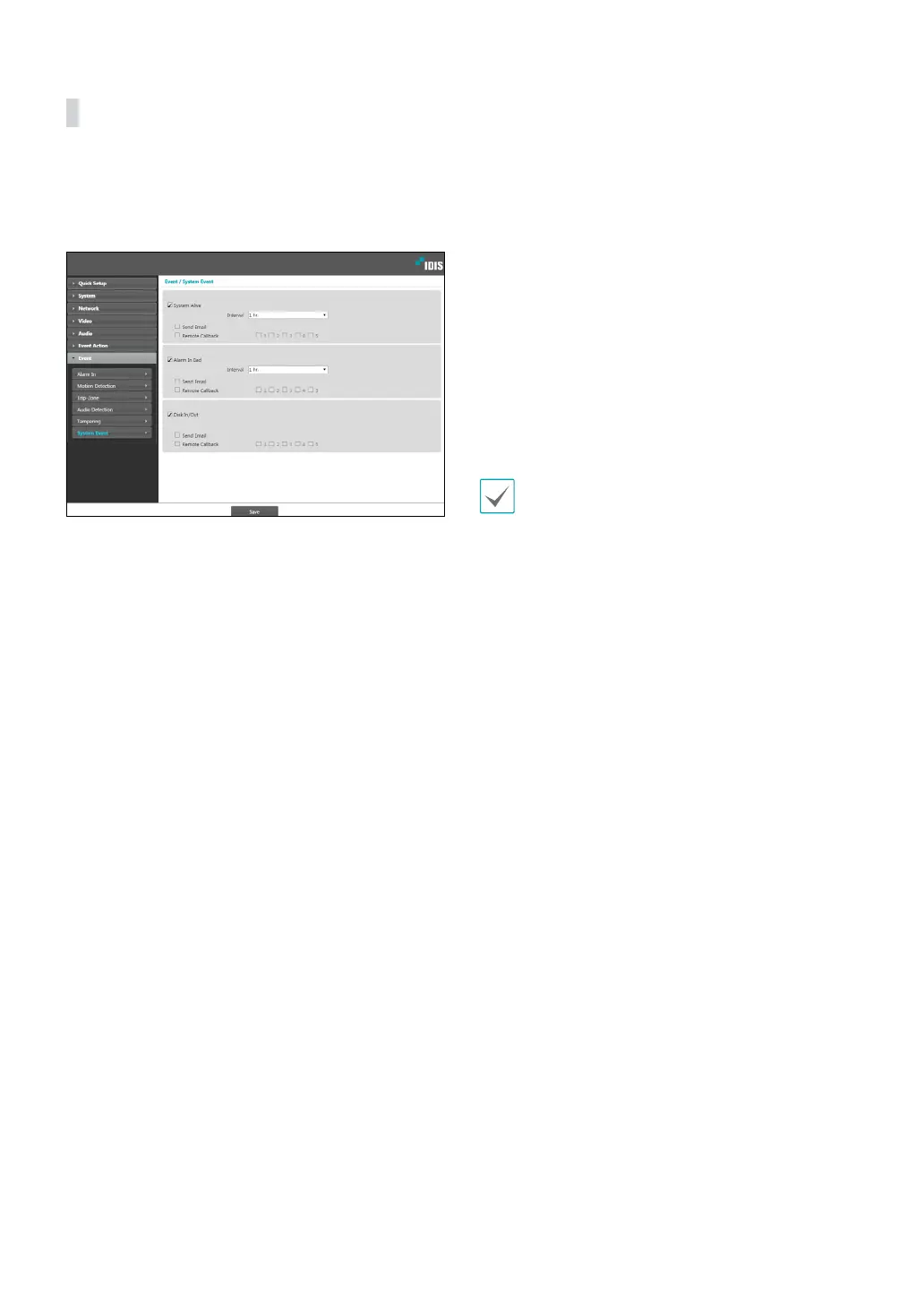
Select System Event and congure system event
settings. With system event enabled, system status,
alarm in status, and disk status will be checked
periodically and corresponding alerts will be generated.
• System Alive: Select to check the system status and
then set up a schedule.
- Send Email: Select to send out an email when the
system comes on line.
- Remote Callback: Select this option to send a
message to a remote system when the system
comes on line and then select which system to send
the message to.
• Alarm In Bad: Select to check the alarm in status and
then set up a schedule.
- Send Email: Select to send out an email if no
change is detected in the alarm in status.
- Remote Callback: Select this option to send a
message to a remote system when the SD memory
card is inserted/removed and then select which
system to send the message to.
• Disk In/Out: Select to check if the SD memory card
has been inserted/removed.
- Send Email: Select to send out an email when the
SD memory card is inserted/removed.
- Remote Callback: Select this option to send a
message to a remote system when the SD memory
card is inserted/removed and then select which
system to send the message to.
• Email and Remote Callback settings under Event
Action must be congured correctly in order to
send out emails and messages.
• Remote Callback is not supported on IDIS Web.
• The camera must be registered to the remote
system in order to use the Remote Callback feature.



 To Next Page