Part 1 - Remote Setup
17
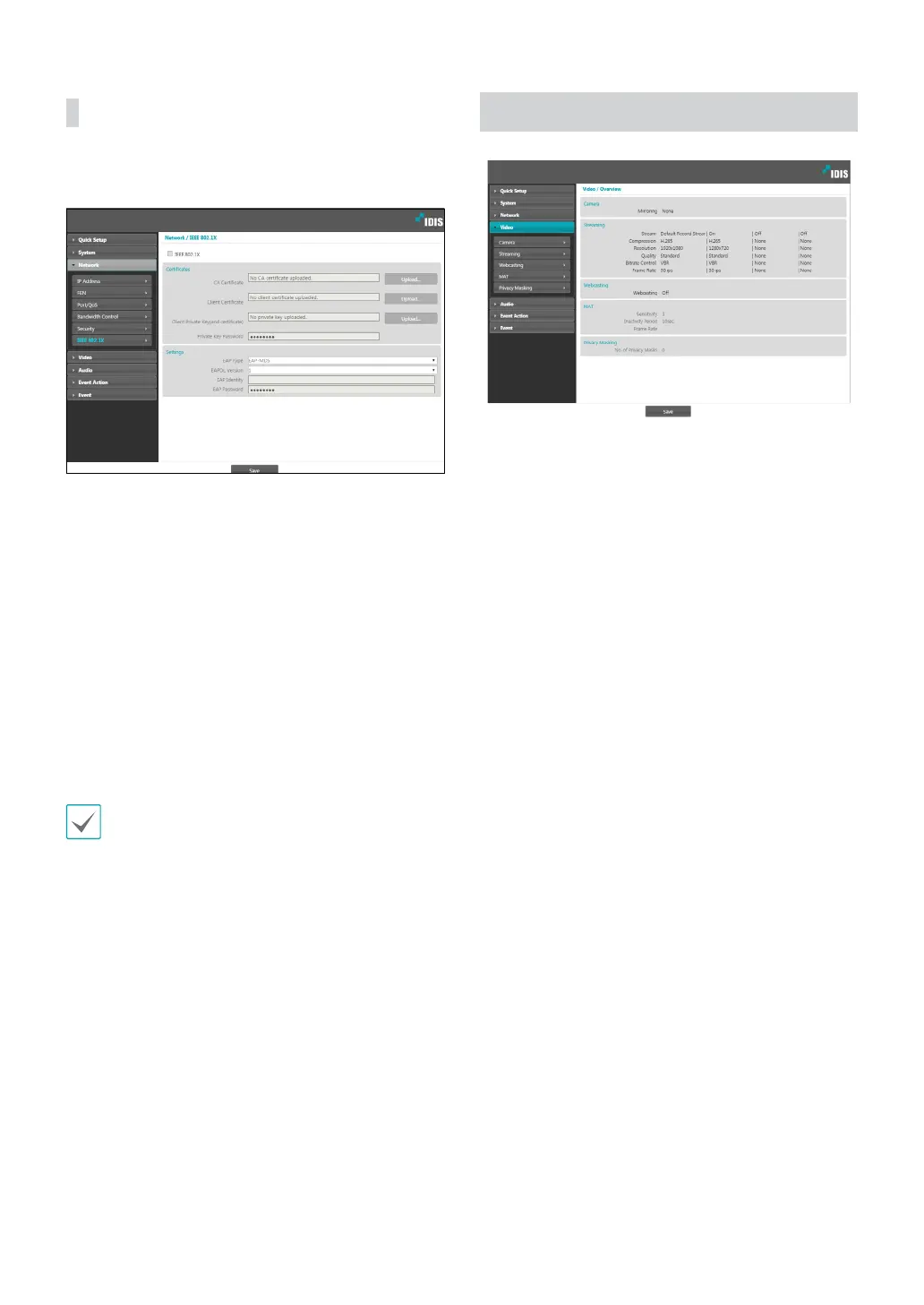
IEEE 802.1X
Select the IEEE 802.1X option to enable IEEE 802.1X
network connection authentication.
• Certicates: Upload a certicate or a private key. You
may be prompted to enter a password for the private
key.
• Settings: Congure EAP (Extensible Authentication
Protocol) settings.
- EAP Type: Choose a network connection
authentication method. Selected method must be
identical to the authentication method used on the
authentication server.
- EAPOL Version: Choose EAP authentication’s
version.
- EAP Identity/EAP Password: Enter authentication
ID and password.
The authentication server and AP must support IEEE
802.1X authentication in order for the IEEE 802.1X
network connection authentication feature to function
properly.
Video
Congure Camera, Streaming, Webcasting, MAT, and
Privacy Masking options.



 To Next Page