Part 1 - Remote Setup
26
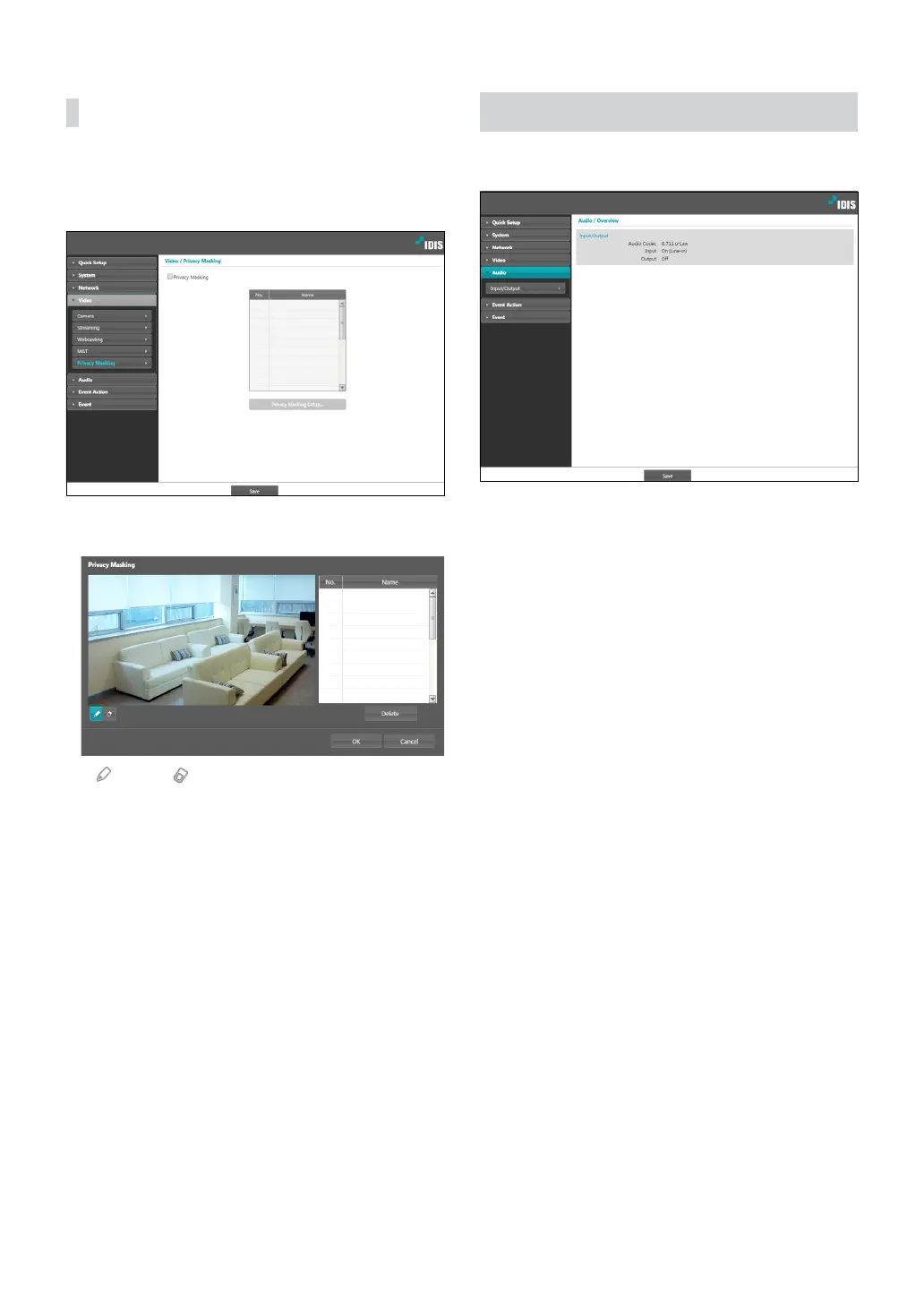
Privacy Masking
Select Privacy Masking to set up a privacy mask over
a specic area. The section on which a privacy mask is
applied will appear as black when monitoring video.
• Privacy Masking Setup: Set up privacy masks(up to
8).
- (Select)/ (Unselect): Set or remove a privacy
mask. Click on the button and drag & drop using
the mouse to set up a privacy mask.
- No./Name: Displays a list of active privacy masks.
The numbers indicate privacy mask numbers. Select
the empty space next to a number to assign a name
to the corresponding privacy mask. Click Delete to
remove the selected privacy mask..
Audio
Congure audio in/out settings.



 To Next Page