Part 1 - Remote Setup
24
- Resolution Limit: Indicates the maximum
resolution that can be set for the streaming area.
- Resolution: Designate a streaming area.
Designated area is marked in red on the screen. You
can adjust the resolution of the area or reposition
the area by dragging and dropping using the
mouse.
- Current Resolution: Displays the resolution of the
designated streaming area.
If multiple users are connected to the camera, the
increase in bandwidth use can lower the frame rate.
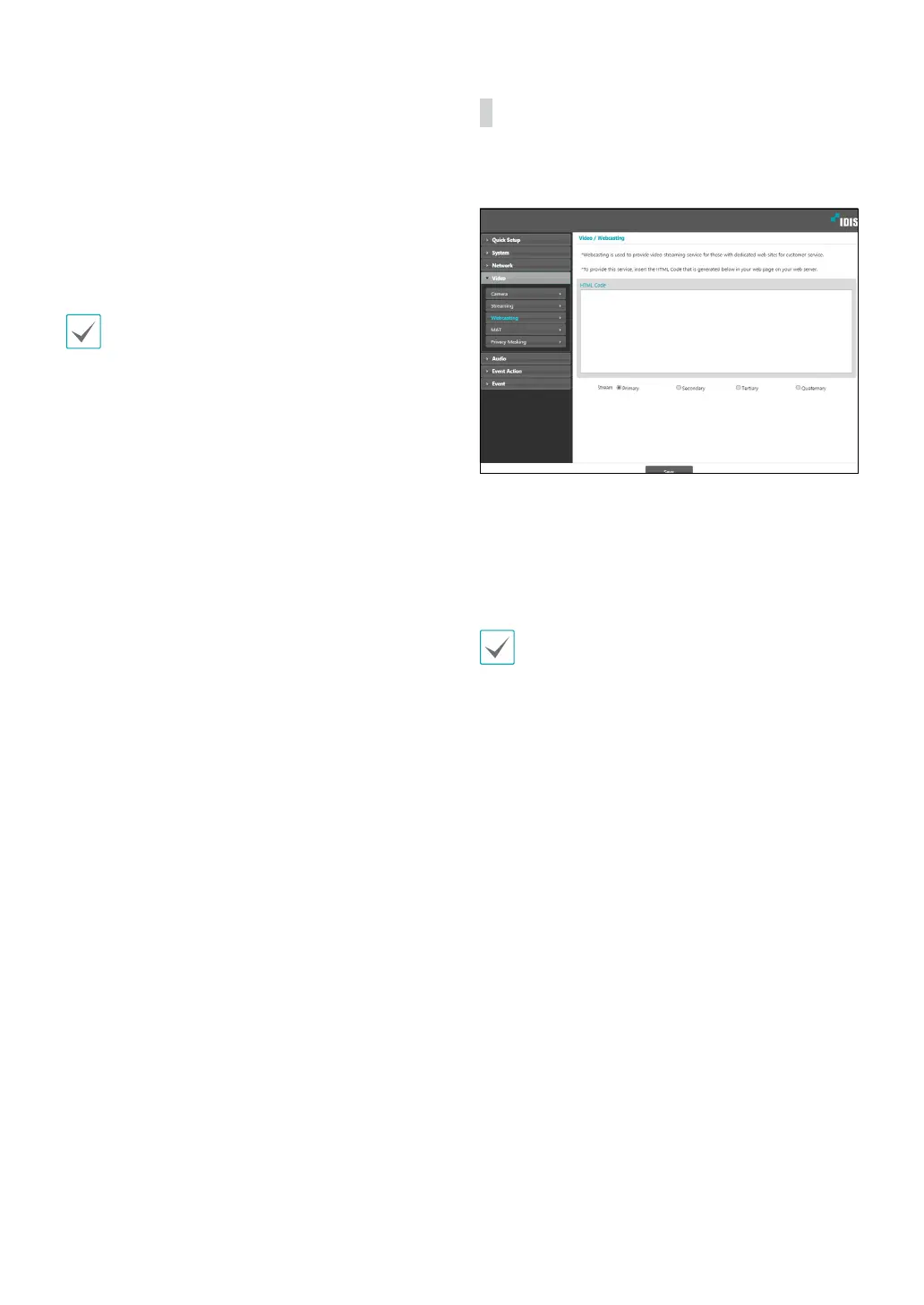
Webcasting
Use the webcasting service to view live images from the
camera on a web site.
• HTML Code: Copy and paste the html code shown on
the screen within the code of the web page you want
the video to be displayed.
• Stream: Choose a stream to use for webcasting. Only
a stream currently in use can be selected.
In order to use the webcasting service, the Allow
Anonymous Login option under System > User/
Group must be selected.



 To Next Page