Part 2 - IDIS Web
42
0
Shows login information.
!
Indicates the camera's number.
@
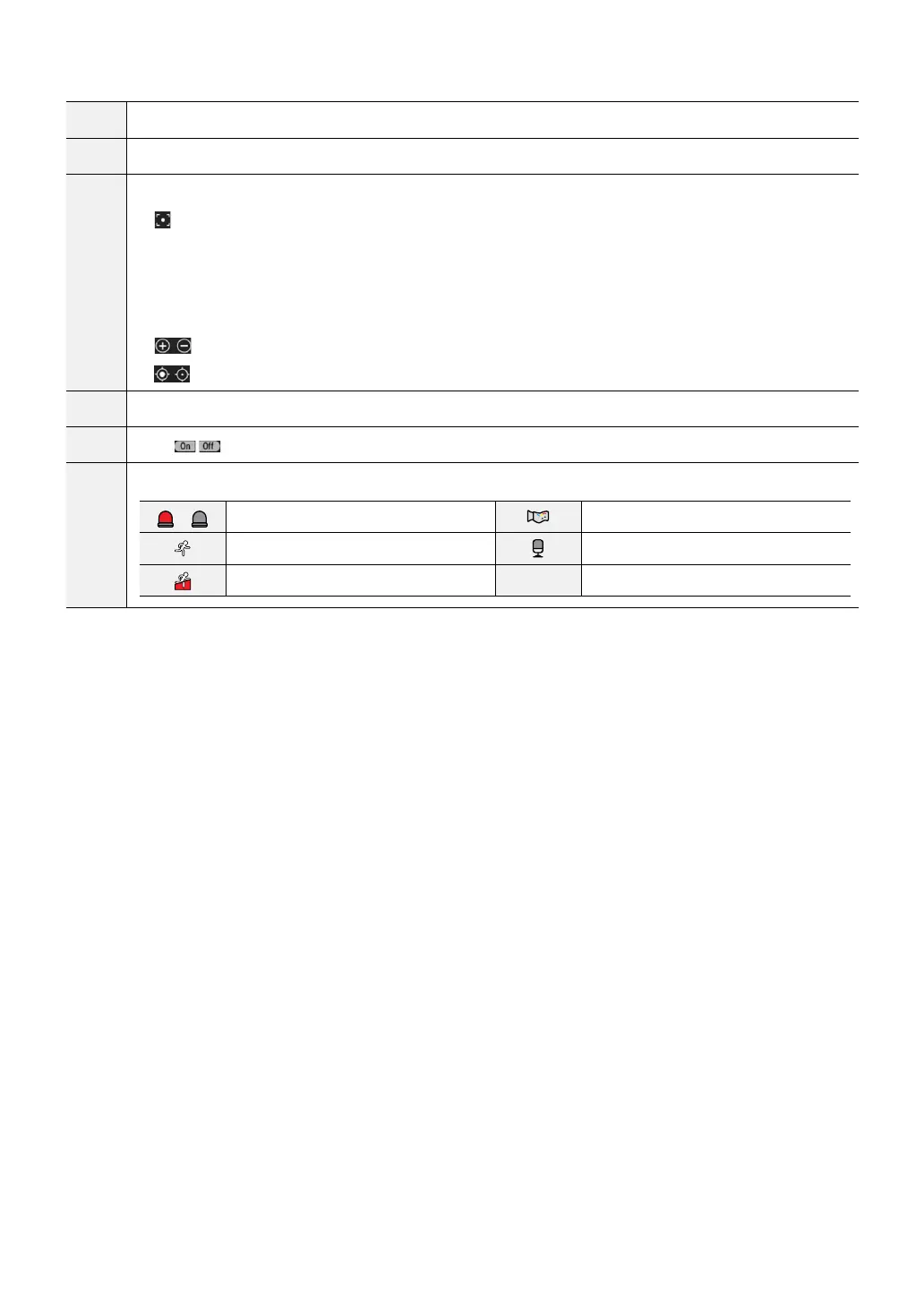
Used to control zoom and focus at a remote location.
•
One push button
- Press this button to nd the optimum focus automatically.
- It is recommended to get an approximate focus using the manual focusing button before pressing
the one push button for fast and ecient focusing.
- This button is not supported in the ONVIF protocol.
•
Zoom buttons
•
Focusing buttons
#
Used to adjust live video quality.
$
Click
to control the alarm out device connected to the camera.
%
Event status window at the bottom of the screen displays a list of events detected at remote locales.
/
Enable/Disable Alarm In Tampering
Motion Detection Audio Detection
Trip zone



 To Next Page