ID TECH VP6800 User Manual
Page | 12
6. Basic Operation
When powered on, the VP6800 boots automatically and illuminates within about five seconds. For
development purposes, use cable P/N 80159217-001. Plug the 12-pin Molex connector into the back
of the VP6800, and supply 5VDC 2A power (via cannon connector at the powered DB9 connection)
using an ID TECH P/N AC0005R-26 or equivalent power supply. Optionally also connect a standard
Ethernet cable between the RJ45 ports on the back of the VP6800 and the network port of the host
system.
6.1. VP6800 Card Interfaces
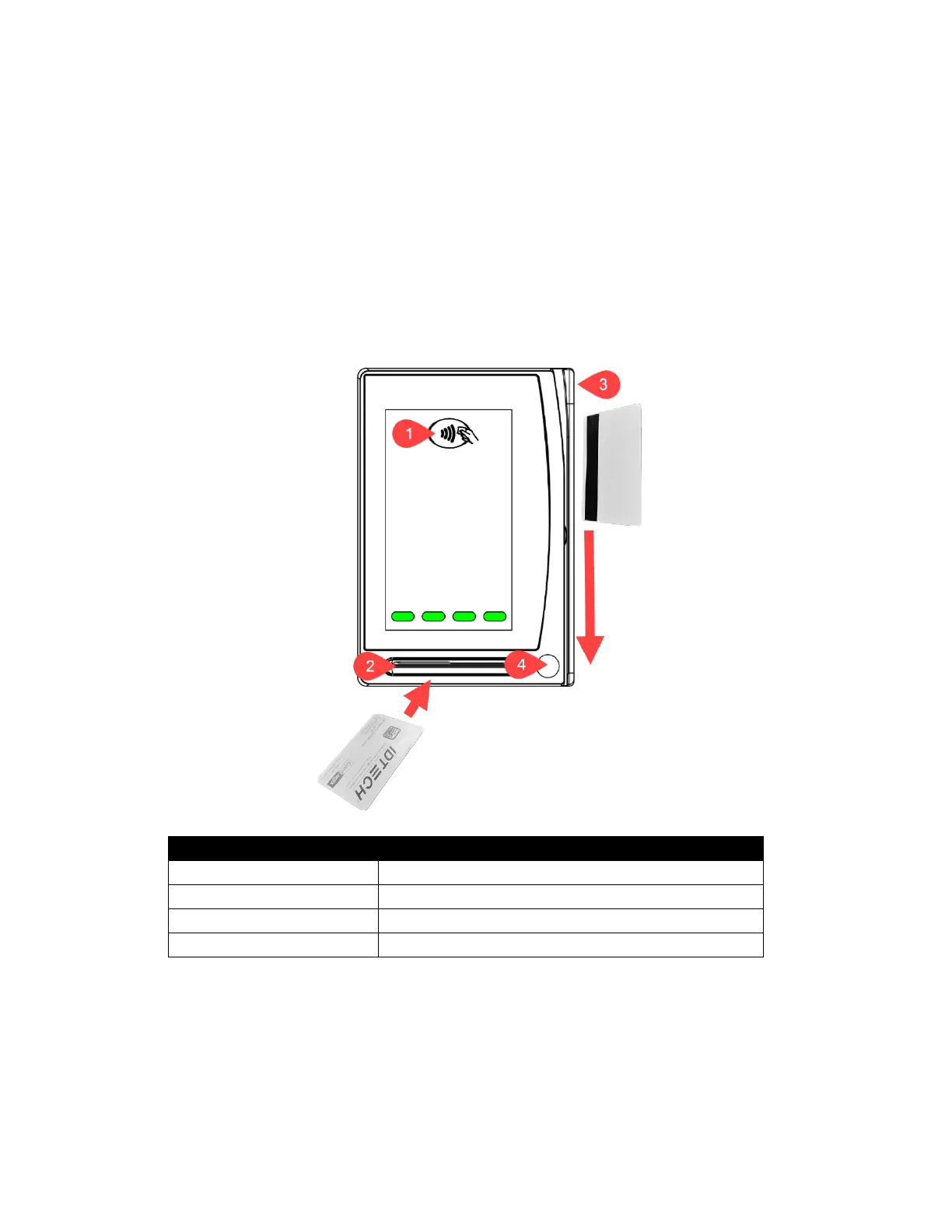
VP6800 readers have the following card interface points, shown below.
Smart chip must face upward for ICC transactions.
MagStripe must face left for MSR swipes.



 To Next Page