ID TECH VP6800 User Manual
Page | 32
15. Updating VP6800 Firmware
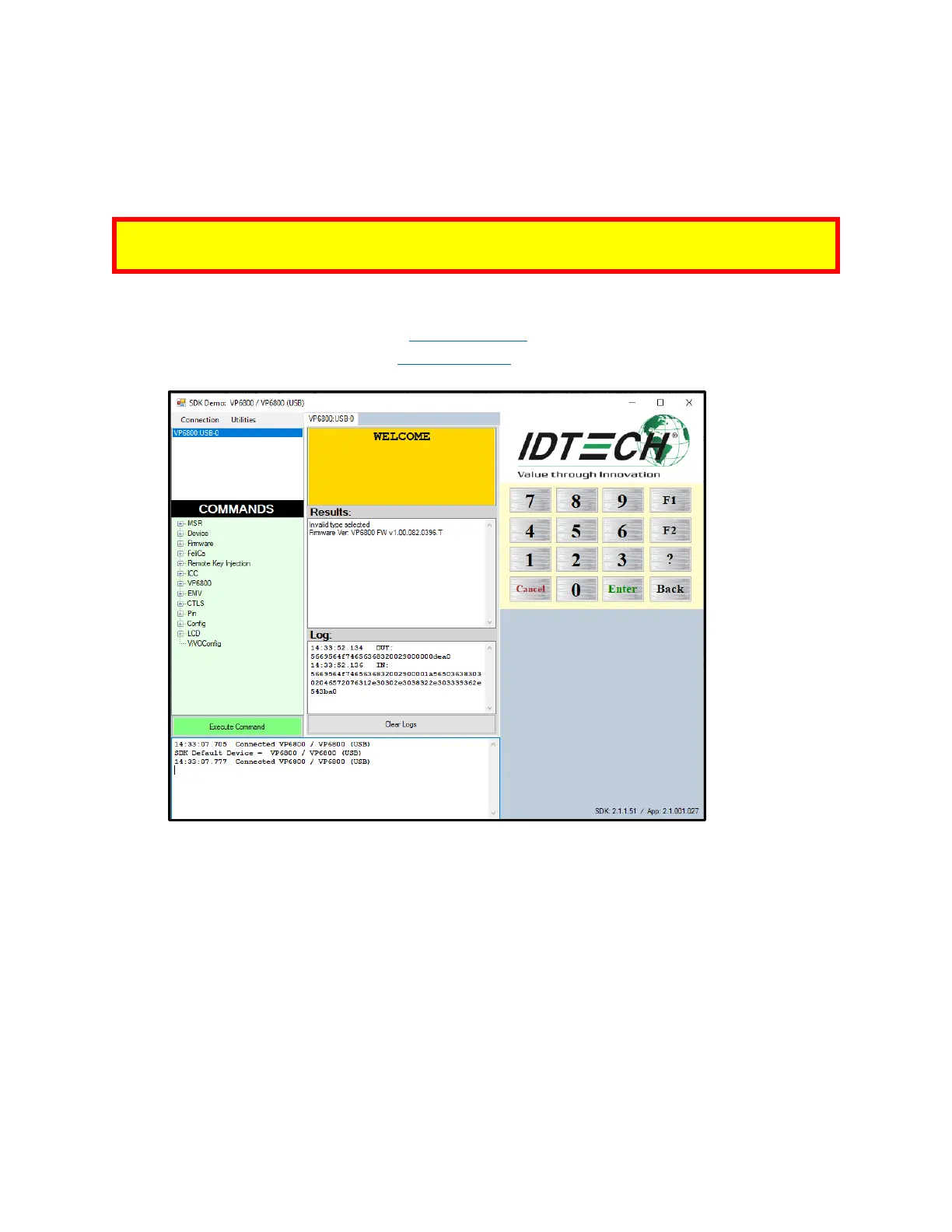
The steps below describe the process for updating VP6800’s firmware (for both its K81 and RT1050
processors) via the Universal SDK Demo.
Note: Before you begin, contact your ID TECH representative to receive the most recent VP6800
firmware. Download the ZIP file and extract it to your computer.
1. Connect the VP6800 to your PC via USB or serial port.
2. Download and install the latest USDK Demo app
from the ID TECH Knowledge Base (if you
cannot access the link, please contact support).
3. Open the USDK Demo app from the Windows Start menu.



 To Next Page