ID TECH VP6800 User Manual
Page | 29
8.3.1. Selecting Wi-Fi or Bluetooth
VP6800 units can only transmit wirelessly over one communication format at a time: Wi-Fi
or Bluetooth. In addition to the steps below, see the following commands in the NEO 2 Interface
Developer’s Guide:
• Enable/Disable Communication Port (D2-03)
• Set Wireless Work Mode (D1-19)
When using an iOS device, make sure to enable Bluetooth communication.
Follow the steps below to choose either Wi-Fi or Bluetooth.
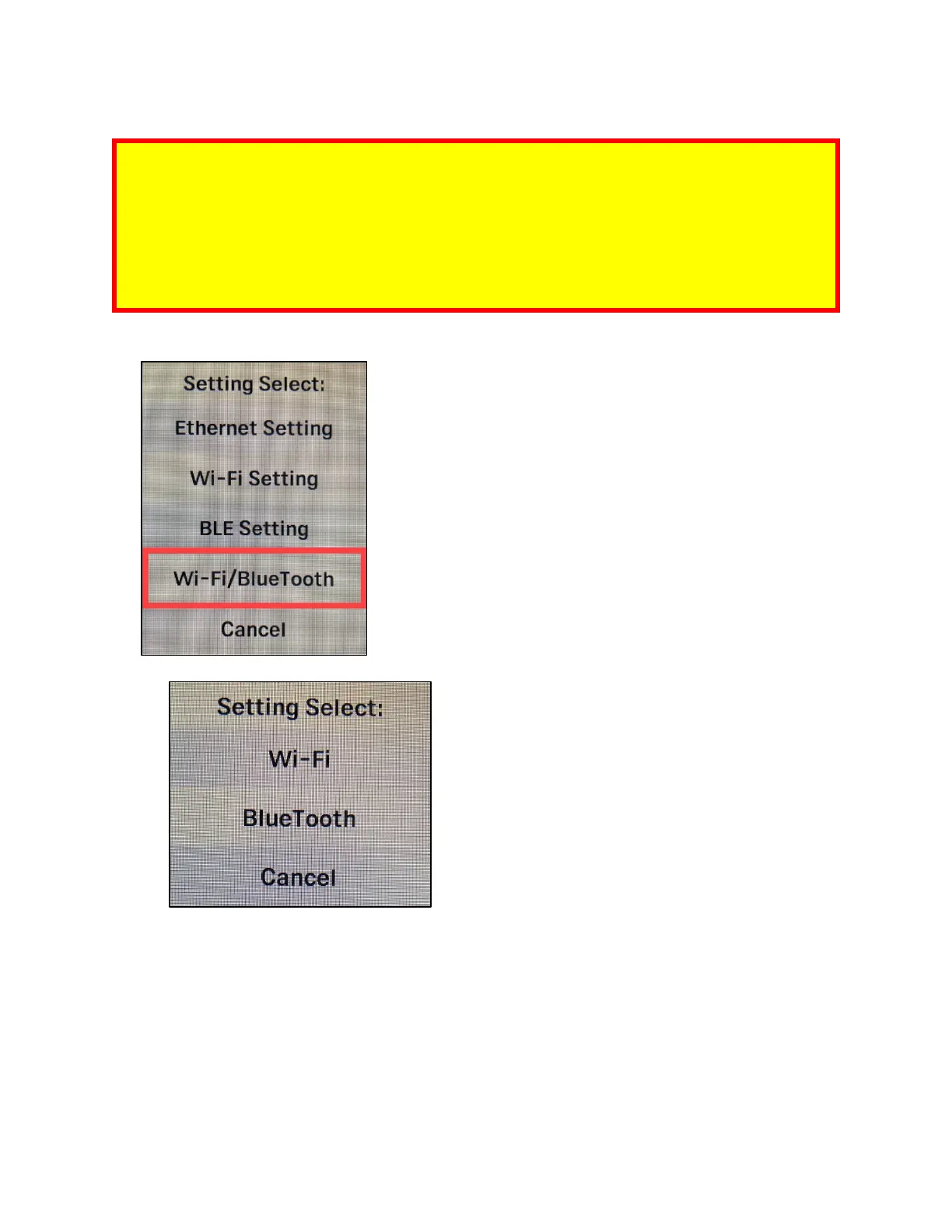
1. Enter the main menu and select Wi-Fi/Bluetooth.
2. Select Wi-Fi or Bluetooth to choose the desired communication format.
a. Select Cancel to exit the menu without making any changes.



 To Next Page