ID TECH VP6800 User Manual
Page | 13
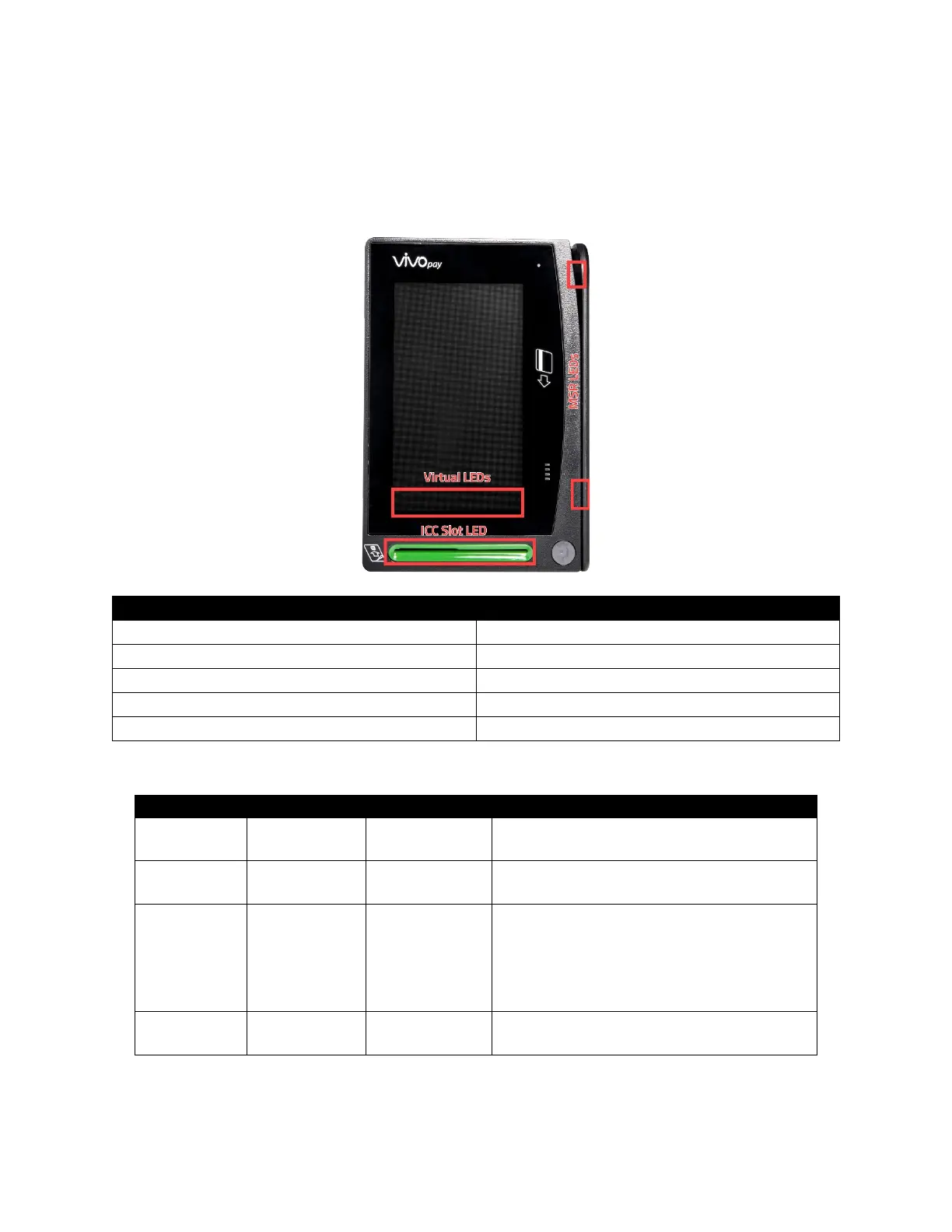
6.2. LEDs and LCD Status Indicators
The VP6800 uses LEDs and the main LCD display to denote its status during transactions and in case
of errors. The small LED lights beside the main digital display used during a contactless
transaction. Contactless LED lights also appear on the digital display.
First left virtual LED blink green regularly
VP6800 in standby awaiting transaction
First left virtual LED is solid green
Contactless transaction started
All four virtual LEDs blink green
Contactless transaction complete
6.3. Device State and UI
Device is in “Manufactory mode;” no security
functions enabled.
Manufactory data and certificate loaded into
device, but no working keys.
Key”
“Self–test Fail”
Device activated but not ready for sensitive
functions.
The reason should be due to missing working
keys, device is suspended due to self-test fail
or sensitive limitation, etc.
Device ready for sensitive functions, like
transaction, Get PIN ,GET account, etc.



 To Next Page