ID TECH VP6800 User Manual
Page | 21
8. VP6800 Configuration Settings
Setting up the VP6800 requires users to enter the main menu each time they enter a sub-menu,
even if they do not save any setting changes.
Note that users can change many of the settings below via firmware commands. To use firmware
commands to configure a VP6800 unit, refer to the NEO 2 Interface Developer's Guide, available from
your ID TECH representative.
Follow the steps below to access the main menu.
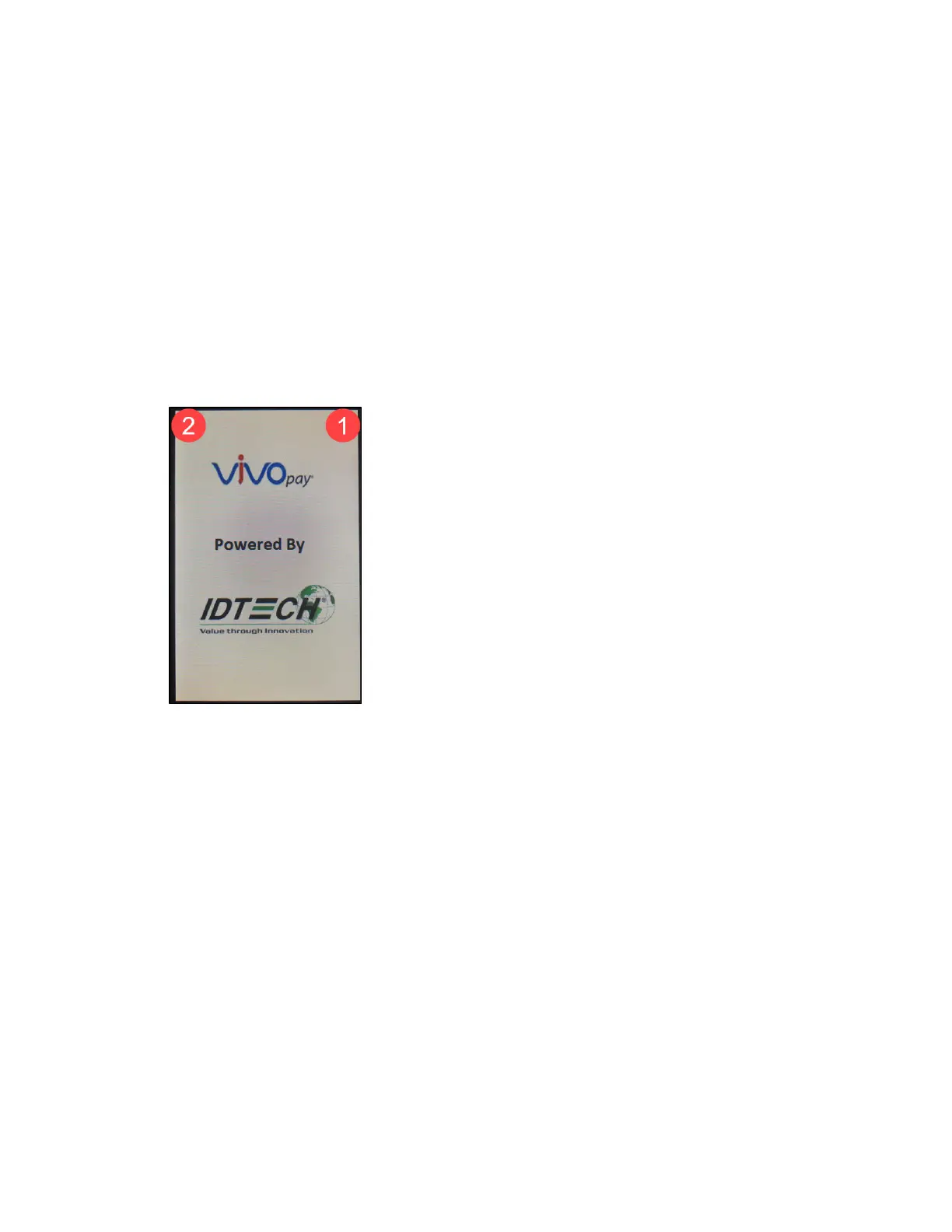
1. Power on the VP6800.
2. Perform a quick press in the top-right corner, then a long press in the top-left corner to enter
the Settings menu.



 To Next Page