ID TECH VP6800 User Manual
Page | 28
8.3. Configuring BLE Settings
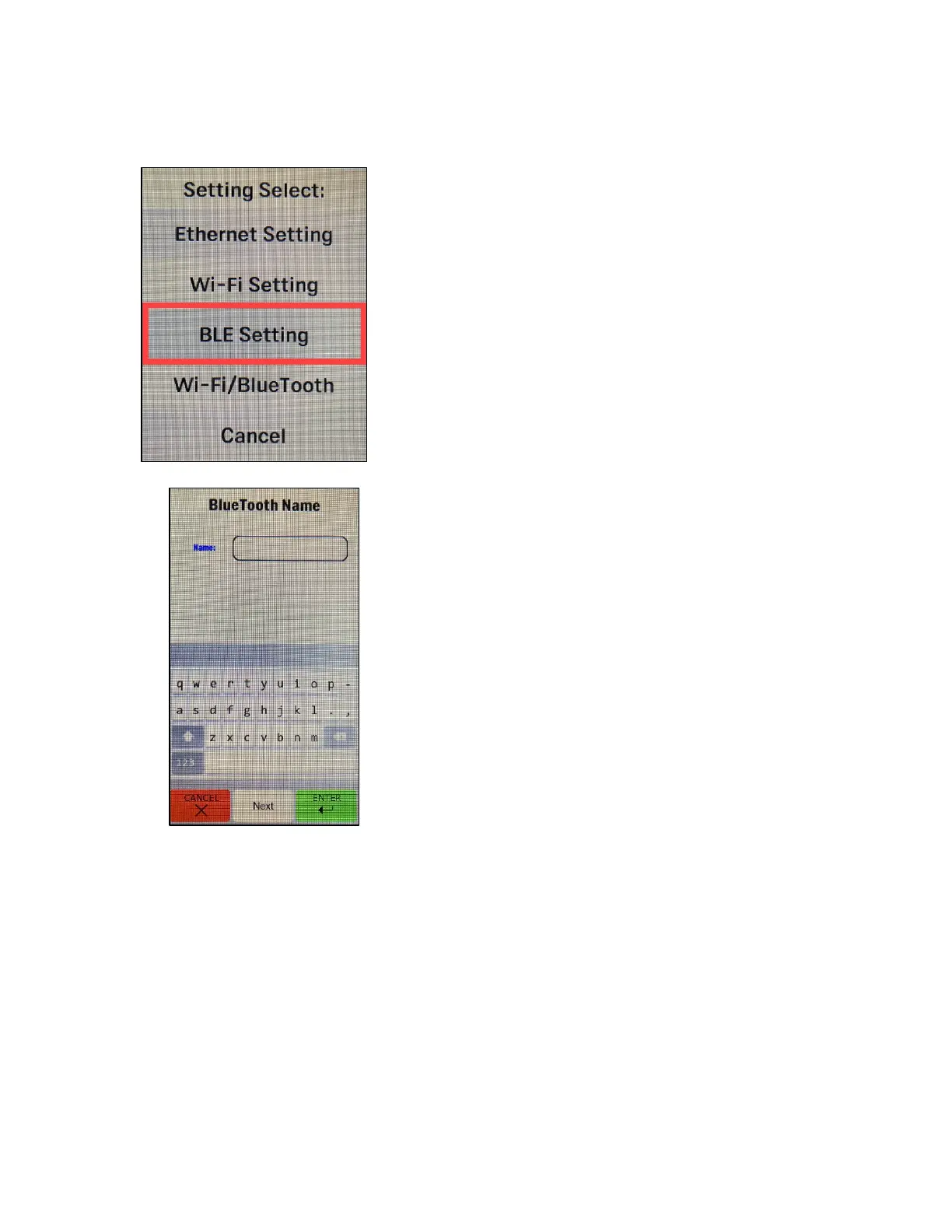
Follow the steps below to configure Bluetooth name settings.
1. Enter the main menu and select BLE Settings.
2. Select Name.
3. Enter the desired Bluetooth identifier name in the Name field.
a. Select Enter after completing the configuration to save.
b. To clear a field, select Cancel.
c. To exit the menu without making changes, select Cancel again.
3. The VP6800’s screen displays a Name is Set dialog on success.



 To Next Page