55
ifm Operating Instructions IO-Link Master with Profinet interface StandardLine 8 Ports IP 65 / IP 67 (AL1102) 2017-05-31
Operation
>
9.1 Identify device
22816
In the online mode, the user can identify the device using the status LEDs RDY, BF und SF
► Start LR DEVICE.
► Scan network for devices.
> LR DEVICE detects the device.
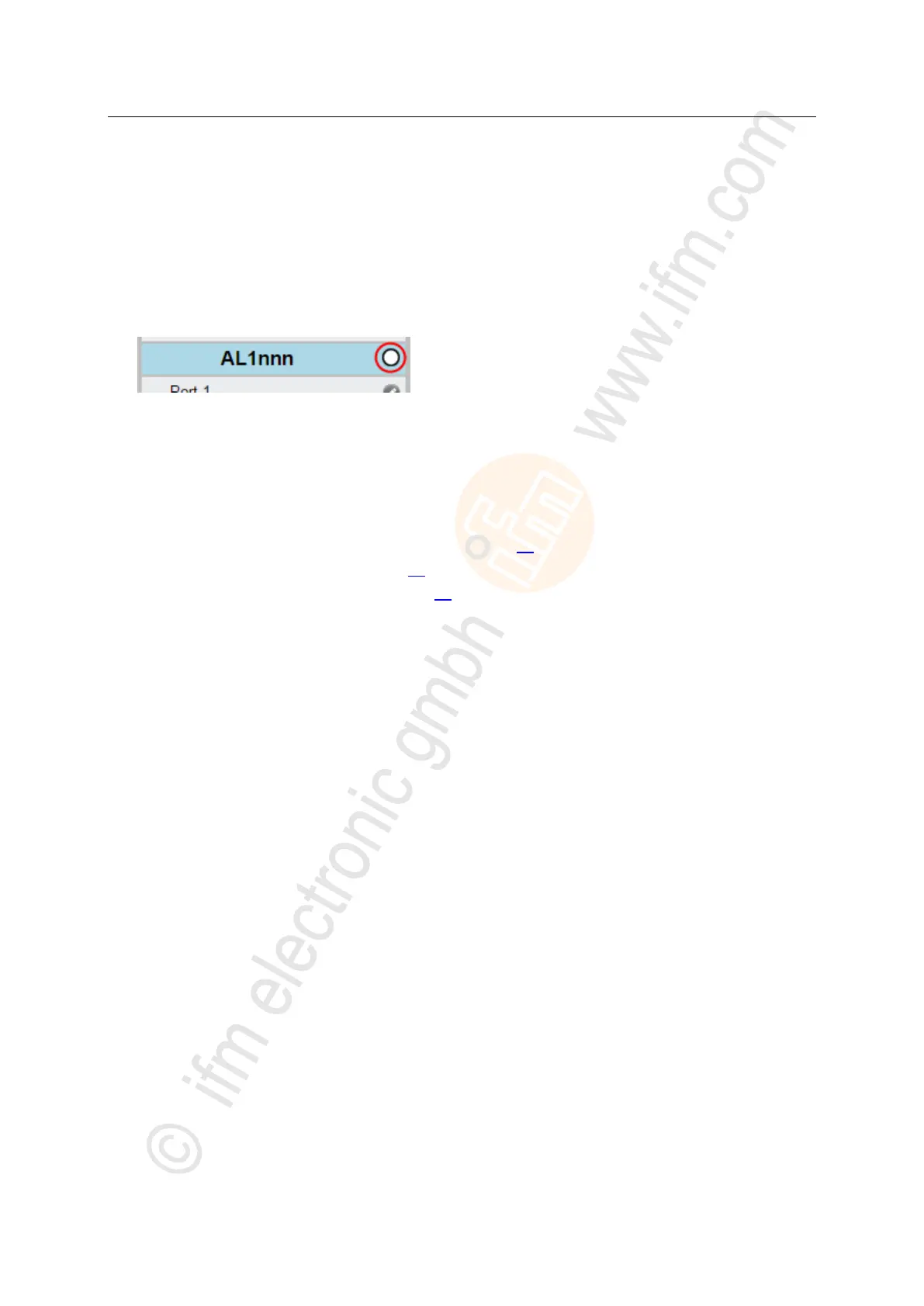
► Click on the selection field next to the device name.
> The status LEDs on the unit flash asynchronously.
>
9.2 Read device information
12741
In order to get information about the current status of the hardware and software components of the
device, the user can use the following possibilities:
Web interface: Read device and diagnostic information (→ p. 56)
LR DEVICE: Read device information (→ p. 57)
Profinet: Read & write device information (→ p. 57)


 To Next Page