57
ifm Operating Instructions IO-Link Master with Profinet interface StandardLine 8 Ports IP 65 / IP 67 (AL1102) 2017-05-31
Operation
9.2.2 LR DEVICE: Read device information
11614
To show information about the AL1102:
► Start LR DEVICE.
► Scan network for devices.
> LR DEVICE shows recognised AL1102.
► Mouse click on AL1102
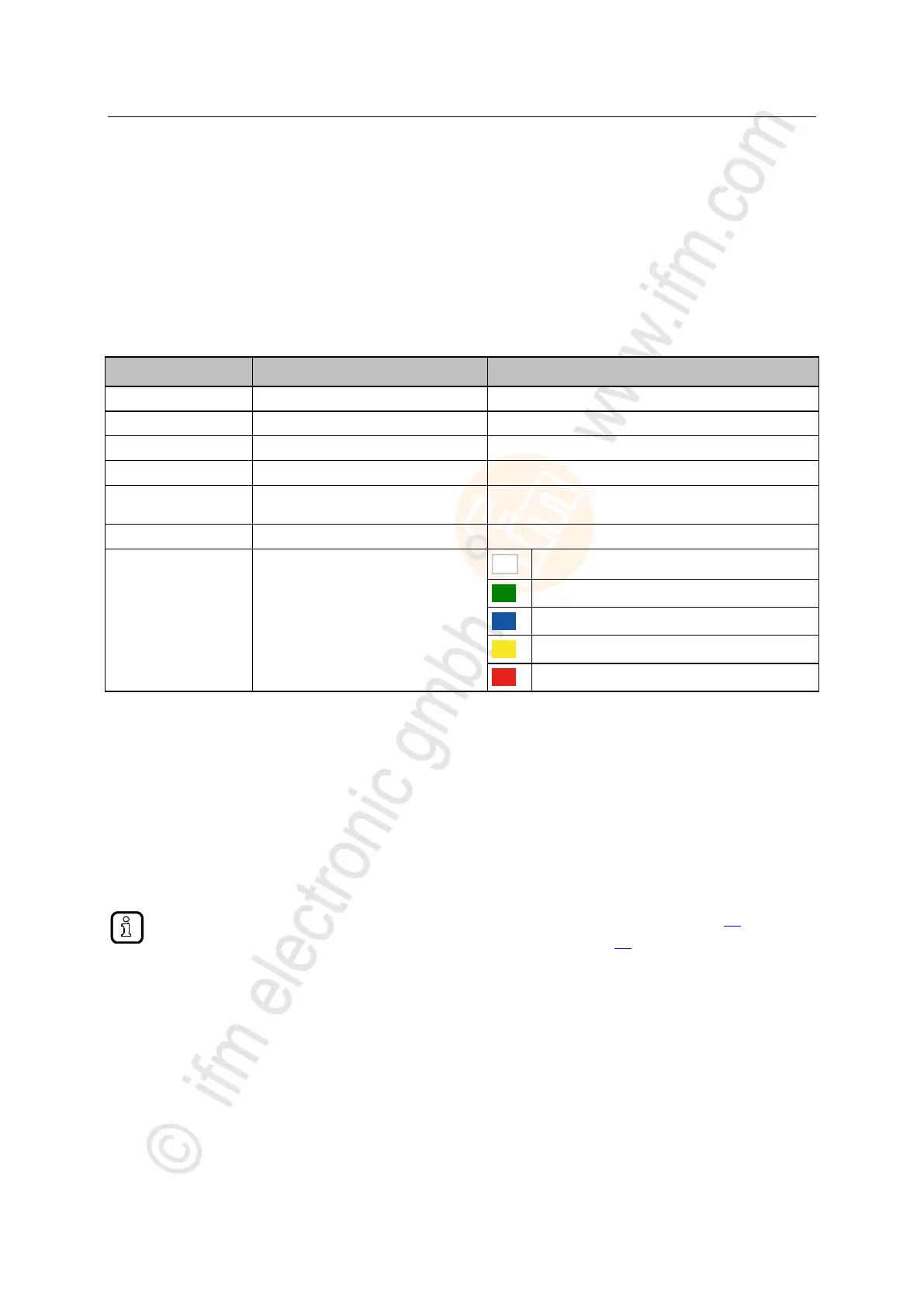
> The header shows the following information:
Article number of the device
Manufacturer of the device
Serial number of the device
Hardware revision / software revision of
the unit
IO-Link master StandardLine Profinet 8 ports IP 65 / IP 67
Current status of the slave
no information about the condition
OK: no errors, no warning, no information
OK: no errors, no warning, information
>
9.2.3 Profinet: Read & write device information
22783
I&M0 provide the user with device-specific basic information. This ensures reliable identification of the
device, the device's hardware and software components, and the manufacturer.
The datasets I&M1 to 3 offer the programmer the possibility to store project-specific information on the
device.
The programmer can access the I&M0 datasets of the slots 0 and 1 in the Profinet projection software
via the following functions:
Information about the usable function blocks: → Profinet: Programmers' notes (→ p. 50)
Further information about the I&M datasets: → I&M datasets (→ p. 75)


 To Next Page