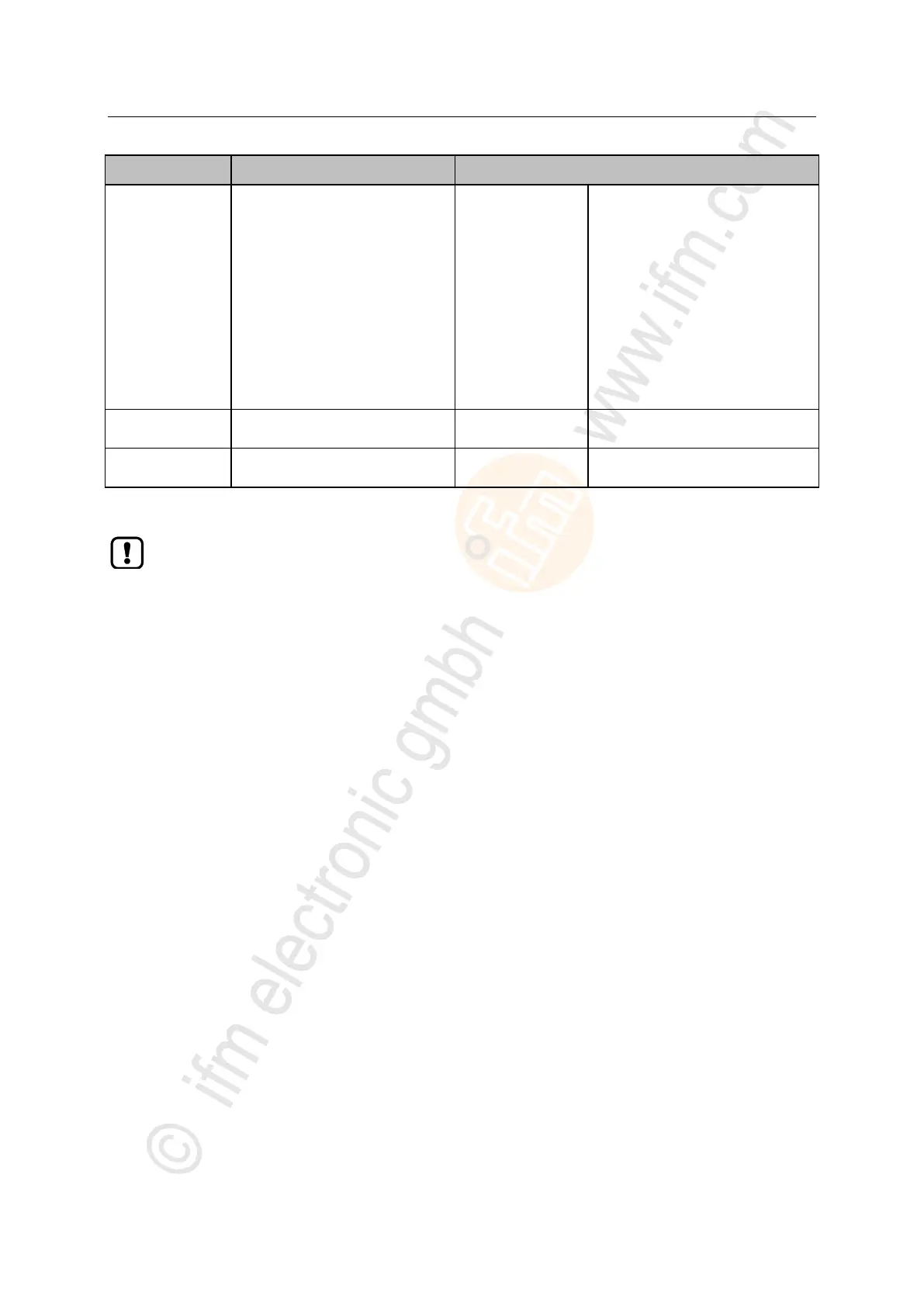
IO-Link device is compatible with
the V1.1 IO-Link standard
Verification whether it is an IO-Link
device of the same type (validation
via vendor ID and device ID)
The IO-Link master stores the
parameter values of the connected
IO-Link device once if the data
memory of the AL1102 is empty.
When connecting an IO-Link device
with factory settings, the parameter
values stored in the IO-Link master
are restored automatically on the
IO-Link device.
* ... settings are only valid if [Fail Safe Mode] = Fail Safe with Pattern
If the parameter values of an IO-Link device are changed with IO_LINK_DEVICE, the backup
mechanism remains ineffective. The changed parameter values are not stored on the IO-Link
master.


 To Next Page