23
UK
9.4.2 Scaling of the analogue value for temperature
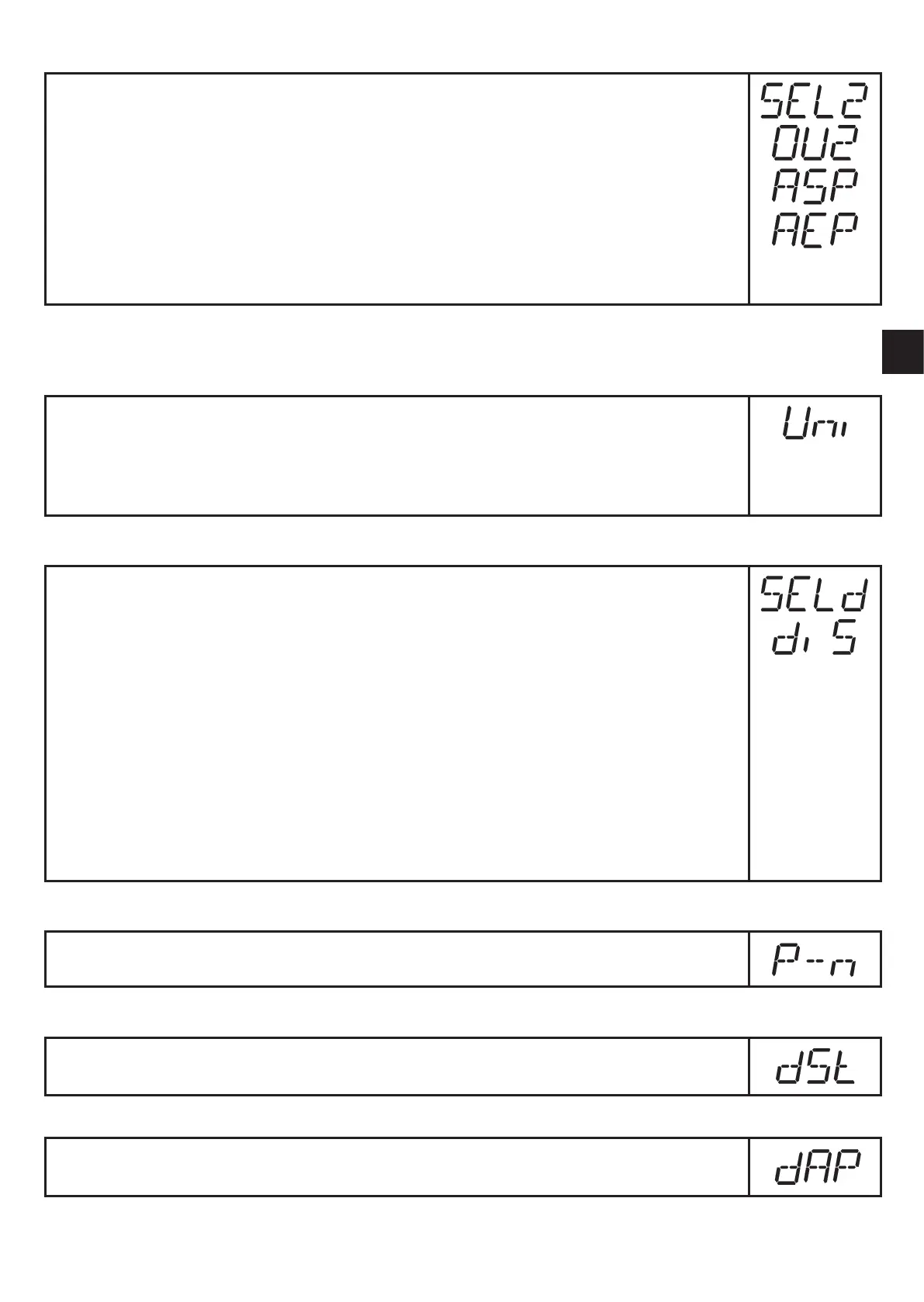
► Select [SEL2] and set [TEMP]�
► Select [OU2 ] and set the function:
- [I] = current signal proportional to temperature (4…20 mA);
- [U] = voltage signal proportional to temperature (0…10 V)�
► Select [ASP] and set the value at which the minimum output value is
provided�
► Select [AEP] and set the value at which the maximum output value is
provided�
9.5 User settings (optional)
9.5.1 Determine the standard unit of measurement for volumetric flow
► Select [Uni] and set the unit of measurement: [Lmin] or [m3h]�
The setting only has an effect on the volumetric flow value� The counter
values (consumed quantity) are automatically displayed in the unit of meas-
urement (l or m3) providing the highest accuracy�
9.5.2 Configuration of the standard display
► Select [SELd] and determine the standard process category�
- [FLOW] = display shows the current volumetric flow value in the stand-
ard unit of measurement�
- [TOTL] = display indicates the current meter count in l, m
3
or 1000 m
3
�
- [TEMP] = display indicates the current medium temperature in °C�
► Select [diS] and determine the update rate and orientation of the display:
- [d1] = update of the measured values every 500 ms�
- [d2] = update of the measured values every 1000 ms�
- [d3] = update of the measured values every 2000 ms�
- [rd1], [rd2], [rd3] = display as for d1, d2, d3; rotated by 180°�
- [OFF] = the display is switched off in the operating mode�
9.5.3 Setting the output logic
► Select [P-n] and set [PnP] or [nPn]�
9.5.4 Setting the start-up delay
► Select [dSt] and set the numerical value in seconds�
9.5.5 Setting the damping of the measured values
► Select [dAP] and the damping constant in seconds (t value 63 %)�







 To Next Page