25
UK
9.7 Setting of the preset meter / pulse value (ImPS)
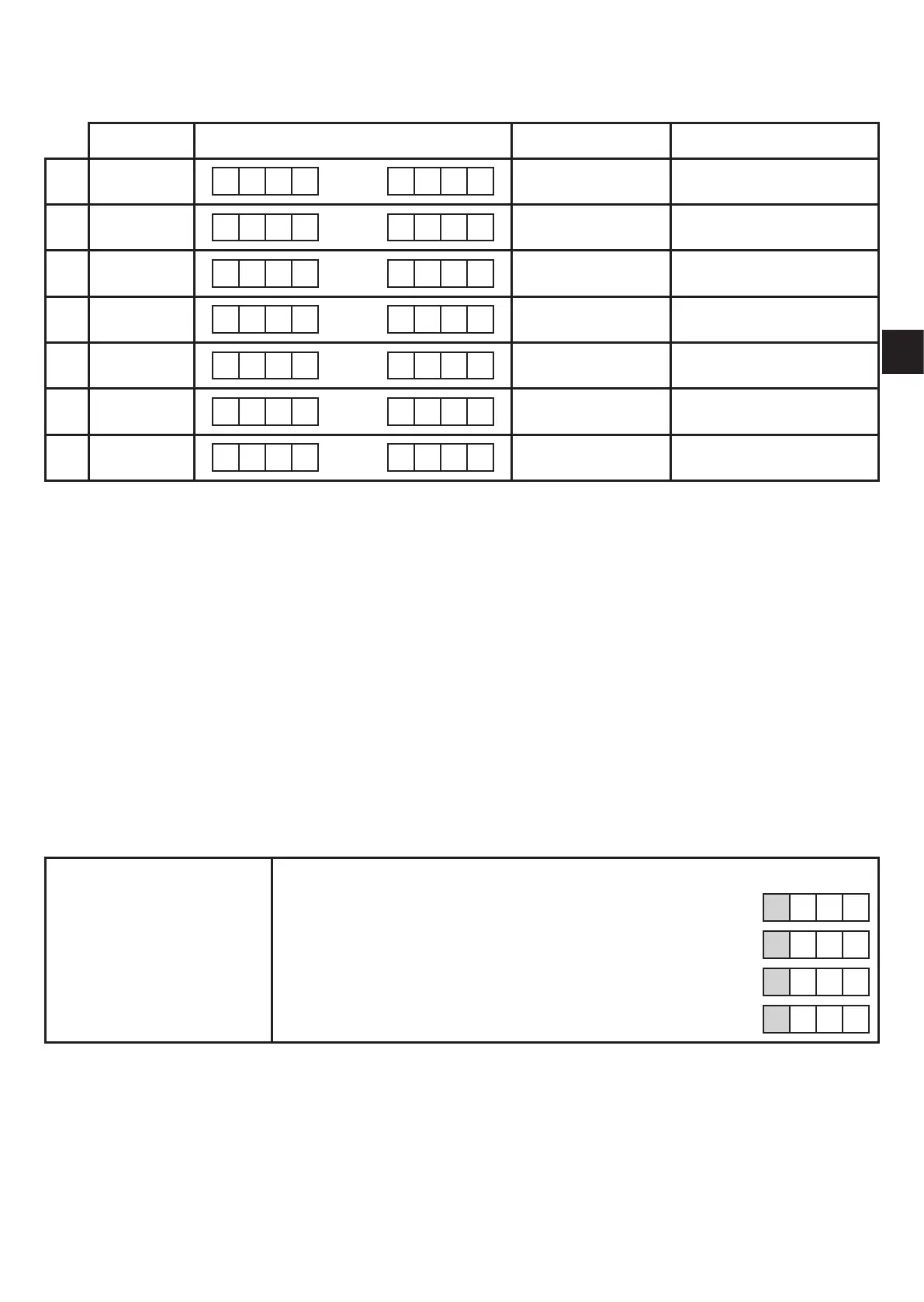
7 setting ranges are available:
LED Display in steps of Value
1
3 0 0� 0 1 ��� 9 9� 9 9 0�01 l 0�01���99�99 l
2
3 1 0 0� 0 ��� 9 9 9� 9 0�1 l 100�0���999�9 l
3
3 1 0 0 0 ��� 9 9 9 9 1 l 1000���9999 l
4
4 1 0� 0 0 ��� 9 9� 9 9 0�01 m³ 10�00���99�99 m³
5
4 1 0 0� 0 ��� 9 9 9� 9 0�1 m³ 100�0���999�9 m³
6
4 1 0 0 0 ��� 9 9 9 9 1 m³ 1000���9999 m³
7
4 + 6 1 0� 0 0 ��� 3 0� 0 0 10 m³ 10 000���30 000 m³
Setting operation:
► Set[OU1]to[ImP](→9.3.2).
► Press [Mode/Enter] until [ImPS] is displayed�
► Press [Set] and keep it pressed�
> The current numerical value flashes for 5 s, then one of the 4 digits becomes
active (digit flashes, can be changed)�
► Set the requested value as indicated in the following table�
► First select the requested setting range� Then set the figure from the left digit to the
right digit�
► Press [Mode/Enter] briefly when all 4 digits are set�
As soon as the first digit flashes there are 3 options:
► Press [Set] once� The flashing digit is increased� 9 is followed by 0 - 1 - 2, etc�
8 1� 2 3
1 x [Set] pressed 9 1� 2 3
1 x [Set] pressed 0 1� 2 3
1 x [Set] pressed 1 1� 2 3



 To Next Page