108
6.2
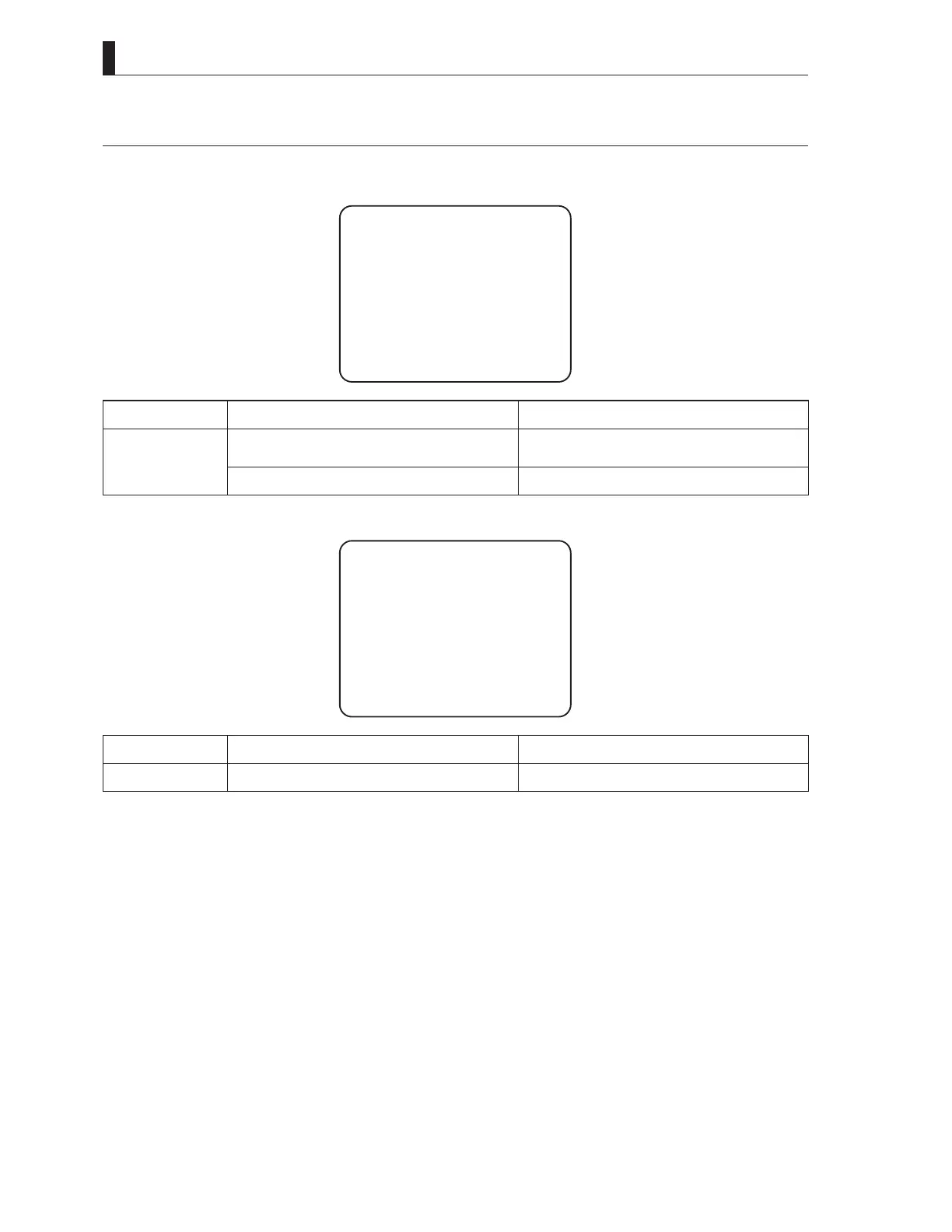
"TEMP!!" or "FAN!!" Appears on the VF Screen
:KHQWKHWHPSHUDWXUHLQVLGHWKHFDPHUDLQFUHDVHVDEQRUPDOO\DZDUQLQJLQGLFDWLQJDQDEQRUPDOWHPSHUDWXUHULVHÀDVKHVRQWKH
YLHZ¿QGHUVFUHHQ
TEMP!!
Status Cause Action
TEMP!! flashing
The camera is exposed to direct sunlight for
many hours.
Put a sunshade cover on the camera to avoid
direct sunlight.
The camera is used near some heating appliance. Move the position of the camera or heating appliance.
,IDIDQVWRSVGXHWRVRPHIDLOXUHDZDUQLQJLQGLFDWLQJDQLUUHJXODUIDQVWRSÀDVKHVRQWKHYLHZ¿QGHUVFUHHQ
FAN!!
Status Cause Action
FAN!! flashing Fan stops. Inspect the fan for any problem.
Note:
7RSUHYHQWWHPSHUDWXUHLQFUHDVHLQVLGHWKHFDPHUDFRROLQJIDQVDUHSURYLGHGDWWKHWRSRIWKHFDPHUDDQG¿EHUDGDSWRU
For how to check which fan stops, refer to
"5. CAMERA SETTINGS and ADJUSTMENT [Menu Configuration and content]" (P81)
.



 To Next Page