74
iii
Enhancing the Vertical Resolution (Super-V Function)
Super-V function enhances the vertical resolution. It is activated from the camera, MCP, or OCP.
Note:
- The sensitivity of the camera decreases when in the Super-V function mode.
- When a remote controller is connected, the operation of the remote controller has priority over the operation switches on the camera.
Camera r e
S r ae
Camera r e
Select "1" or "2" from MENU (1/4) "VF DISPLAY" - "DISPLAY MODE."
&KDUDFWHUVDSSHDULQWKHYLHZ¿QGHU
Reference:
Refer to
"5.2 Settings from the Menu [Menu Configuration and content]" (P81)
for details.
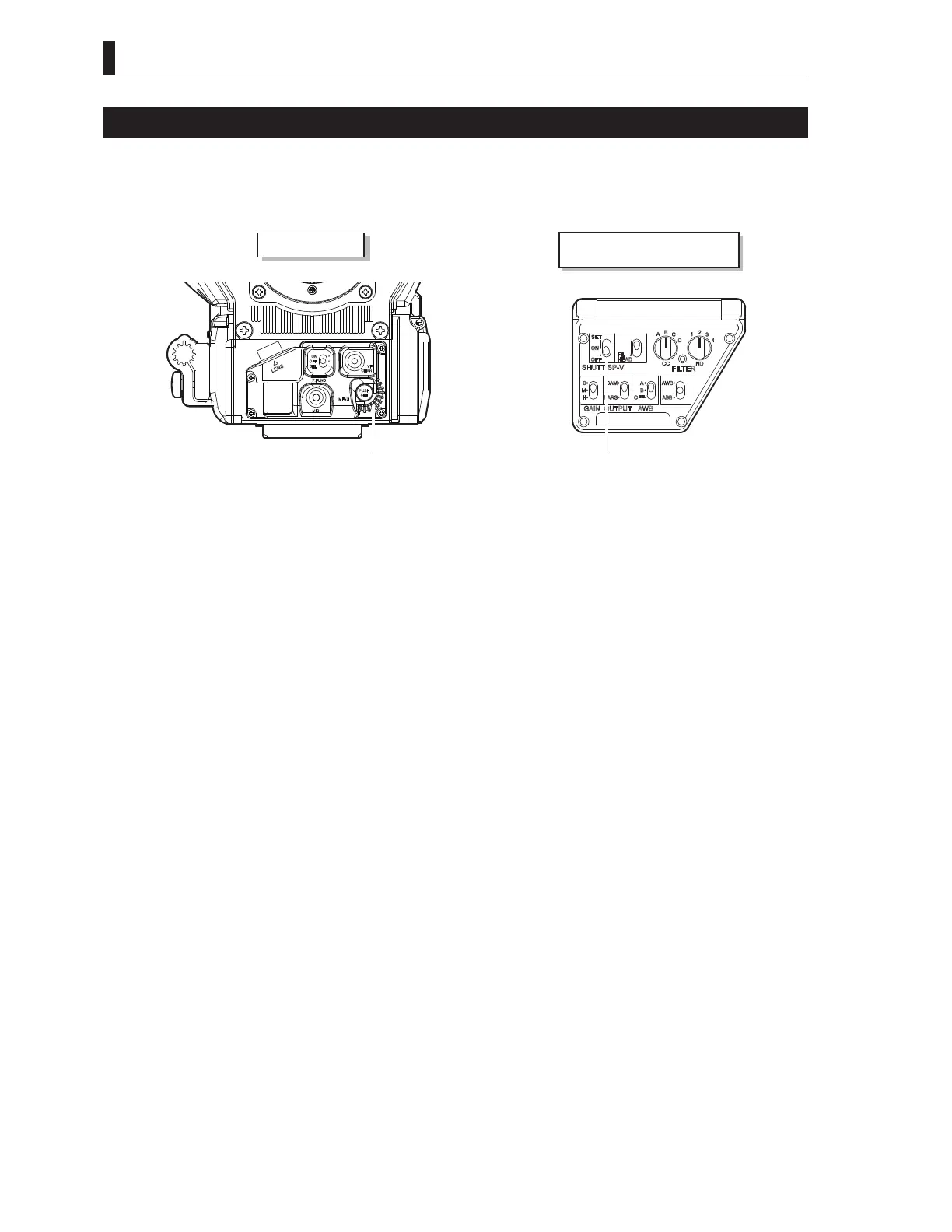
2 Set the SHUTT/SUP-V switch on the right side of the camera to SET.
2QHRIWKHIROORZLQJPRGHVLVGLVSOD\HG
- Preset shutter speed
- Variable shutter speed
- SUPER-V
Note:
Each time the SHUTT/SUP-V switch is pressed to the SET position, the mode switches are in the order of preset shutter,
variable shutter and SUPER-V.
3 Select "SUPER-V."
Note:
7KHÀDVKLQJVWRSVDXWRPDWLFDOO\LQDSSUR[LPDWHO\VHFRQGVDIWHUWKHVHWWLQJRSHUDWLRQHQGV
4 Press the SET button.
■
To Cancel the Super-V Function
Set the SHUTT/SUP-V switch to OFF.



 To Next Page