SWIFT K11-EN, Rev.A 10
3. Product outline
3.1 Function buttons
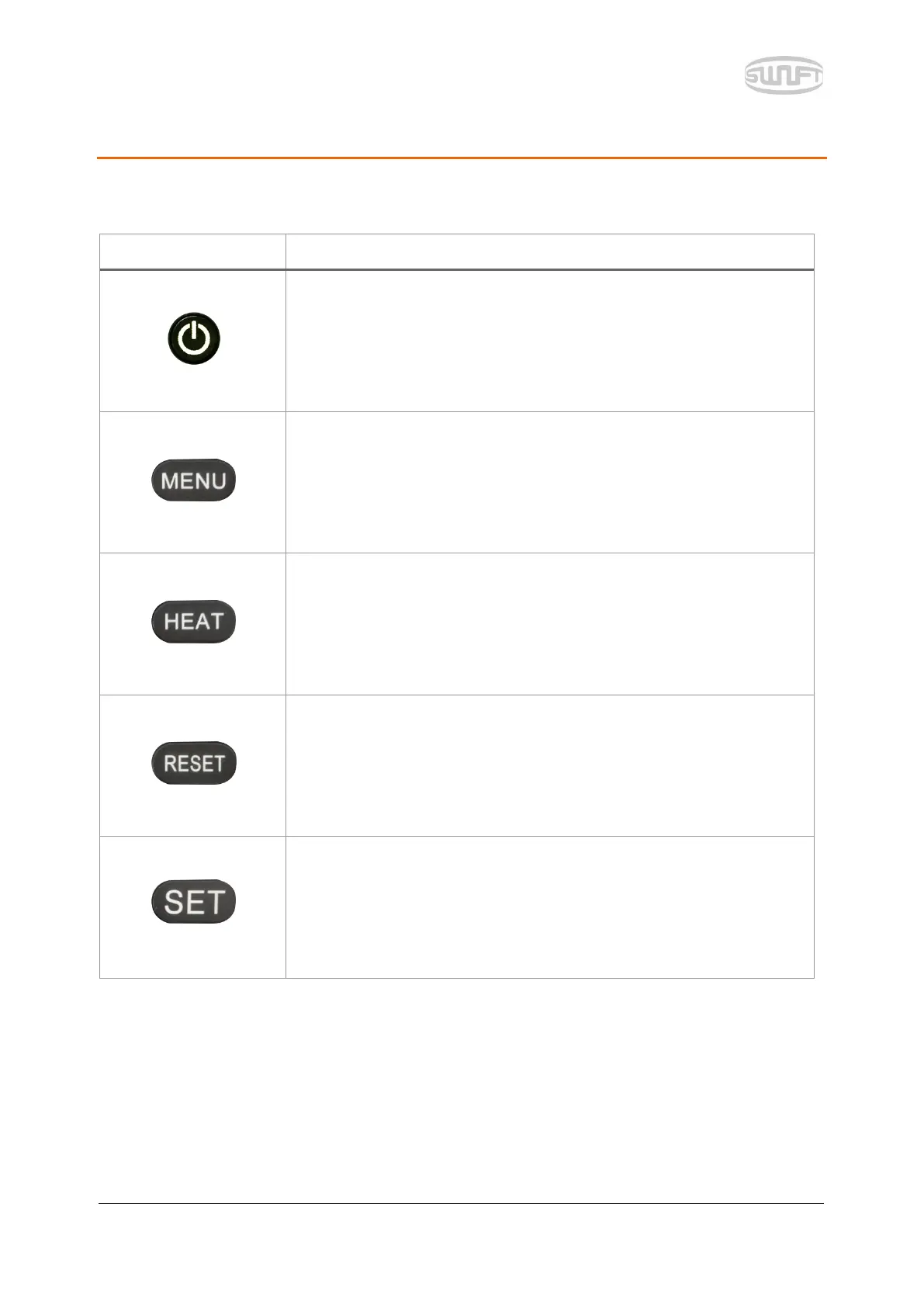
Press about for 1 second to turn the power ON/OFF.
Press about for 1 second when power is on and the LCD monitor is
turned off and so is power after 2~3 seconds.
Key to load menu screen
It switches to splice screen. Every time it is pressed, it switches to X
screen, Y screen and X, Y sync screen.
It operates sleeve heater.
When it is ON, the lamp on the left is turned on red.
Press once more when it is ON and the heater is turned off.
It goes back go initial screen. It initializes splice function.
Key for splice executive command


 To Next Page