SWIFT K11-EN, Rev.A 72
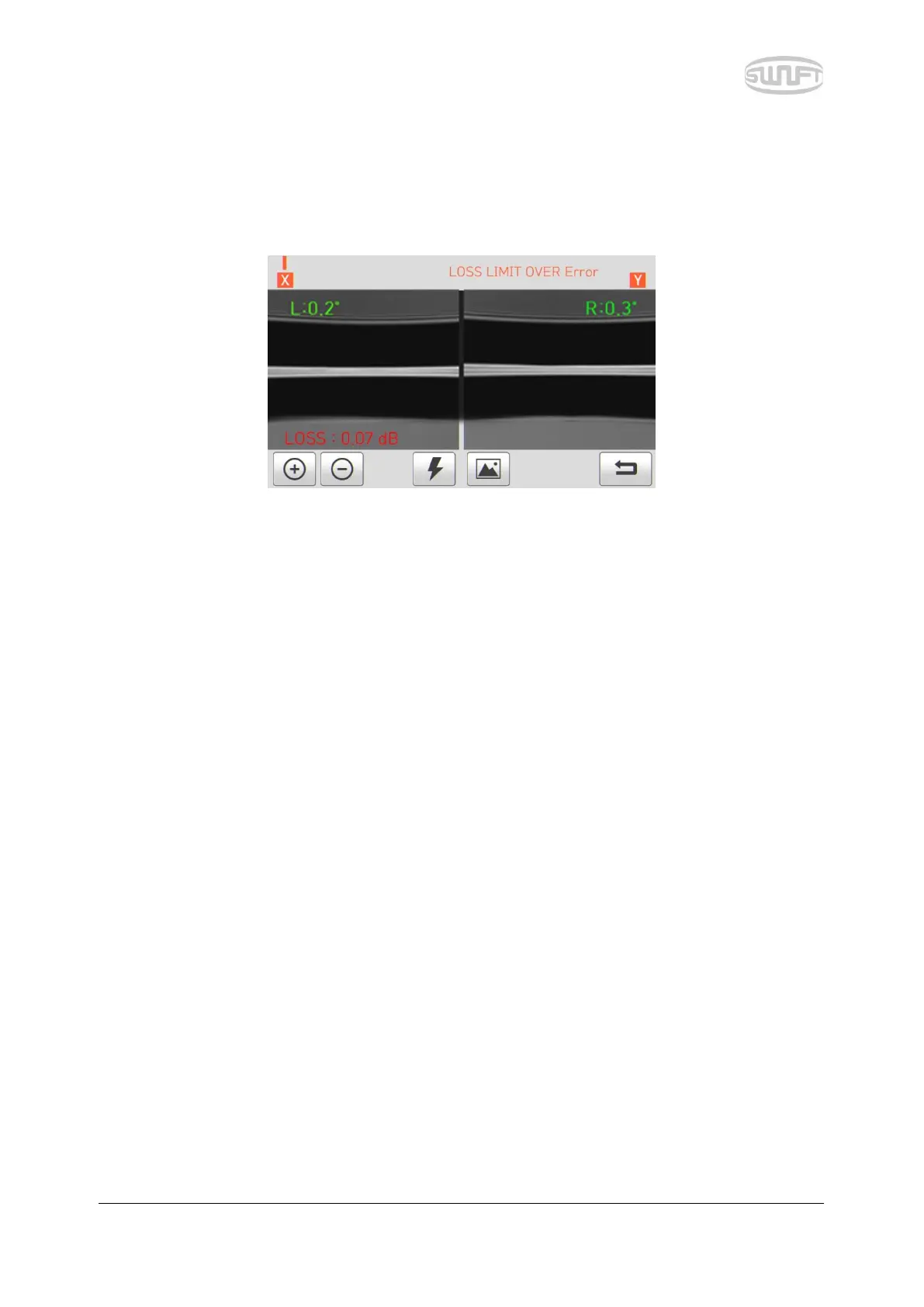
7.5 Loss is big.
It is an error message generated when estimated loss value is bigger than the preset loss factor
limit.
Solution: Check the loss factor limit.
7.6 Optical fiber is thin.
It is an error message generated when optical fiber sealing part becomes thinner than the standard
after sealing.
Solution: Make adjustment to shorten the pulling length of pulling splice. Check whether
discharge amount or discharge time is set as too big or too long respectively.
7.7 Optical fiber is thick.
It is an error message generated when optical fiber sealing part becomes thicker than the standard
after sealing.
Solution: Reduce the overlap set value. Check whether discharge amount or discharge
time is set as too small or too short respectively.
7.8 Bubble being generated
It is an error message generated when there are bubbles or spots being generated on optical fiber
sealing part after sealing.
Solution: Examine the optical fiber cutter. Clean the V-Groove. Examine the electrode.
7.9 Error on cut surface on left, right or both
It is an error message generated when the cut surface of optical fiber is of poor quality.
Solution: Check the state of optical fiber cutter. Cut the optical fiber yet again.



 To Next Page