SWIFT K11-EN, Rev.A 20
4.7 Installing optical fiber to sealer
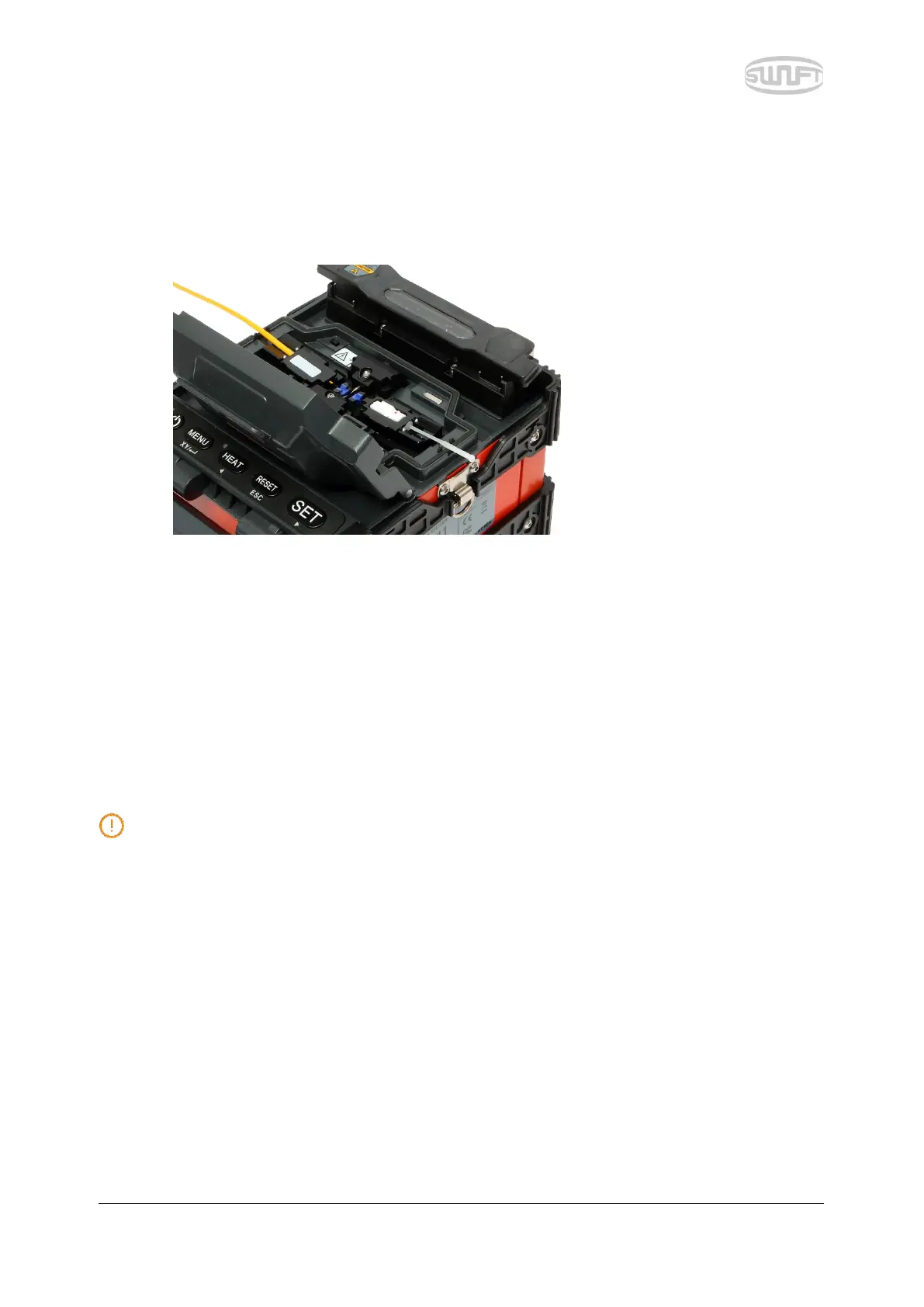
i. Open the windbreak cover and optical fiber clamp.
ii. Put optical fiber between V-Groove and electrode. Be careful not to make the tip of
prepared optical fiber bump against other objects.
iii. Fix the optical fiber with hands to prevent its move and close the clamp with care.
iv. Install the optical fiber on the opposite side in the same way.
v. Close the windbreak cover with care.
The better the optical fiber is installed at a proper location, the shorter it takes for arrayal.


 To Next Page