/ /
Manual Page 105
D.1 The ScanWizard User Interface
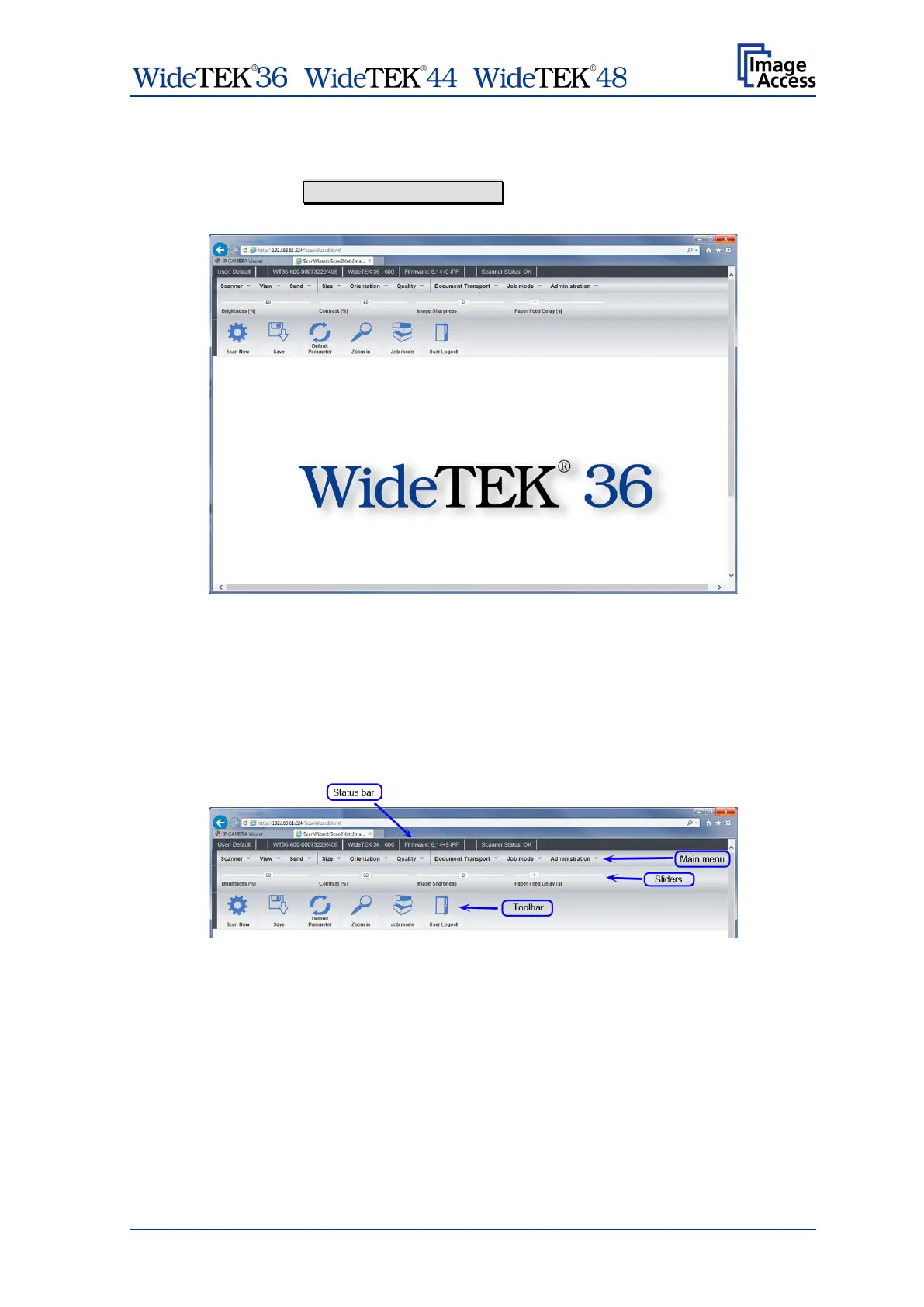
After pressing the Launch Scan Application button the browser will show the
ScanWizard interface.
Picture 115: ScanWizard interface
You can bookmark the address of the ScanWizard interface in your browser for easy
access later.
ScanWizard is a function rich software which allows the user configuring and operating
the scanner easily without any additional software.
Even advanced functionality such as job management and color profiling are available in
ScanWizard.
Picture 116: ScanWizard interface layout
Using the four toolbars shown in Picture 116, the user
• selects the scanning parameters and scans,
• manipulates the images without having to rescan,
• processes large volume jobs or saves individual images to the destination of their
choice.


 To Next Page
 Loading...






